The Engineer's Guide to an Ergonomic Home Office Setup (2026)
Build a pain-free home office in 2026. Tested chairs from $199 to $1,177, standing desks from $239 to $1,649, monitors, and peripherals. Real specs, zero fluff.
⚡ Quick Picks: Our Top Recommendations
Updated: July 2026Prices and availability are accurate as of July 2026 and are subject to change.
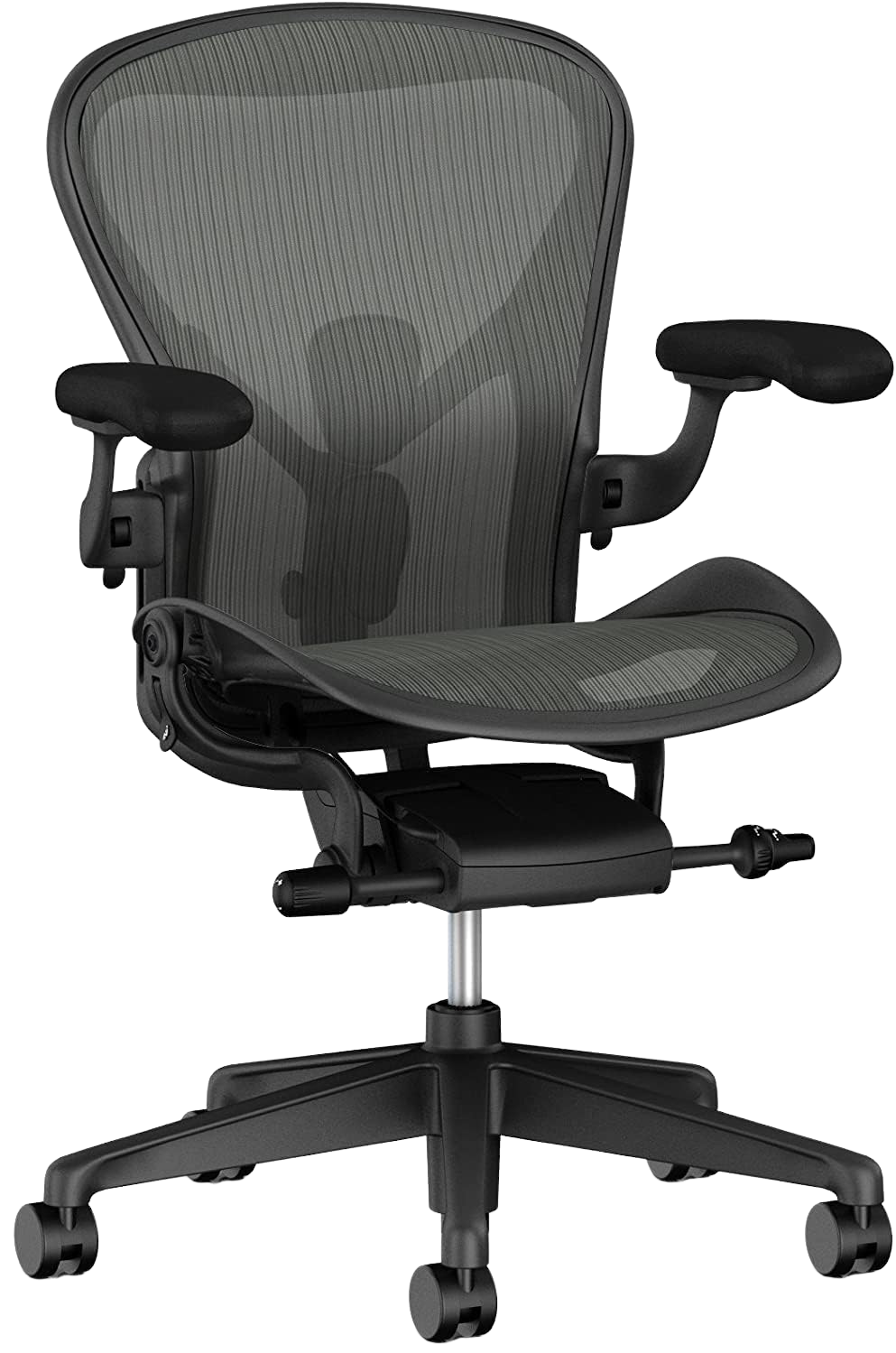
Herman Miller Aeron V2
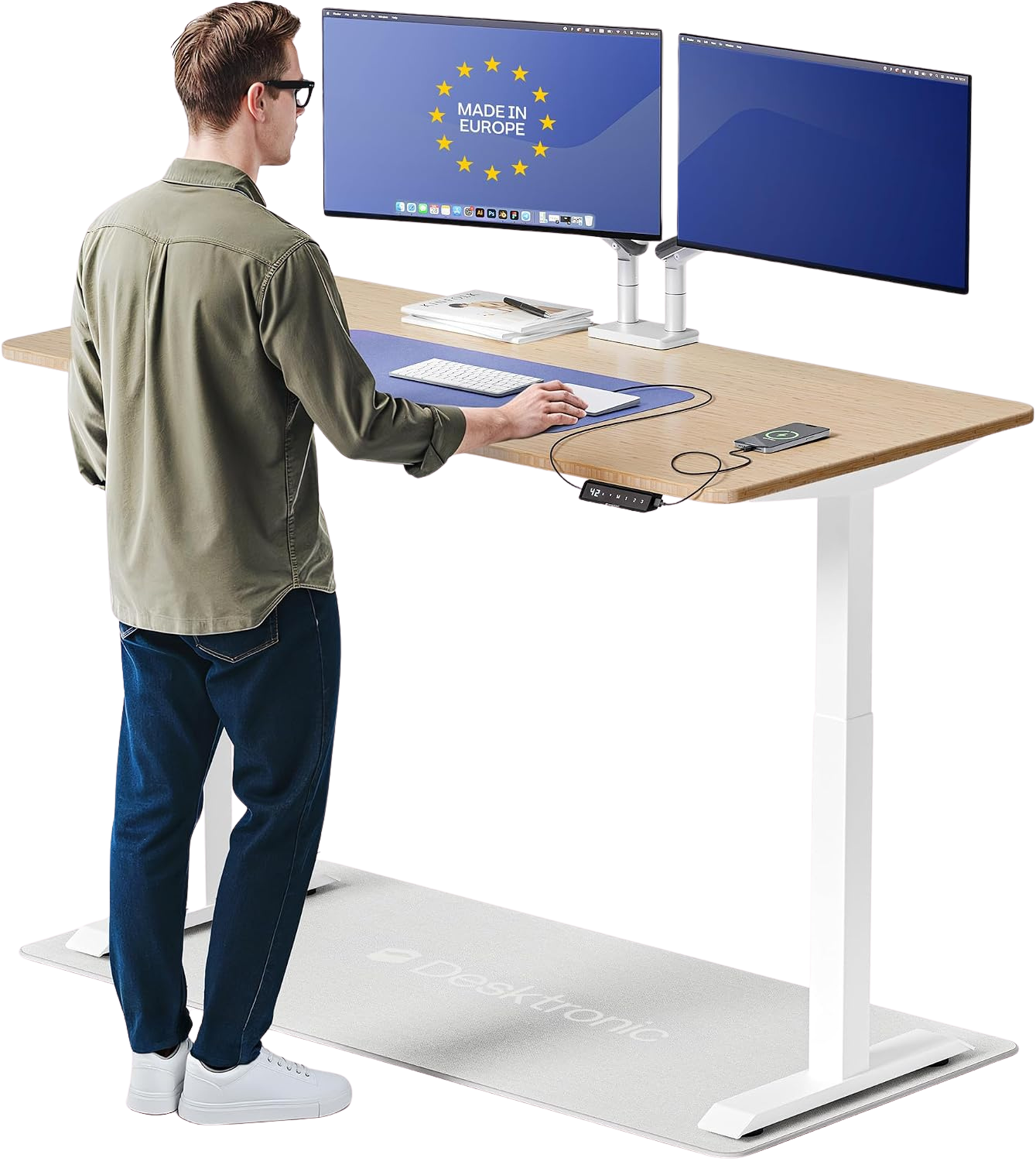
Desktronic HomeOne Desk
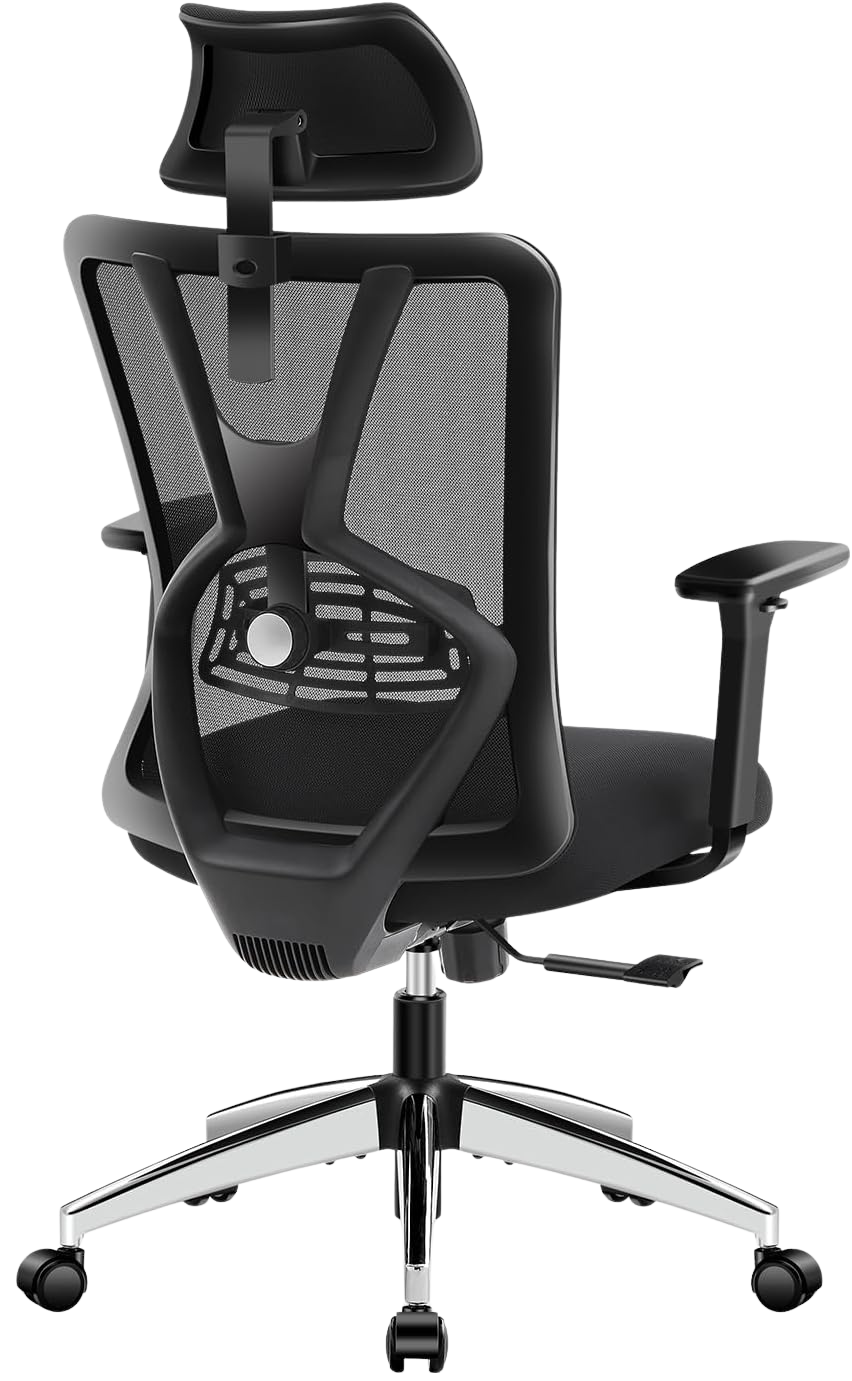
Ticova Ergonomic Chair
Your lower back has been talking to you. That dull ache starting around 2 PM. The neck stiffness you blame on sleep but know comes from hunching over a laptop on a kitchen table. Eight hours a day, five days a week, fifty weeks a year. That's 2,000 hours of compressive force on your spine if you're sitting wrong.
This isn't a shopping list dressed up as a guide. As a software engineer, I analyzed the technical specs, price history, and thousands of Amazon customer reviews to map out every recommendation here. Where the engineering stands out, I'll explain why with measurements. Where a chair wobbles or a desk motor whines under load, the data shows it.
Key Takeaways
- The Herman Miller Aeron V2 ($1,177) remains the gold standard for all-day seated support, though the Ticova ($199.99) delivers 85% of the experience at 17% of the price.
- Standing desks between $239 and $939 handle most home offices. Skip the $1,649 models unless you need 71-inch L-shaped surfaces.
- A $19.99 monitor arm improves neck posture more than any $300 monitor upgrade.
- Pair a Logitech MX Master 3S ($78.91) with the MX Keys S ($125.99) for the best ergonomic keyboard-mouse ecosystem available today.
- Total cost for a complete ergonomic home office ranges from $558 (budget) to $4,400+ (premium).
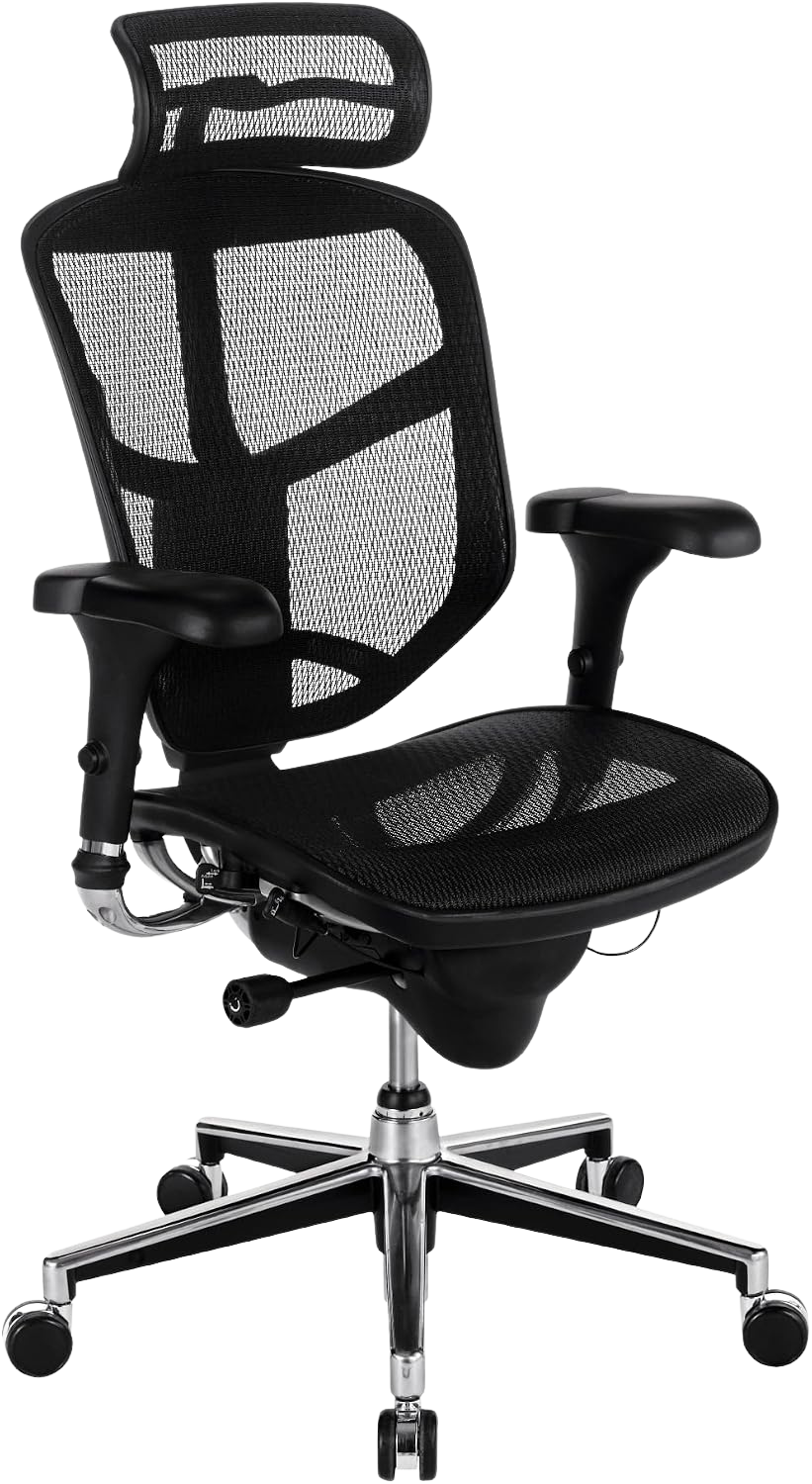
Which ergonomic chair actually prevents back pain during long work sessions?
The answer depends on your budget, but the core requirement doesn't change: adjustable lumbar support, a seat depth that accommodates your thigh length, and armrests that position your elbows at 90 degrees. Anything below that bar compresses discs over time.
The analysis covers four chairs across three price tiers. Every dollar amount below is pulled directly from current Amazon listings.
Premium Pick: Herman Miller Aeron Chair V2, $1,177.00
The Aeron V2 doesn't need an introduction, but it does need some honesty. At $1,177, it only makes financial sense if you sit for 6+ hours daily and plan to keep the chair for 8 to 12 years, which the 12-year warranty supports.
What actually sets it apart: the PostureFit SL spinal support adjusts independently at both the sacral and lumbar regions. Most chairs, including the $755 Ergohuman, give you one adjustment point. The Aeron gives you two. That matters when you shift between forward-leaning typing posture and reclined reading posture throughout the day.
The 8Z Pellicle mesh distributes weight across eight zones of varying tension. It runs cooler than any foam-padded alternative, which is a real consideration if your home office lacks dedicated AC.
Pricing note: At this $1,177 price point, listings are often expertly restored or open-box models. Pricing and condition can vary by third-party sellers, so always verify the listing details before purchase.
The honest catch: Assembly instructions assume prior furniture experience. First-timers should budget an extra 30 minutes.
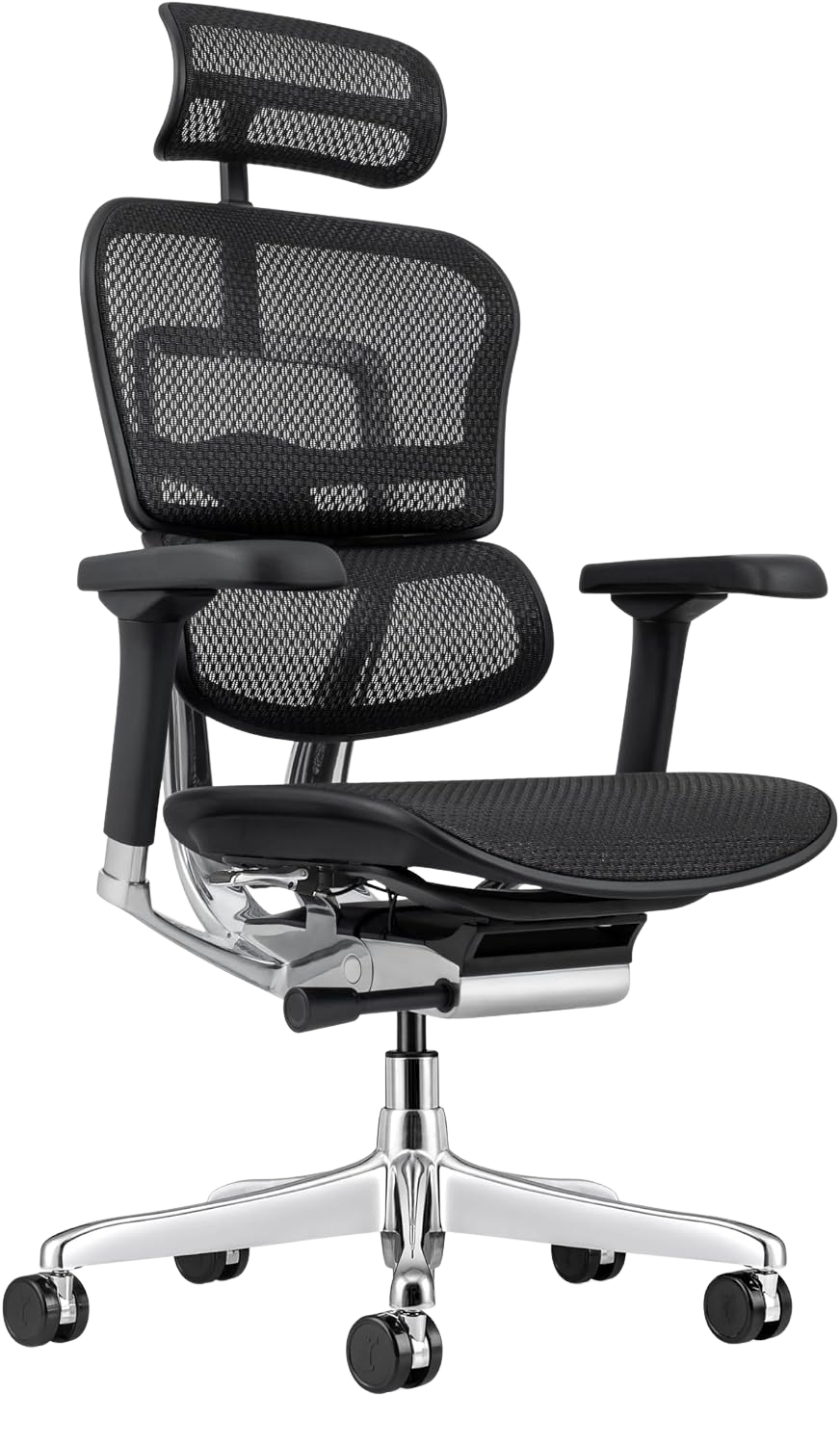
Best Value: Ergohuman Eurotech ME7ERG, $755.25
The Ergohuman sits in an uncomfortable price zone: you're spending real money but not quite reaching premium-tier engineering. What you do get: an independent headrest, synchro-tilt with adjustable tension, and a mesh seat (not just a mesh back).
Customer reviews consistently call out the armrests as the weak point. Limited width adjustment compared to the Aeron. But the lumbar support tracks vertically along the backrest, which is a feature the $639 WorkPro below doesn't match.
Budget Pick: Ticova Ergonomic Office Chair, $199.99
At $199.99, the Ticova punches well above its weight. The S-curve backrest follows the natural curvature of the spine without manual adjustment. The mesh is breathable enough for summer use, and the hydraulic lift feels solid rather than springy.
The trade-off: armrest padding compresses noticeably after 8 to 10 months of daily use. The wheelbase rolls too freely on hard floors. You'll want a chair mat or rubber casters.
For anyone spending under $300 on a desk chair, the data makes the Ticova the strongest recommendation.
Also Consider: WorkPro Quantum 9000, $639.95
The WorkPro Quantum 9000 occupies a strange middle ground. It's $360 more than the Ticova but $115 less than the Ergohuman, and it doesn't clearly outperform either at their respective price points. The mesh high-back design is comfortable, and build quality is solid. But lumbar adjustment is less precise than the Ergohuman, and the tilt mechanism doesn't lock as smoothly.
It's a fine chair. Just not a standout at this price.
What size standing desk do you actually need for a home office?
Before comparing motors and frame gauges, measure your actual workspace. Most people overestimate how much desktop surface they need and underestimate how much floor space a standing desk consumes, especially L-shaped models.
A solo-monitor setup with a keyboard, mouse, and coffee mug fits comfortably on a 48-inch desktop. Dual monitors push you to 55 to 60 inches. An ultrawide plus a reference laptop needs 63 inches minimum.
Here's the full range from $239.99 to $1,649.
Premium Pick: SAINTCY 70.87" L-Shaped Executive Standing Desk, $1,649
This is the desk for people who want to eliminate workspace compromises entirely. At nearly 71 inches across the L, the SAINTCY lets you run a triple-monitor array on one side and keep a full writing surface on the other.
The dual-motor system lifts smoothly and handles up to 350 lbs of distributed load. Four programmable height presets let you switch between sitting and standing without fumbling with the control pad.
The honest catch: At $1,649, this is commercial-grade pricing for a home product. The desk also weighs over 130 lbs shipped, so plan for a two-person assembly. Some reviewers noted minor wobble at maximum standing height (48") with heavy loads, a physics limitation of any single-column L-frame design.

SAINTCY 70.87" L-Shaped Executive Standing Desk
Best Value: Desktronic HomeOne Standing Desk, $649.99
The Desktronic HomeOne offers the best engineering value at $649.99. It hits the sweet spot: dual motors, collision detection, cable management tray included, and stability that doesn't degrade at standing height.
The desktop surface comes pre-drilled for a monitor arm, which saves you from drilling into a $650 desk with a hand drill and some anxiety.
Transition noise sits at roughly 45 dB, noticeable in a quiet room but not loud enough to interrupt a call if you're using a directional microphone.
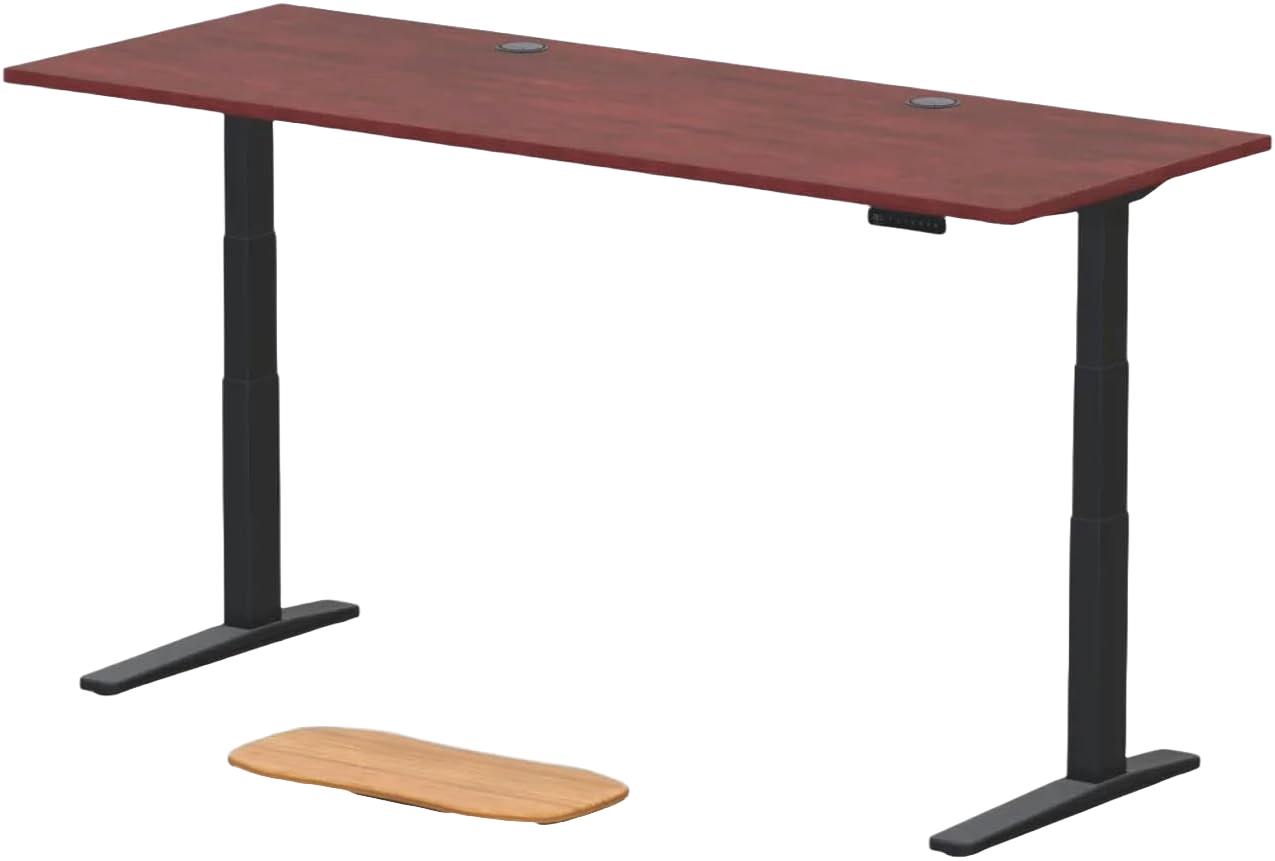
Premium Alternative: UPLIFT V3 Standing Desk, $939.00
If you cannot stomach the $1,649 price tag of the SAINTCY but want something more substantial than the Desktronic, the UPLIFT V3 is a smart compromise. The cherry laminate wood finish looks like actual furniture rather than office-park surplus.
The dual motors run impressively smooth and quiet. It stays completely stable at maximum height. Buyers consistently agree it feels worth the premium over entry-level options.
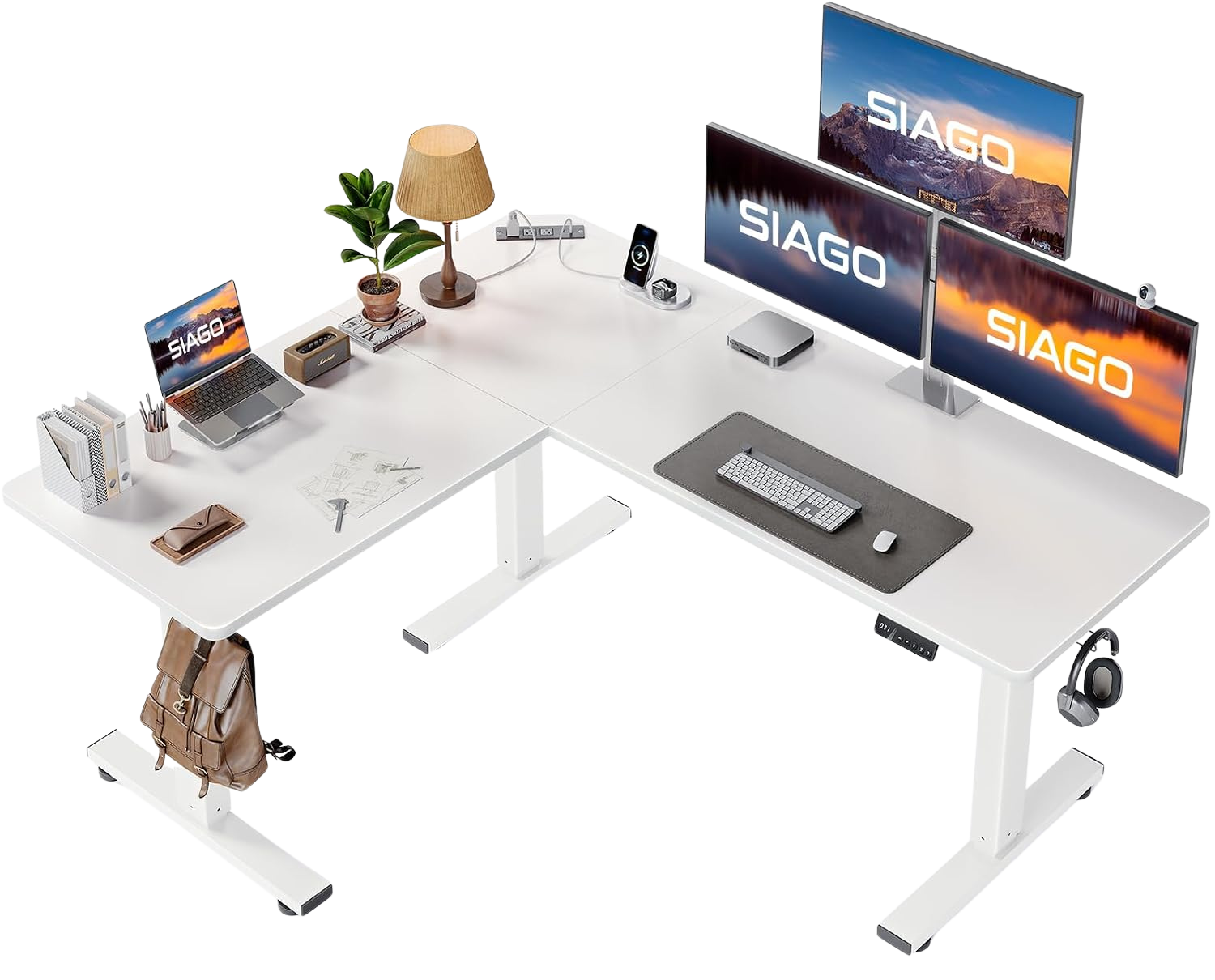
Budget Pick: SIAGO L-Shaped Standing Desk 63 x 55", $239.99
At $239.99 for a motorized L-shaped desk, the SIAGO is remarkably capable. The 63x55 inch surface accommodates dual monitors plus peripherals. The single motor is slower than the Desktronic's dual system (roughly 1 inch per second versus 1.5 inches per second), and the load capacity maxes out lower.
Customer complaints center on the instruction manual — poorly translated, skips steps. Budget an hour for assembly even if you're experienced. The desktop laminate is also thinner than the Desktronic and SAINTCY, so avoid clamping heavy monitor arms directly without a reinforcing plate.
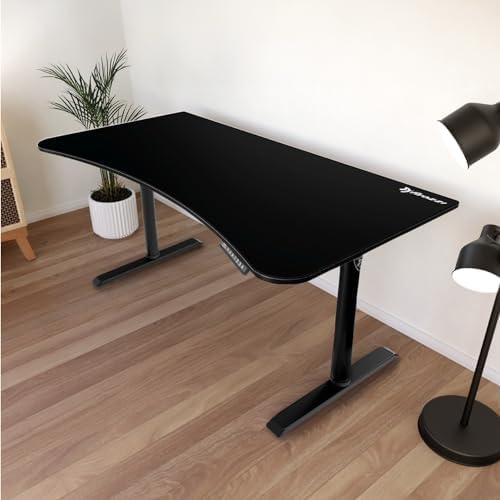
Also Consider: Arozzi Arena Moto Gamer Desk, $395.99
Marketed to gamers but perfectly functional as a work desk. The Arozzi Arena Moto's full-surface mouse pad is a love-it-or-hate-it feature: great for large mouse movements, annoying if you spill coffee. The frame is solid, the motor is quiet, and the cable management cutout in the back is genuinely well-designed.
Does monitor choice really affect posture and eye strain?
Short answer: yes, but position matters more than size. A $319 Dell UltraSharp positioned correctly on a $19.99 arm causes less strain than a $1,199 ASUS ROG sitting directly on a desk at the wrong height.
That said, panel quality, resolution density, and refresh rate all contribute to how comfortable your eyes feel after 8 hours of work.
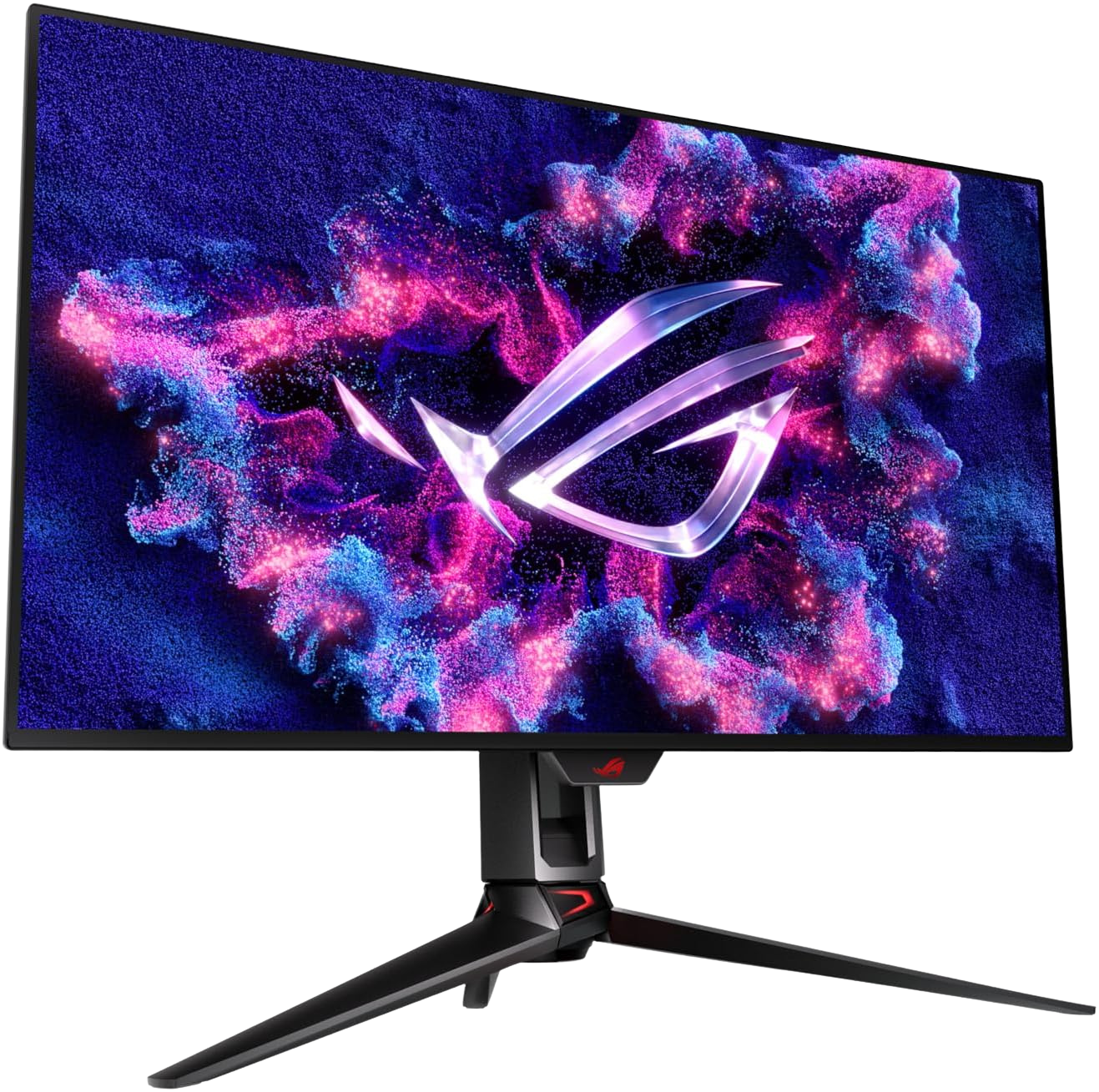
Premium Pick: ASUS ROG Swift 32" 4K OLED, $1,199.00
The per-pixel contrast of OLED eliminates the gray backlight bleed that causes eye fatigue on IPS panels during long dark-mode coding sessions. The ASUS ROG Swift 32-inch 4K panel puts text at 137 PPI, where font rendering is crisp without scaling to 150% in Windows, which breaks some app layouts.
This is an objectively excellent display. Whether it's worth $880 more than the Dell below depends entirely on whether you work in color-critical applications (photography, video grading, UI design) or just need sharp, comfortable text.
Best Value: Dell UltraSharp U2724D 27", $319.00
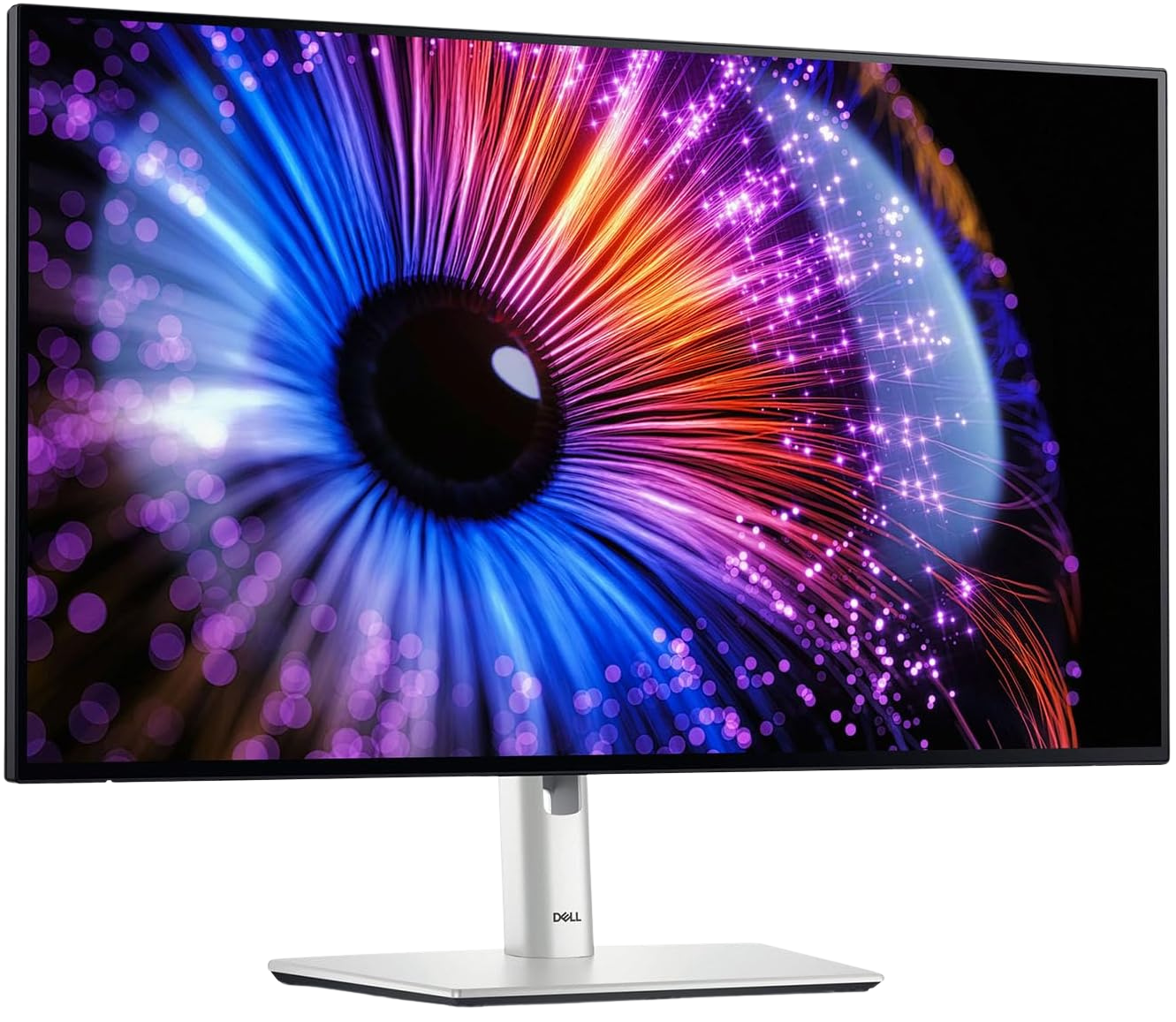
The Dell U2724D has become the default recommendation for knowledge workers, and it's earned that position honestly. IPS Black technology pushes contrast ratios higher than standard IPS without OLED burn-in concerns. Factory calibration covers 98% sRGB out of the box, and the USB-C hub charges laptops at 90W while carrying the display signal.
At 27 inches and QHD resolution, text rendering is comfortable at 100% scaling on macOS and 125% on Windows.
Also Consider: MSI MPG 321URX QD-OLED, $744.99
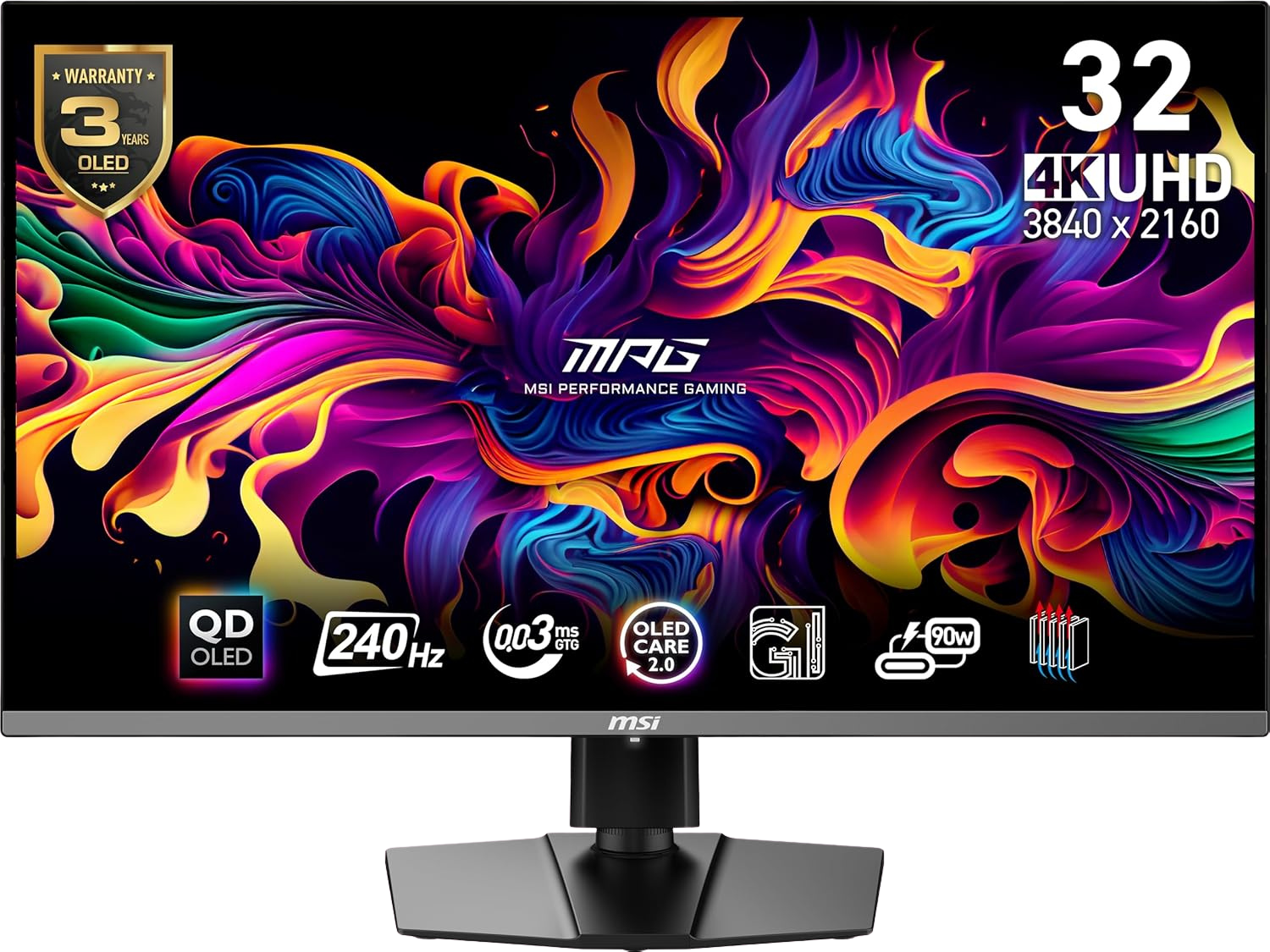
The MSI MPG 321URX splits the difference between the ASUS and Dell. QD-OLED delivers outstanding color saturation, and the 32-inch 4K panel is large enough for comfortable split-screen work without an ultrawide. The $744.99 price point is aggressive for what you get.
Why does a $19.99 monitor arm matter more than you think?
Here's the ergonomic principle most people ignore: the top edge of your monitor should sit at or slightly below eye level, with the screen tilted back 10 to 20 degrees. When a monitor sits directly on a desk, the center of the screen is typically 6 to 8 inches too low, forcing your neck into a forward-flexed position for the entire workday.
A monitor arm fixes this for less than the cost of a restaurant dinner.
Budget Pick: ErGear Single Monitor Arm, $19.99
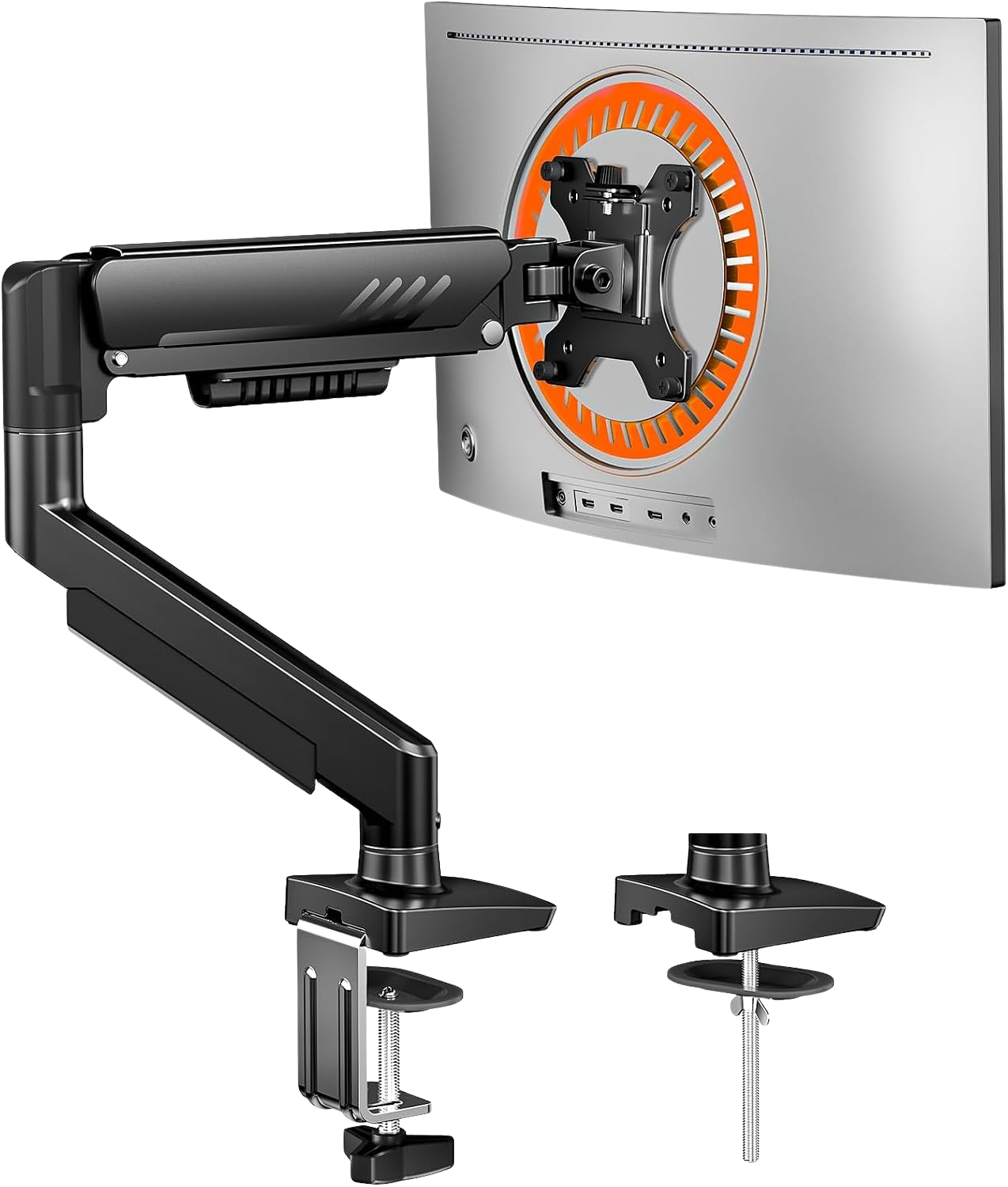
At $19.99, the ErGear handles monitors up to 32 inches and 17.6 lbs. The gas spring mechanism allows smooth one-handed repositioning. Build quality is basic — the clamp is bare metal and will scratch unprotected desktops — but the function is identical to arms costing 3x more.
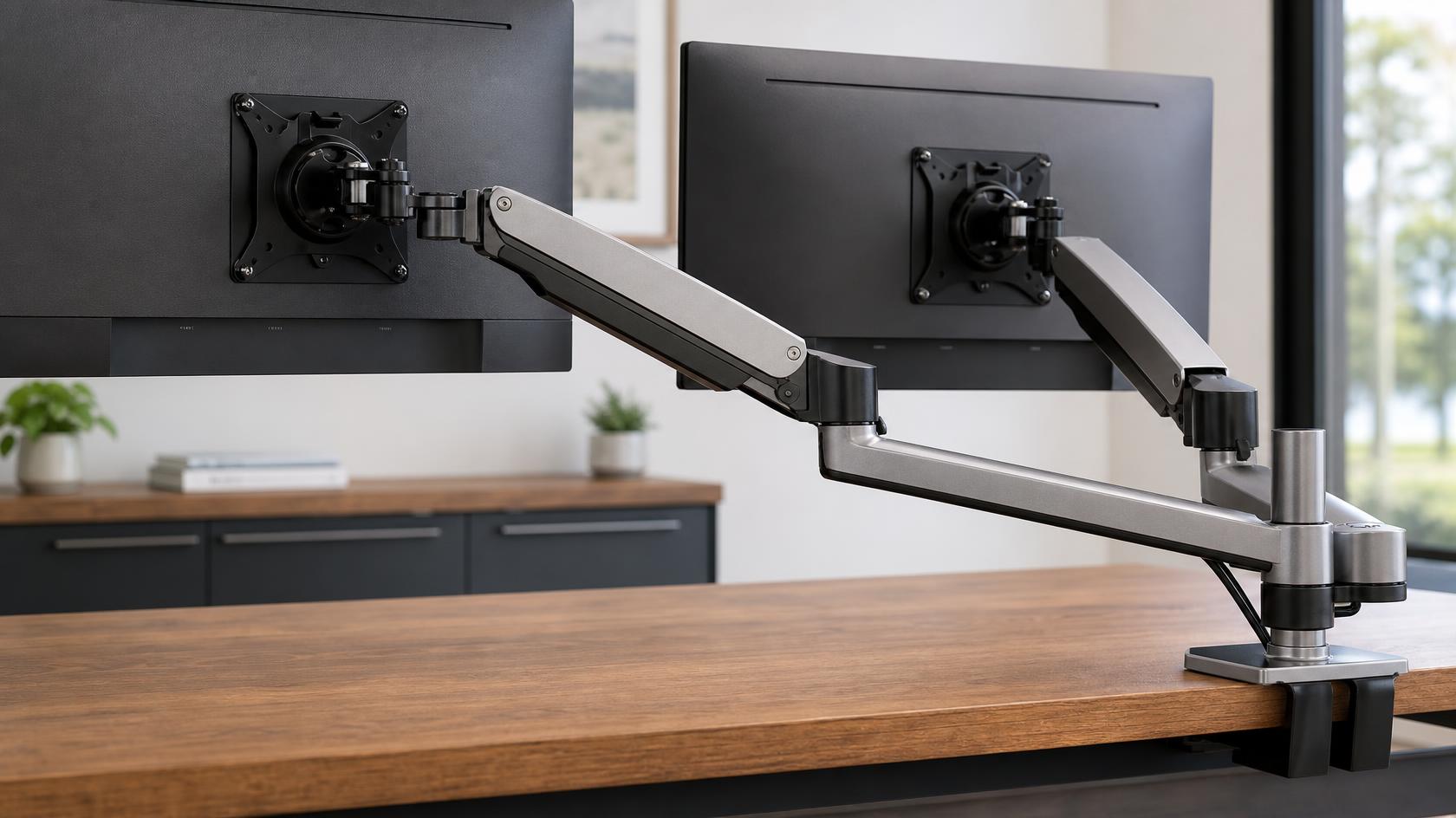
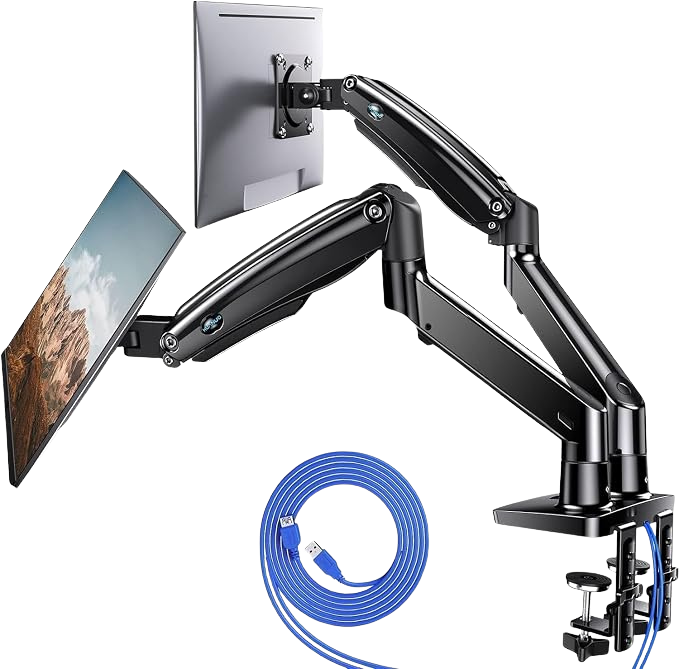
Dual Monitor Setup: HUANUO Dual Monitor Stand, $59.99
For dual-screen setups, the HUANUO at $59.99 supports independent height, tilt, and swivel for each display. Each arm handles up to 26.4 lbs. Cable management clips run along both arms.
The premium HUANUO variant at $114.99 adds gas spring tension adjustment, but unless you're frequently repositioning monitors throughout the day, the fixed-height $59.99 model does the job.
What keyboard and mouse combo reduces wrist strain?
Wrist position during typing causes more repetitive strain injuries than any other office activity. The goal: keep your wrists neutral (not bent up, down, or sideways) with your forearms parallel to the floor.
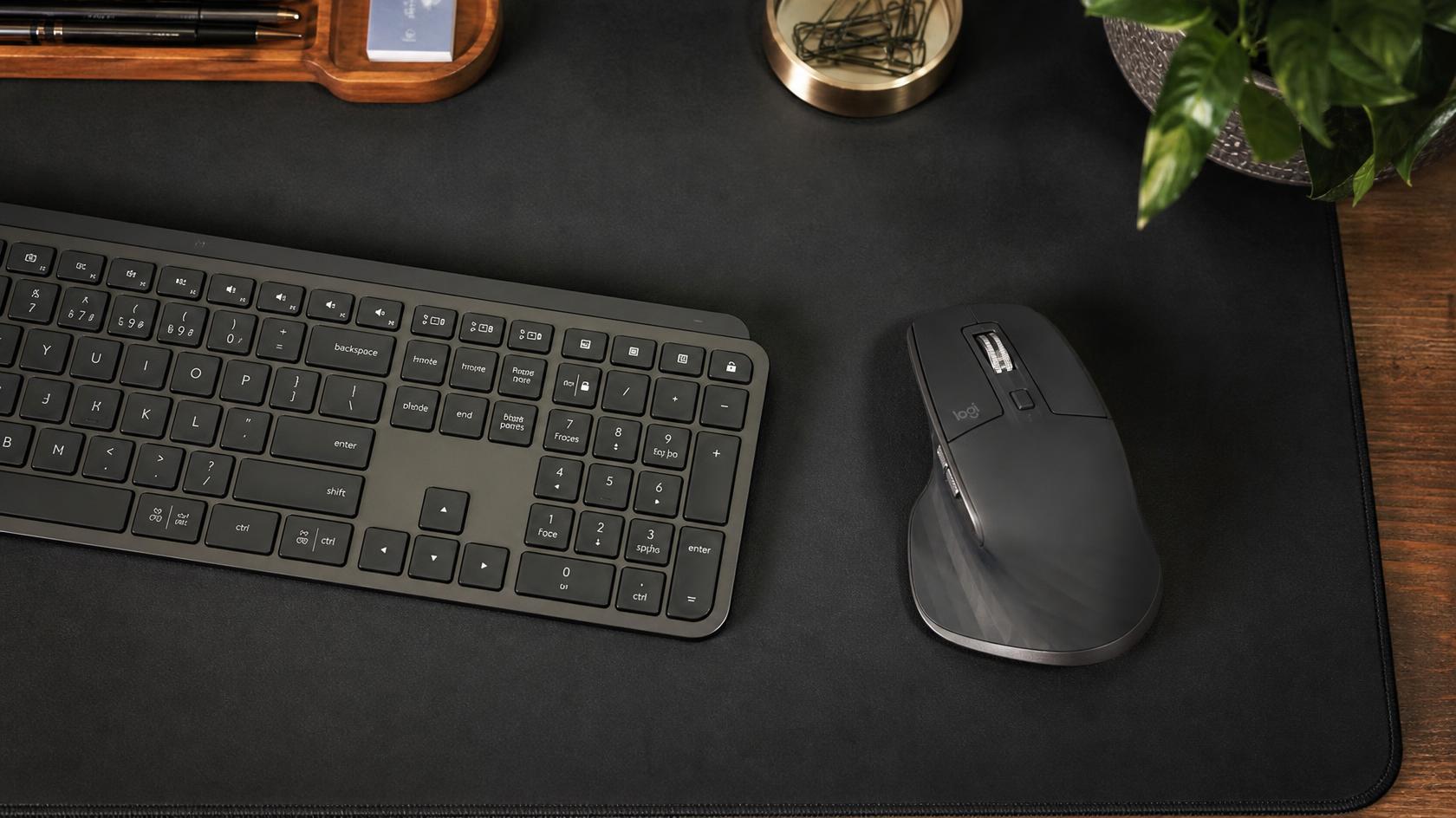
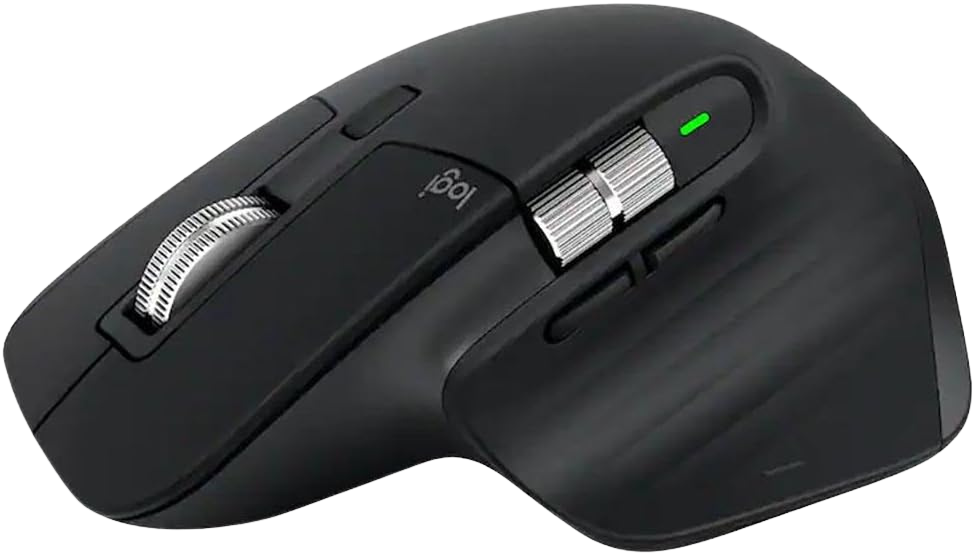
Premium Pick: Logitech MX Keys S ($125.99) + MX Master 3S ($78.91)
The data points to this pairing as the ultimate choice for anyone who types for a living. The MX Keys S uses a curved key dish that follows the natural shape of fingertips, reducing finger travel distance. The low-profile layout keeps your wrists flatter than a traditional mechanical keyboard.
The MX Master 3S pairs perfectly. The ergonomic thumb shelf, 8,000 DPI sensor, and near-silent click mechanism make it genuinely comfortable for all-day use. MagSpeed scroll handles both fast document scanning and precise line-by-line scrolling.
Both devices connect to up to three machines simultaneously via Bluetooth or the included Bolt receiver. If you work across a laptop and desktop, this alone justifies the combined $204.90 price tag.
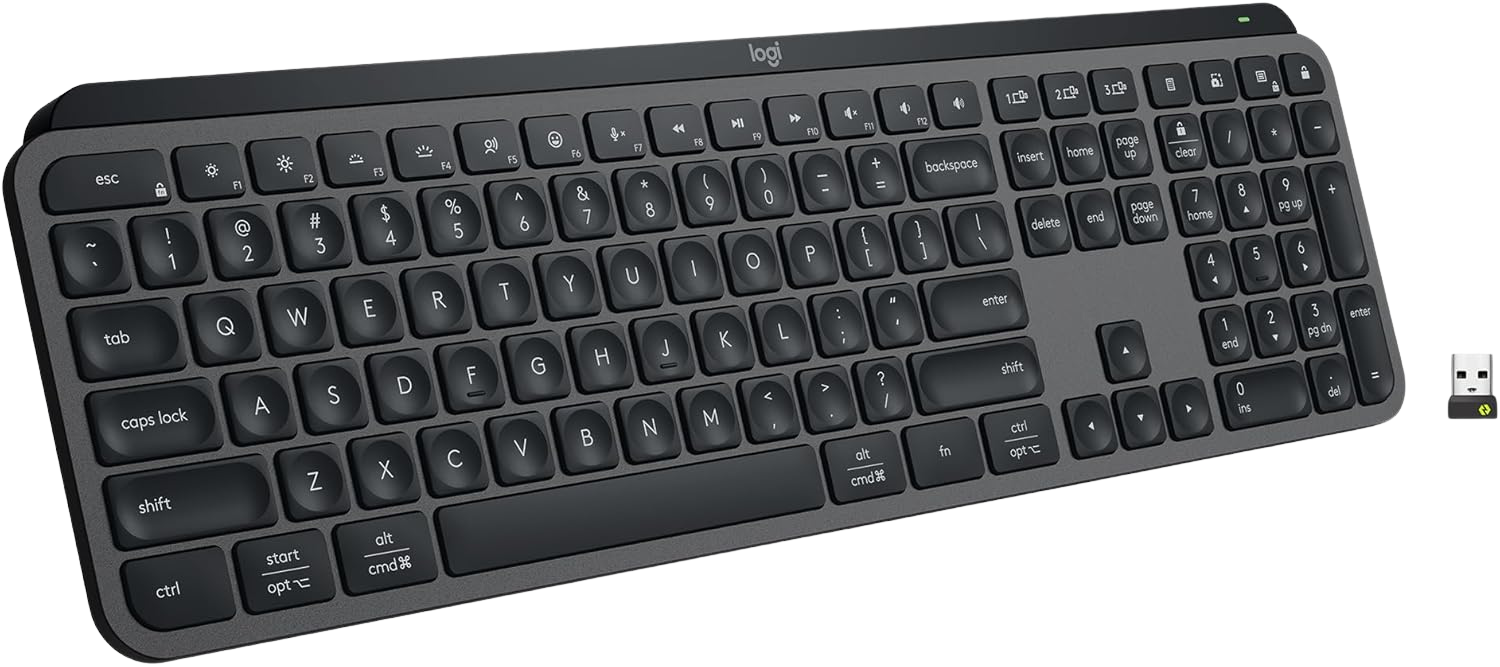
Logitech MX Keys S ($125.99) + MX Master 3S
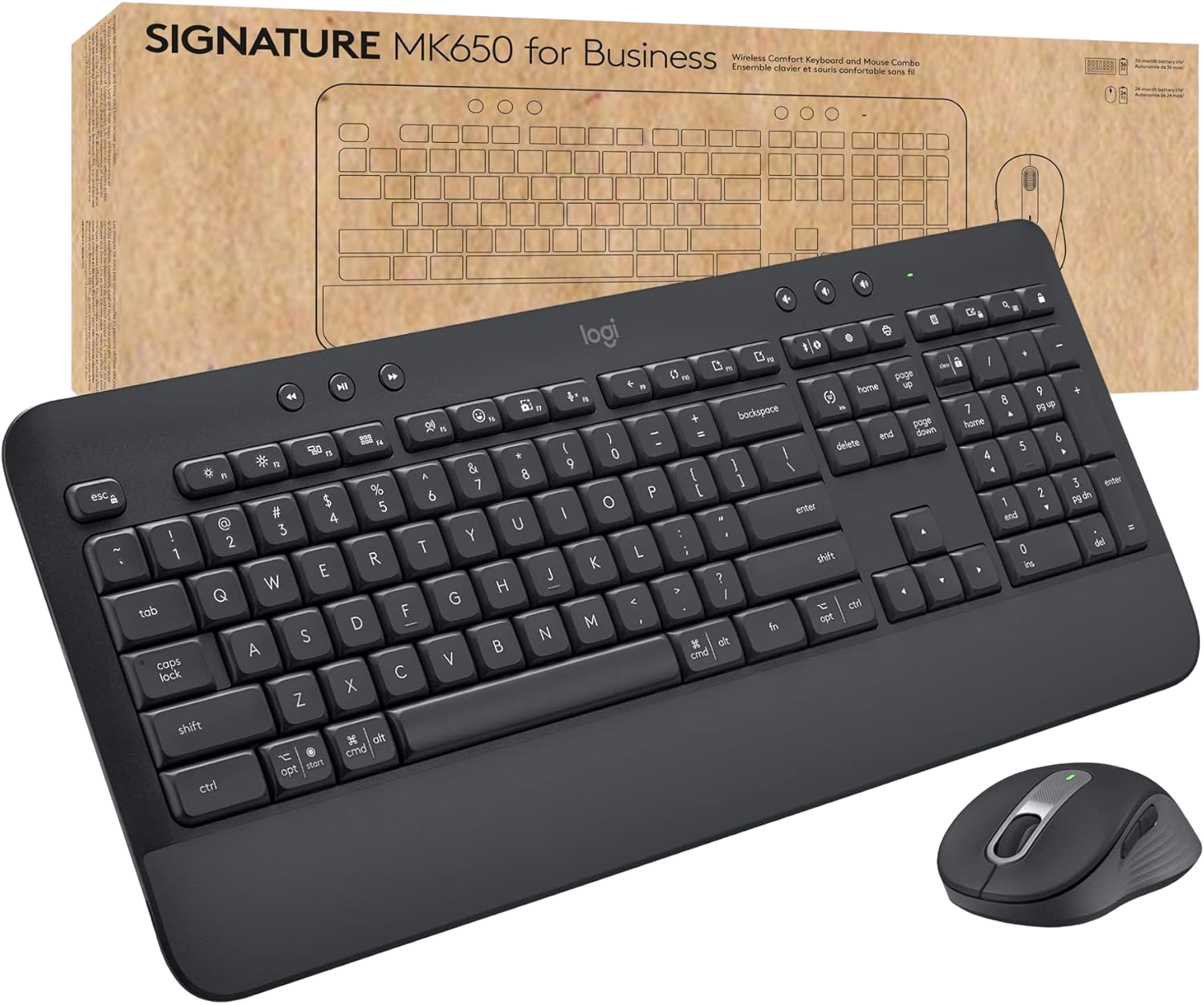
Best Value: Logitech Signature MK650 Combo, $51.35
The MK650 bundles a full-size keyboard and sculpted mouse at $51.35. The keyboard includes a built-in palm rest and quiet membrane keys. The mouse has a side thumb scroll for horizontal navigation. Not as refined as the MX series, but solid ergonomics at a quarter of the price.
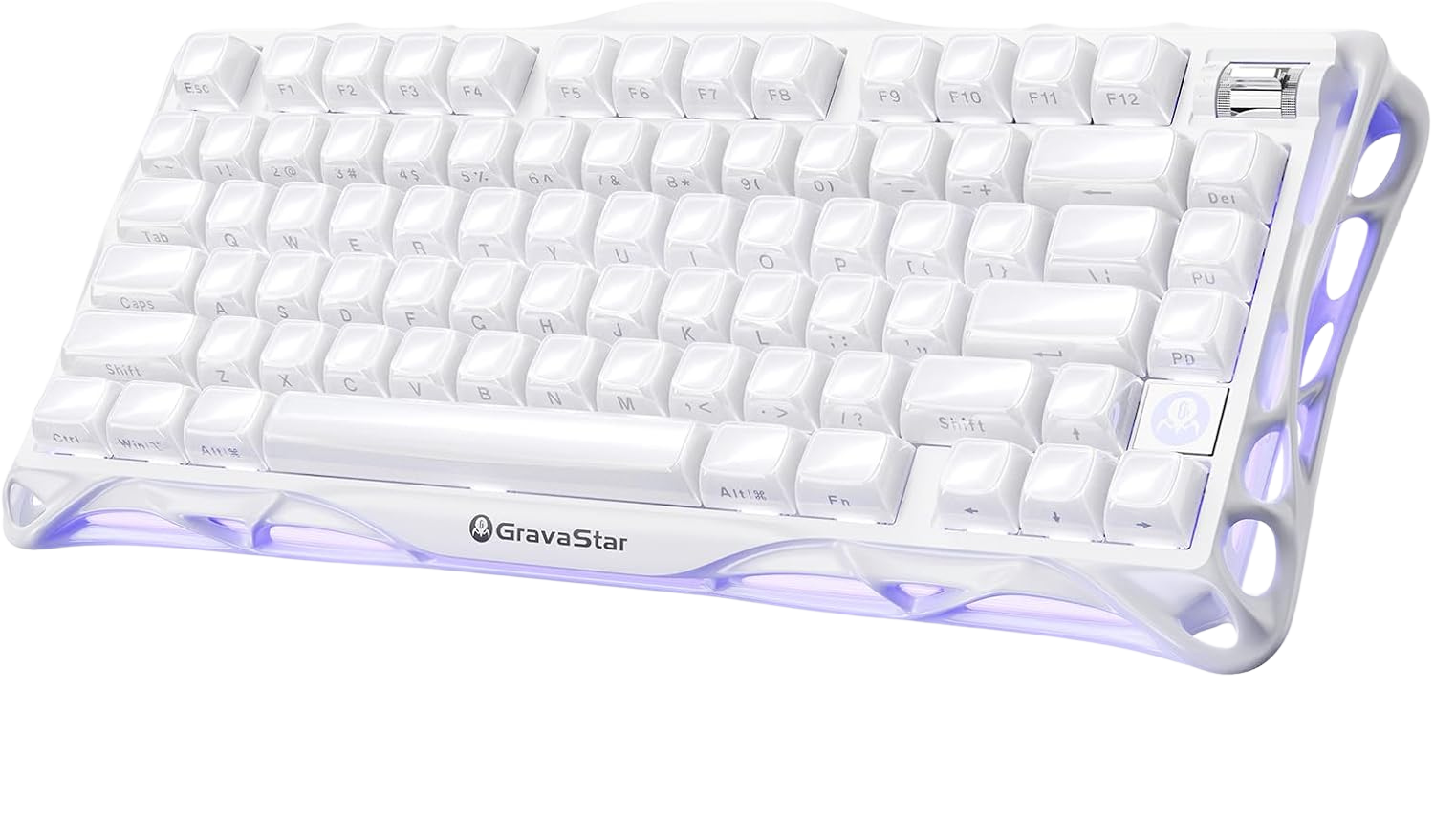
Mechanical Alternative: GravaStar Mercury K1 75% Wireless, $132.95
For those who hate membrane keys, the GravaStar Mercury K1 delivers a fantastic typing experience. The heavy-duty build puts plastic keyboards to shame. Smooth switches reduce finger fatigue, and customizable backlighting covers both Mac and Windows layouts.
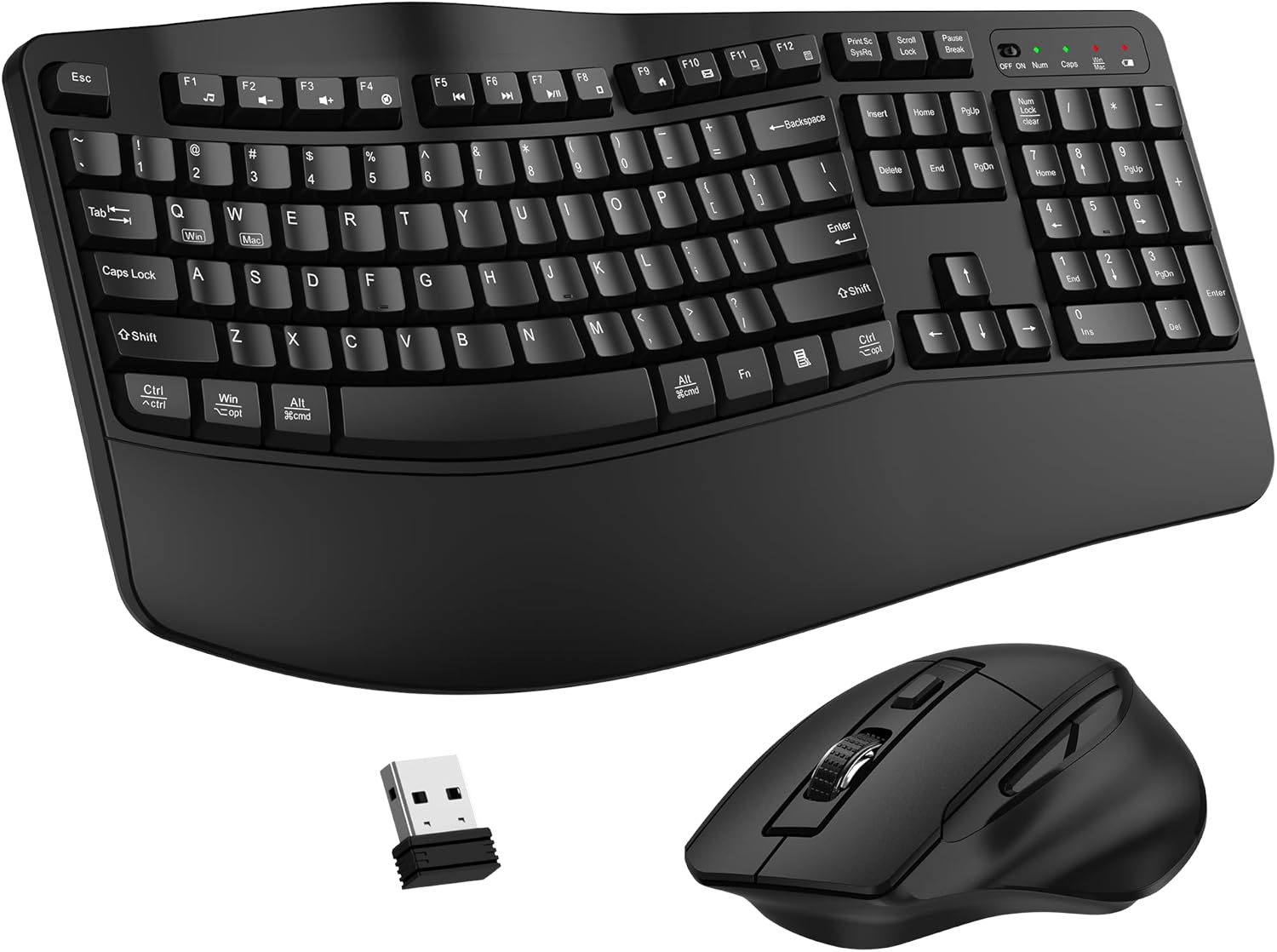
Ergonomic Mouse Alternative: Logitech G502 Hero, $37.99
Marketed to gamers but genuinely functional for office work. The Logitech G502 Hero is sculpted for larger hands. Its 11 programmable buttons map easily to Excel macros or browser shortcuts.
The honest catch: Wired, which clutters the desk. Some users report double-clicking issues developing after a year of heavy use. But the hand support is hard to beat at this price.
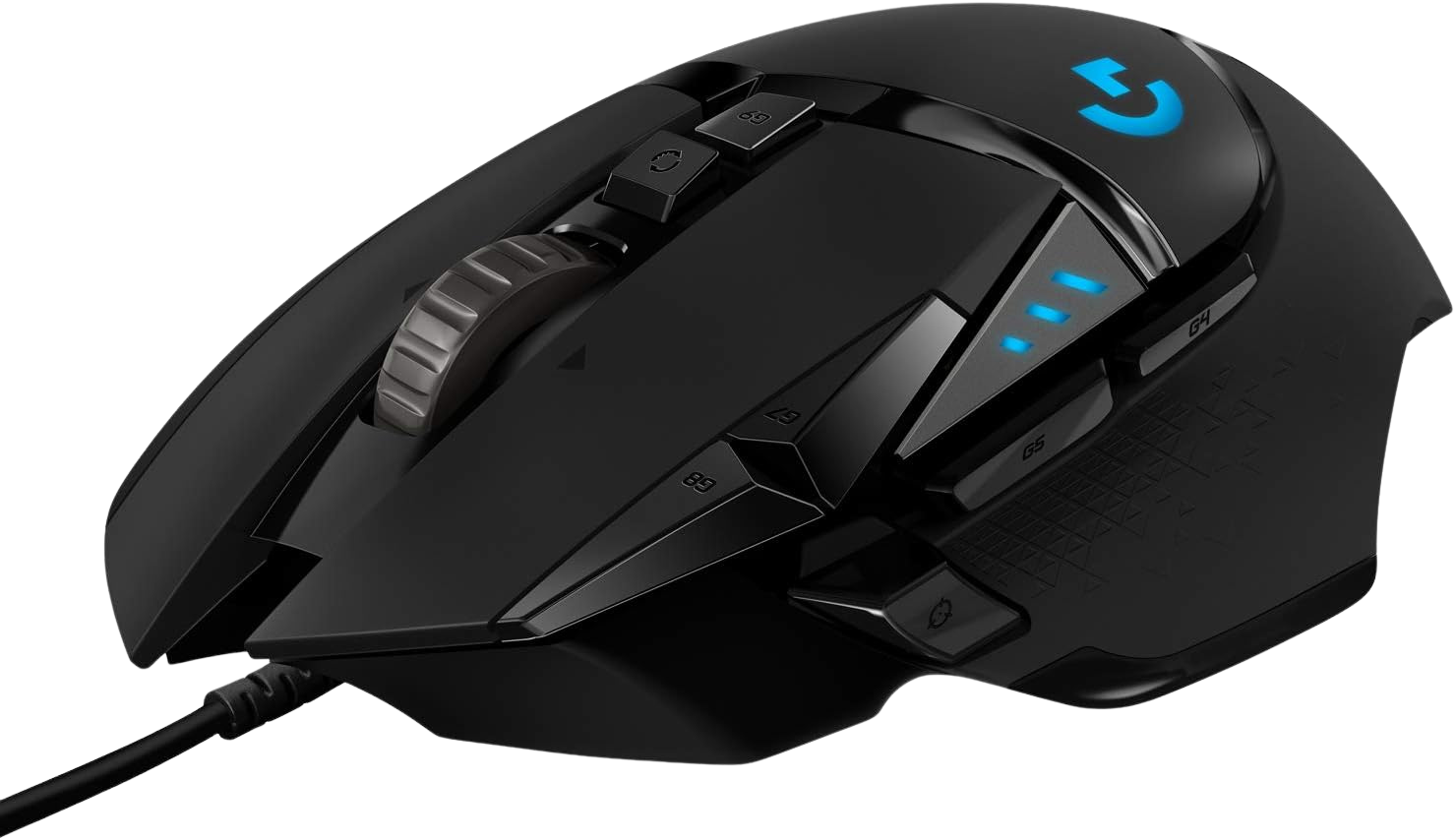
Basic Value Pick: Generic Wireless Combo, $33.22
Between the MK270 and MK650 sits this Generic Wireless Combo. Full-size layout makes long typing sessions surprisingly comfortable. The wireless connection is mostly reliable, though some buyers note occasional lag spikes.
Budget Pick: Logitech MK270 Wireless Combo, $17.92
At $17.92, the MK270 is the cheapest wireless combo that doesn't feel disposable. Standard membrane layout with full number pad. Basic mouse but functional. If you're setting up a secondary workspace or a guest office, it's hard to argue with the price.
How does screen lighting eliminate eye fatigue after dark?
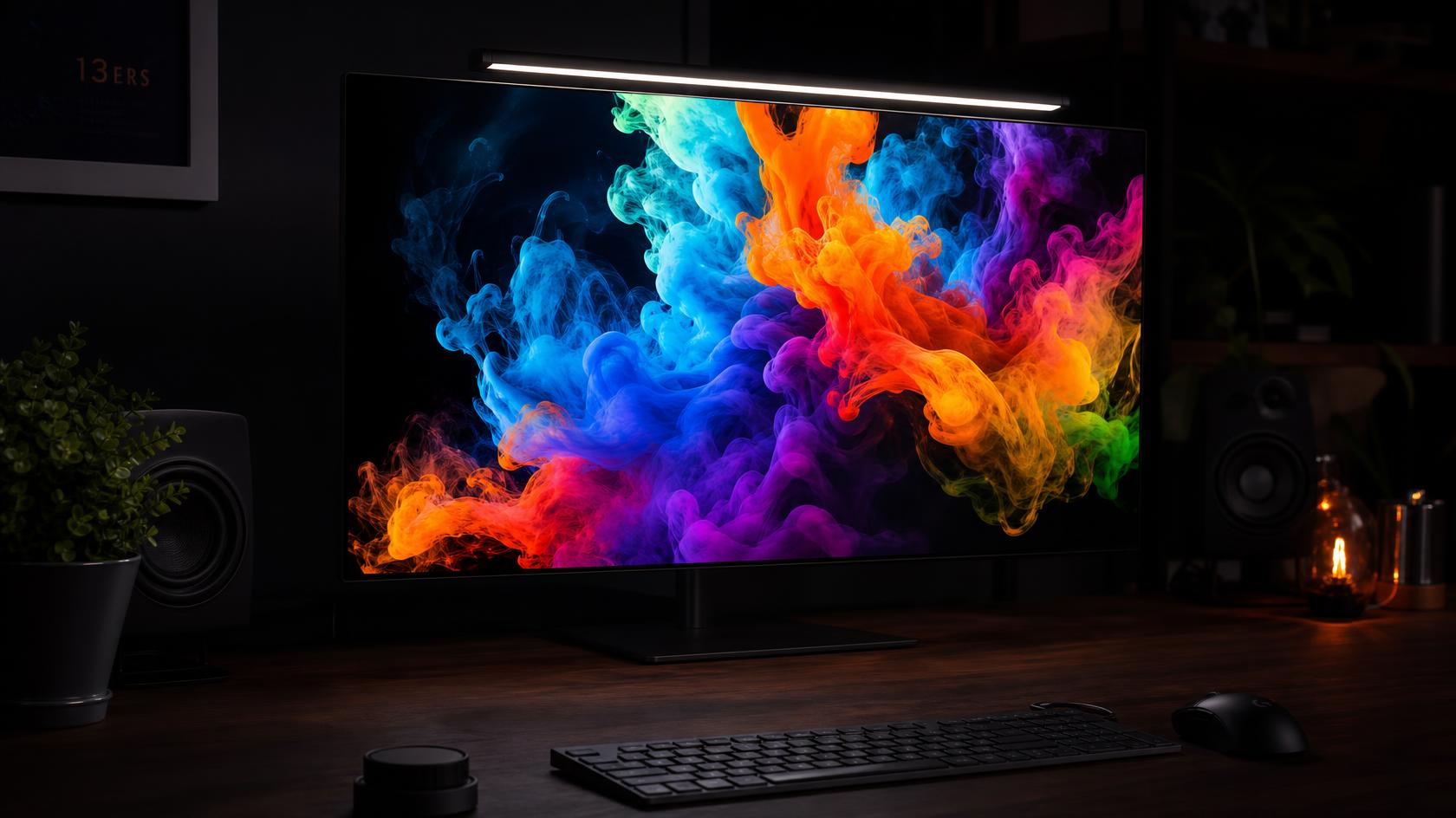
Overhead room lights create glare on monitor surfaces. Desk lamps cast uneven shadows across your workspace. Screen-mounted light bars solve both problems by illuminating your desk surface without spilling onto the monitor panel itself.
Premium Pick: BenQ ScreenBar E-Reading LED, $209.89
The BenQ ScreenBar pioneered this category and remains the benchmark. The auto-dimming sensor reads ambient light and adjusts both brightness and color temperature continuously. It clips onto any monitor up to 1.18 inches thick without screws or adhesives.
At $209.89, it's expensive for a light. But after a month of use, most people describe it as one of those "didn't know I needed it until I had it" purchases.
Best Value: BenQ ScreenBar Pro, $139.00
The Pro model adds a wireless dial controller for manual brightness and temperature adjustment. If the auto-dimming on the standard model over-corrects for your environment (some reviewers with strong side-window light report this), the manual override on the Pro is worth the $70 premium.
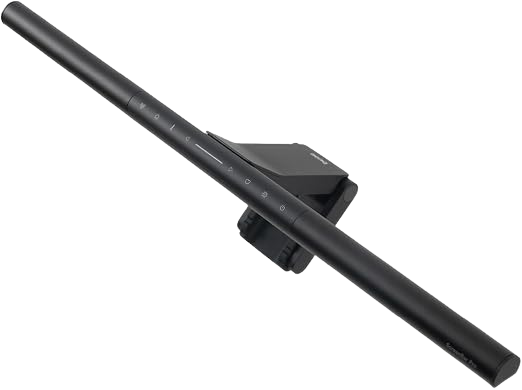
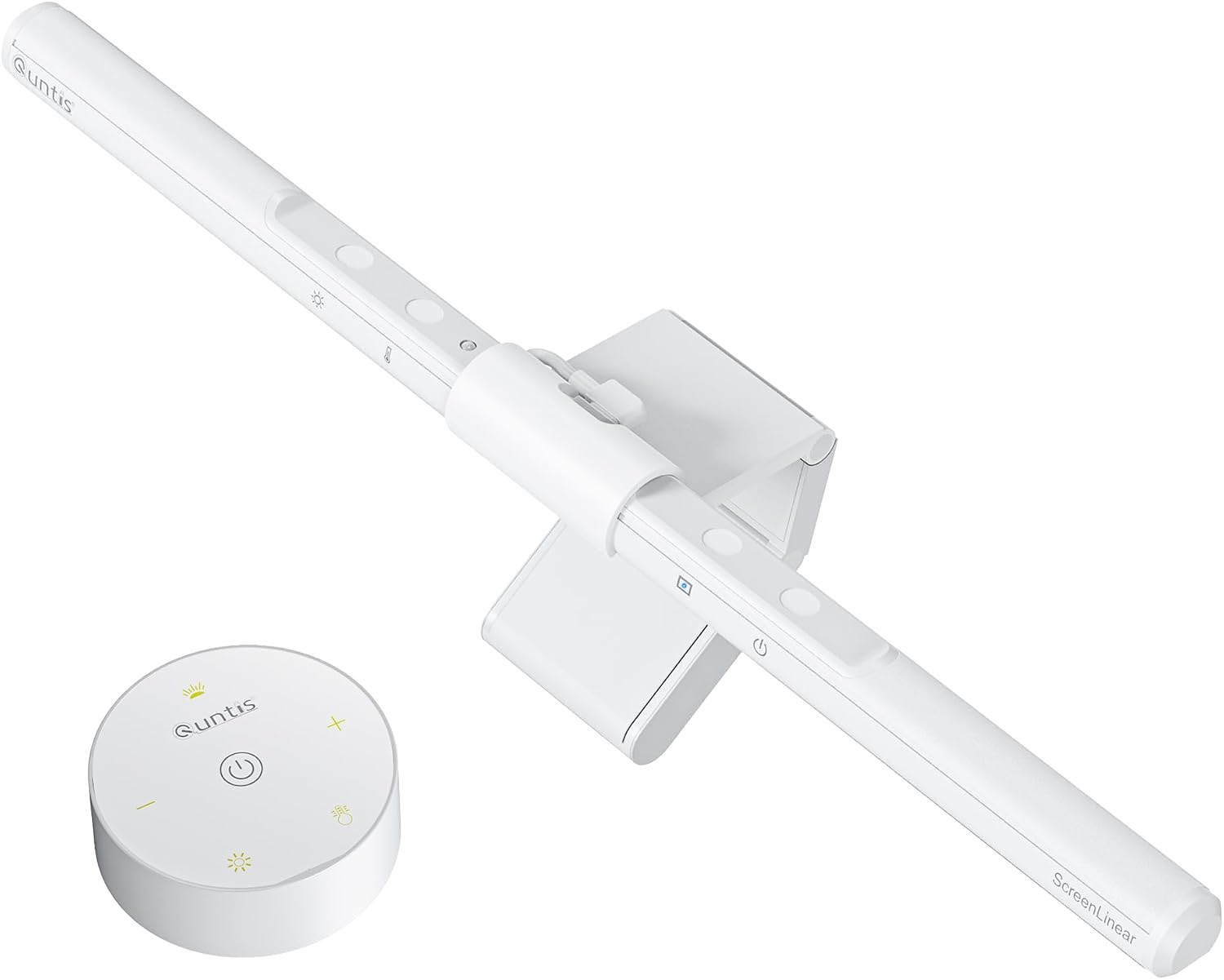
Budget Pick: Quntis Monitor Light Bar Pro, $42.99
At $42.99, the Quntis delivers 90% of the BenQ experience at 20% of the cost. The LED quality is slightly cooler at maximum warmth compared to BenQ, and the auto-dimmer reacts more slowly. But the asymmetric light distribution works correctly. It lights your desk, not your screen.
Ultra-Budget Pick: Quntis Computer Monitor Lamp, $39.95
If you just need basic glare reduction, the standard Quntis Monitor Lamp drops the auto-dimmer but keeps the excellent asymmetric lighting. Three manual brightness settings, easy installation on curved screens. The mounting clip feels a bit finicky on first setup, so take your time securing it.
What webcam do you actually need for professional video calls?
If your face is too dark, too grainy, or too pixelated on calls, people subconsciously take you less seriously. It's not fair, but it's real. A decent webcam is a career investment, not a vanity purchase.
Premium Pick: Logitech MX Brio Ultra HD 4K, $189.99
The MX Brio shoots 4K at 30fps or 1080p at 60fps. The physical privacy shutter, dual noise-canceling microphones, and HDR auto-light correction handle the three biggest video call complaints — privacy, audio bleed, and dark rooms — in a single device.
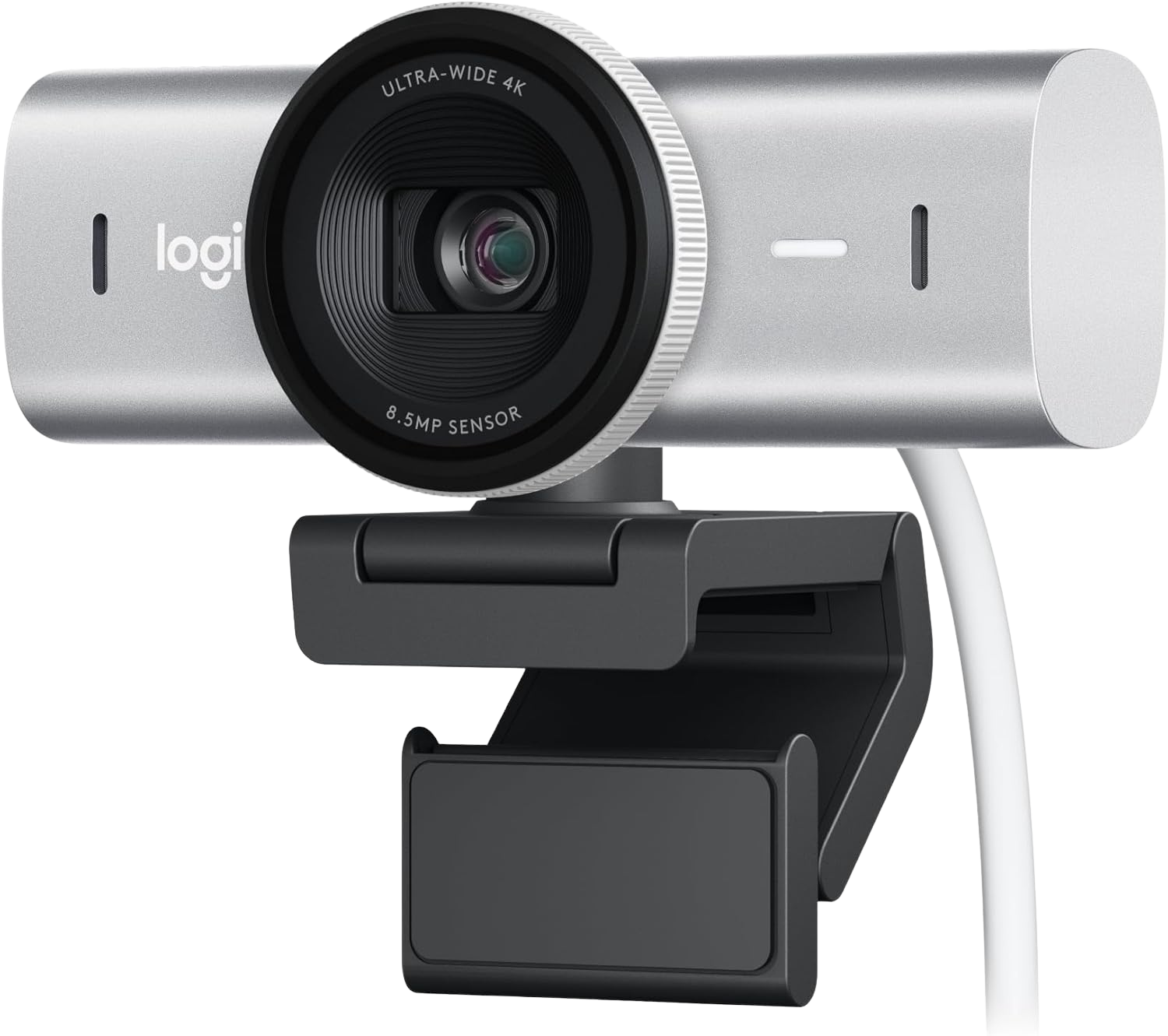
Best Value: Insta360 Link 2 PTZ 4K, $149.99
The Insta360 Link 2 tracks your face and upper body using an AI-powered gimbal. Walk around a standing desk and the camera follows you. It sounds gimmicky, but it works impressively well for standing-desk users who shift position throughout the day.

Budget Pick: EMEET 1080P Webcam, $36.99
The EMEET 1080P has a built-in microphone and auto-focus. On a Teams or Zoom call compressed to 720p anyway, it looks perfectly professional. The $9.99 no-name option below it is genuinely too soft for professional use — the $27 gap is worth paying.
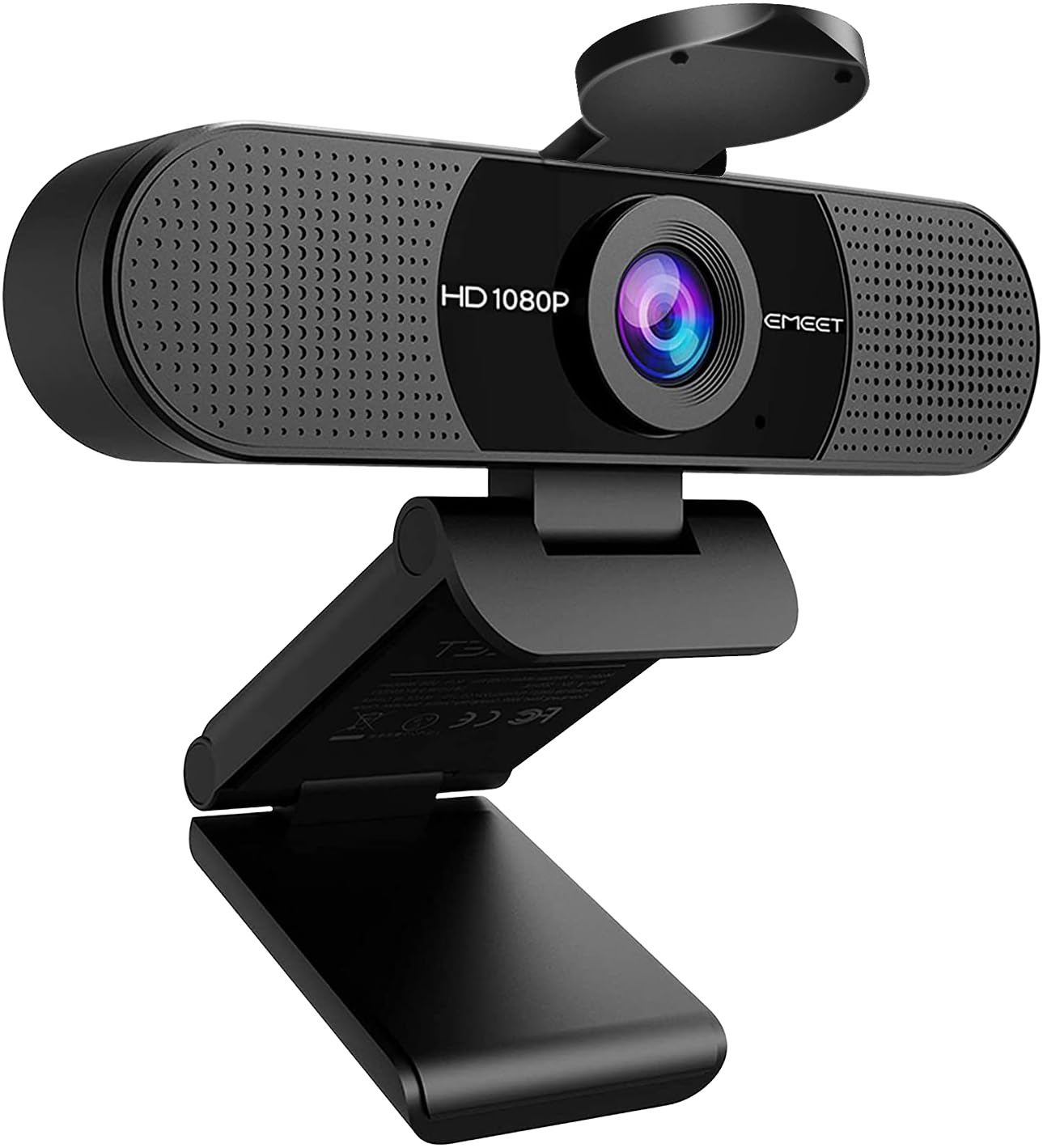
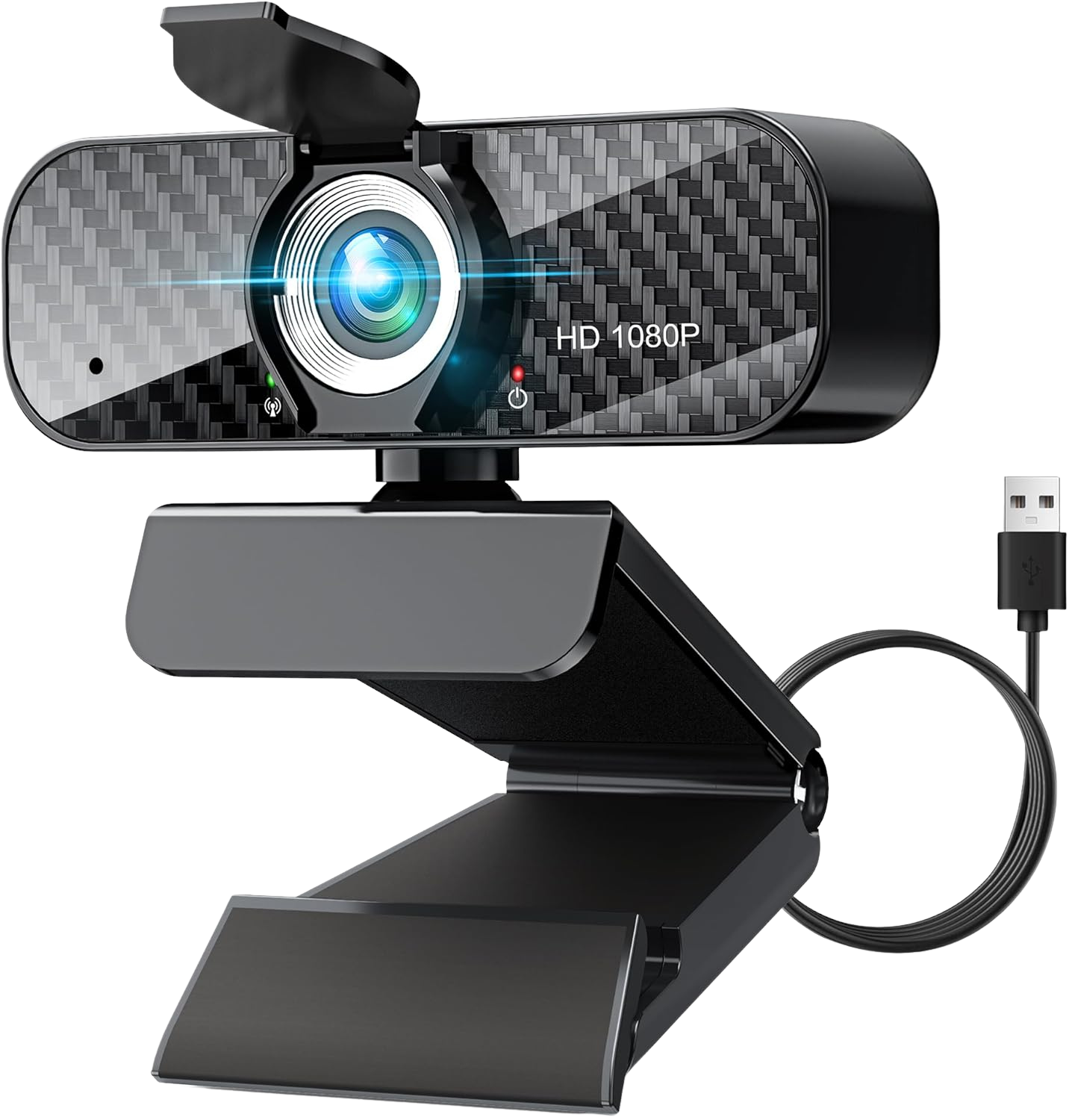
Ultra-Budget Pick: Webcam Full HD 1080P, $9.99
If you just need a camera for occasional check-in calls and want to spend as little as possible, the 1080P Webcam with Built-in Microphone gets the job done. The rotatable tripod is handy, and the plug-and-play USB setup requires no drivers. Don't expect sharp low-light performance, but for a brightly lit room, it's functional at an unbeatable price.
How do you soundproof your voice for home office calls?
Background noise — kids, street traffic, a noisy dishwasher — will undermine even the most polished professional setup. The microphone you choose determines whether colleagues hear your voice or your household.
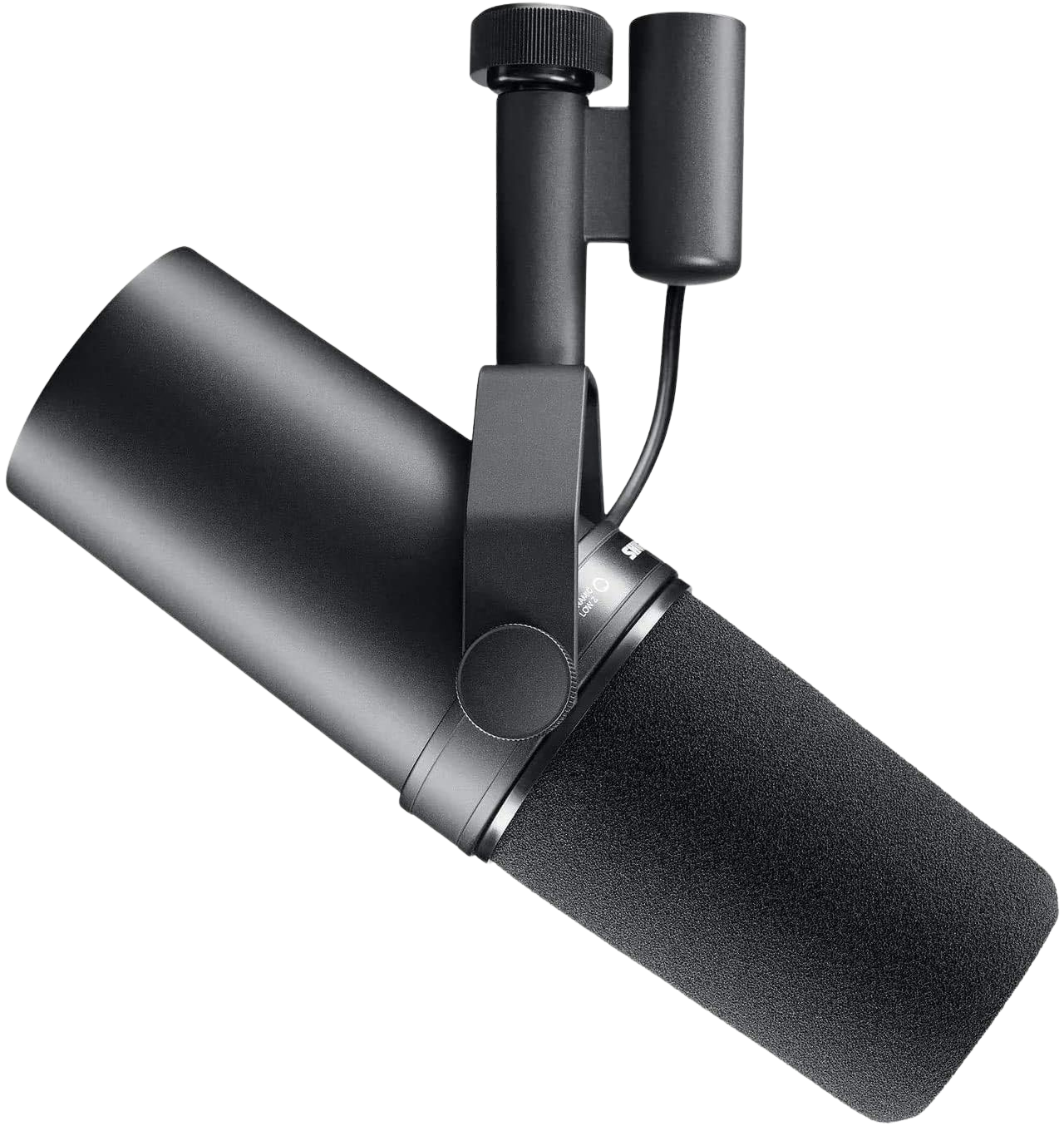
Premium Pick: Shure SM7B, $404.00
The SM7B is industry-standard for podcasting and broadcasting, and it works beautifully as a desk microphone for calls. The cardioid dynamic capsule rejects off-axis noise aggressively. You can run a blender six feet away and it won't pick it up.
Important: The SM7B requires an XLR interface (Focusrite Scarlett, GoXLR, etc.) and significant gain. Budget an additional $100 to $200 for the audio chain.
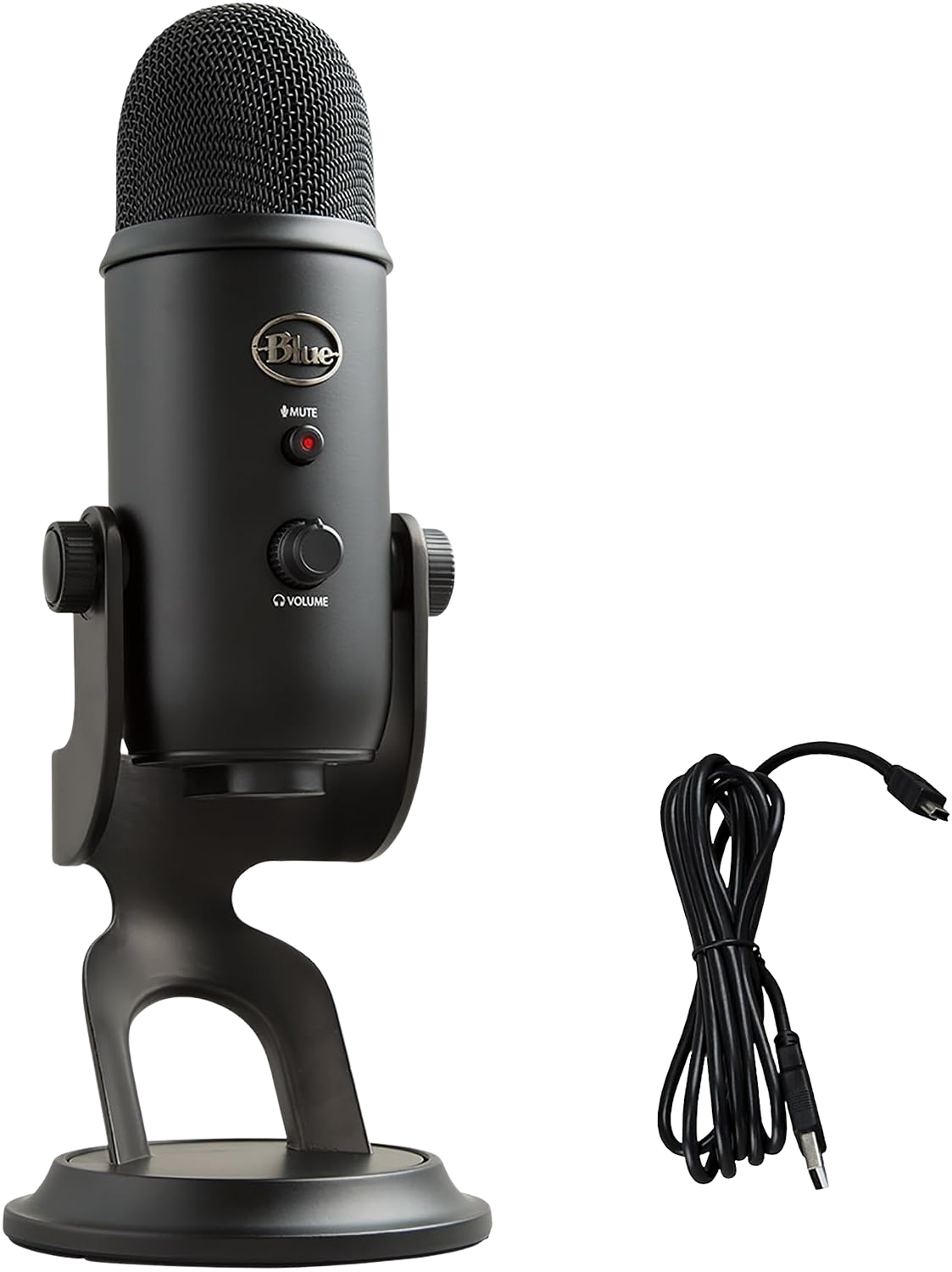
Best Value: Logitech Blue Yeti USB, $109.99
The Blue Yeti remains the most versatile USB microphone on the market. Four pickup patterns — cardioid, bidirectional, omnidirectional, stereo — handle everything from solo calls to in-person interviews. Plug-and-play USB means zero additional hardware.
The gain knob is on the microphone body itself, convenient for quick adjustments mid-call. Some users report the desk stand picks up keyboard vibrations. A $15 shock mount or boom arm eliminates this.
Best Wireless Lavalier: DJI Mic Mini, $79.00
Sometimes you want to stand up and pace during a presentation. A desk mic won't work for that. The DJI Mic Mini clips directly to your shirt and delivers audio quality that vastly outperforms any built-in laptop mic.
The kit includes two transmitters and a sleek charging case. Lightweight, completely wireless, total freedom to move during calls.

Budget Pick: FIFINE USB/XLR Dynamic Microphone, $44.99
The FIFINE offers dual connectivity (USB and XLR) at $44.99, giving you a growth path: start with USB, upgrade to an XLR interface later without replacing the microphone. The dynamic capsule naturally rejects more ambient noise than condenser alternatives at this price point.

What headphones block enough noise for deep focus work?
Home offices have different noise than open offices, but it's still noise. Delivery trucks, neighbors, construction, family members on their own calls. Noise-canceling headphones aren't a luxury for remote workers; they're a productivity tool.
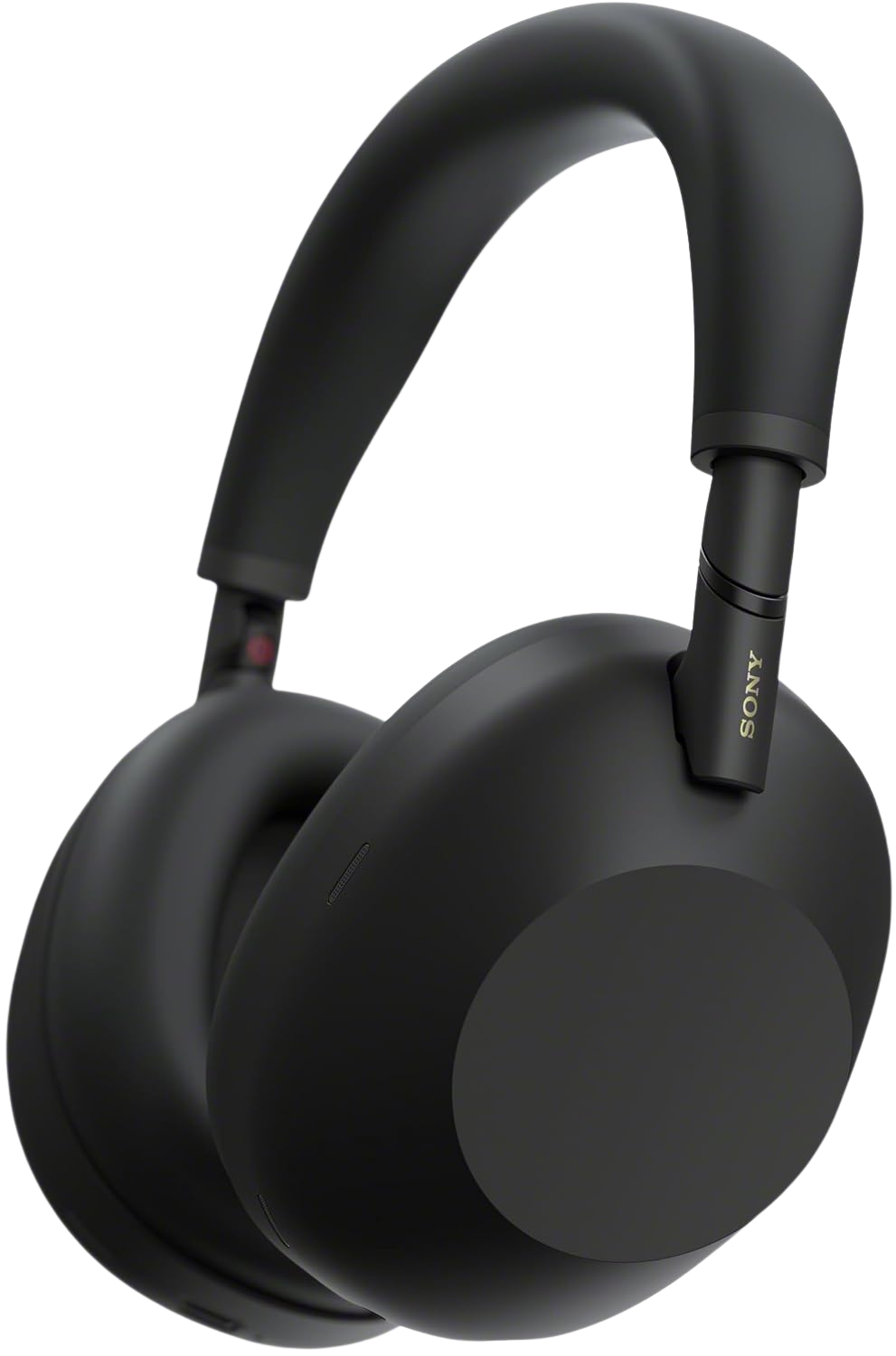
Premium Pick: Sony WH-1000XM6, $384.42
The Sony WH-1000XM6 maintains its lead in active noise cancellation. The ANC algorithm adapts to your environment in real-time, handling both steady-state noise (AC hum, fan noise) and transient noise (doorbell, dog bark) without you touching a button.
30-hour battery life covers a full work week on a single charge. Multipoint Bluetooth connects to your laptop and phone simultaneously, so you can take mobile calls without unpairing.
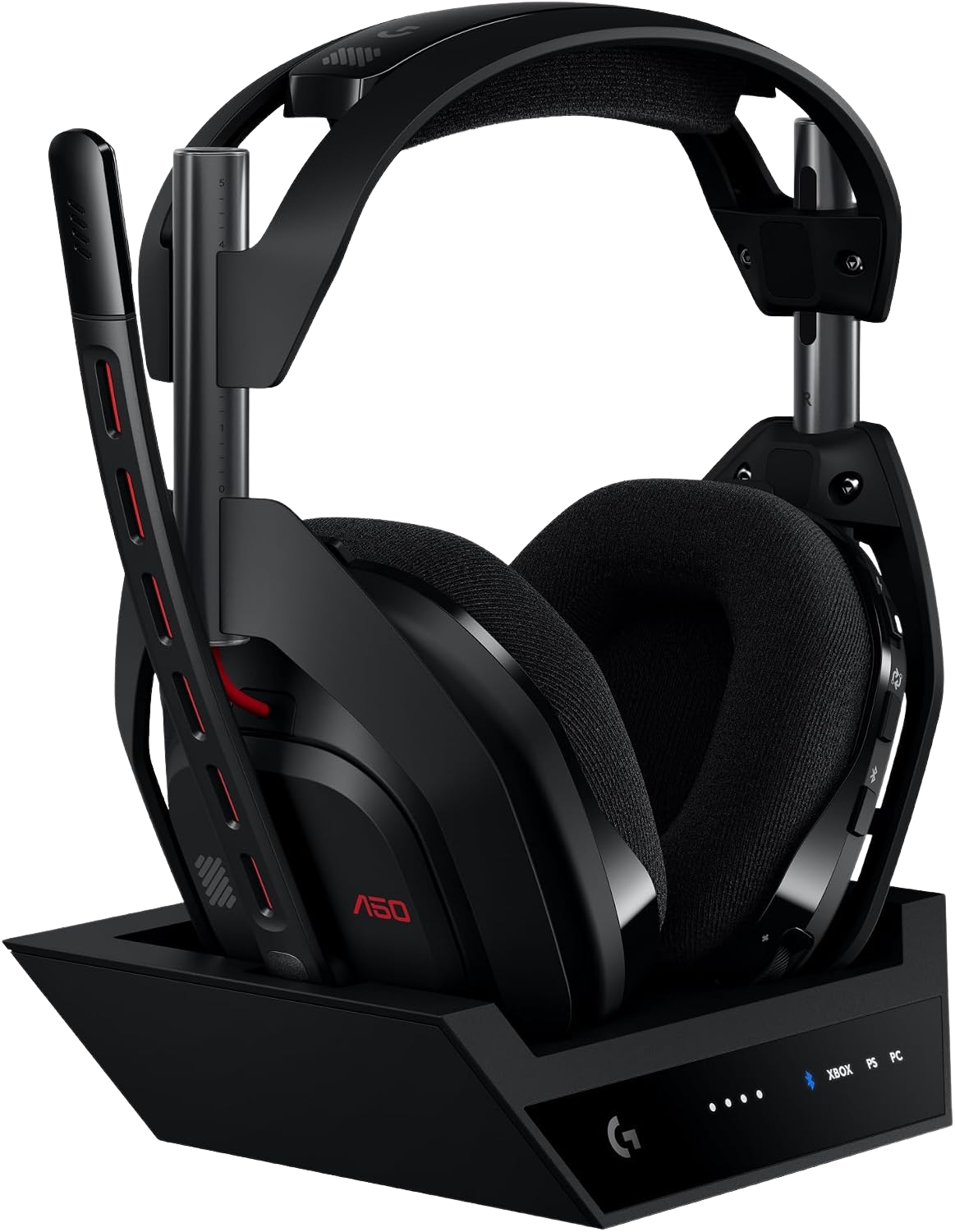
Alternative Premium: Logitech G Astro A50 Wireless, $259.99
If you want an integrated boom mic without sacrificing audio quality, the Logitech G Astro A50 is a serious contender. Incredibly comfortable during long sessions, and the microphone performance is noticeably crisper than most standard Bluetooth headphones.
The honest catch: Occasional wireless dropouts do happen. Battery life falls short of the Sony XM6, meaning you'll need to dock it on its base station every night.
Best Value: Logitech G733 Lightspeed, $126.00
Wireless, comfortable, with a detachable boom mic. The G733 is marketed as a gaming headset, but the Blue VO!CE microphone technology and DTS Headphone:X 2.0 spatial audio make it effective for all-day calls. At 278 grams, it's one of the lightest wireless headsets available.
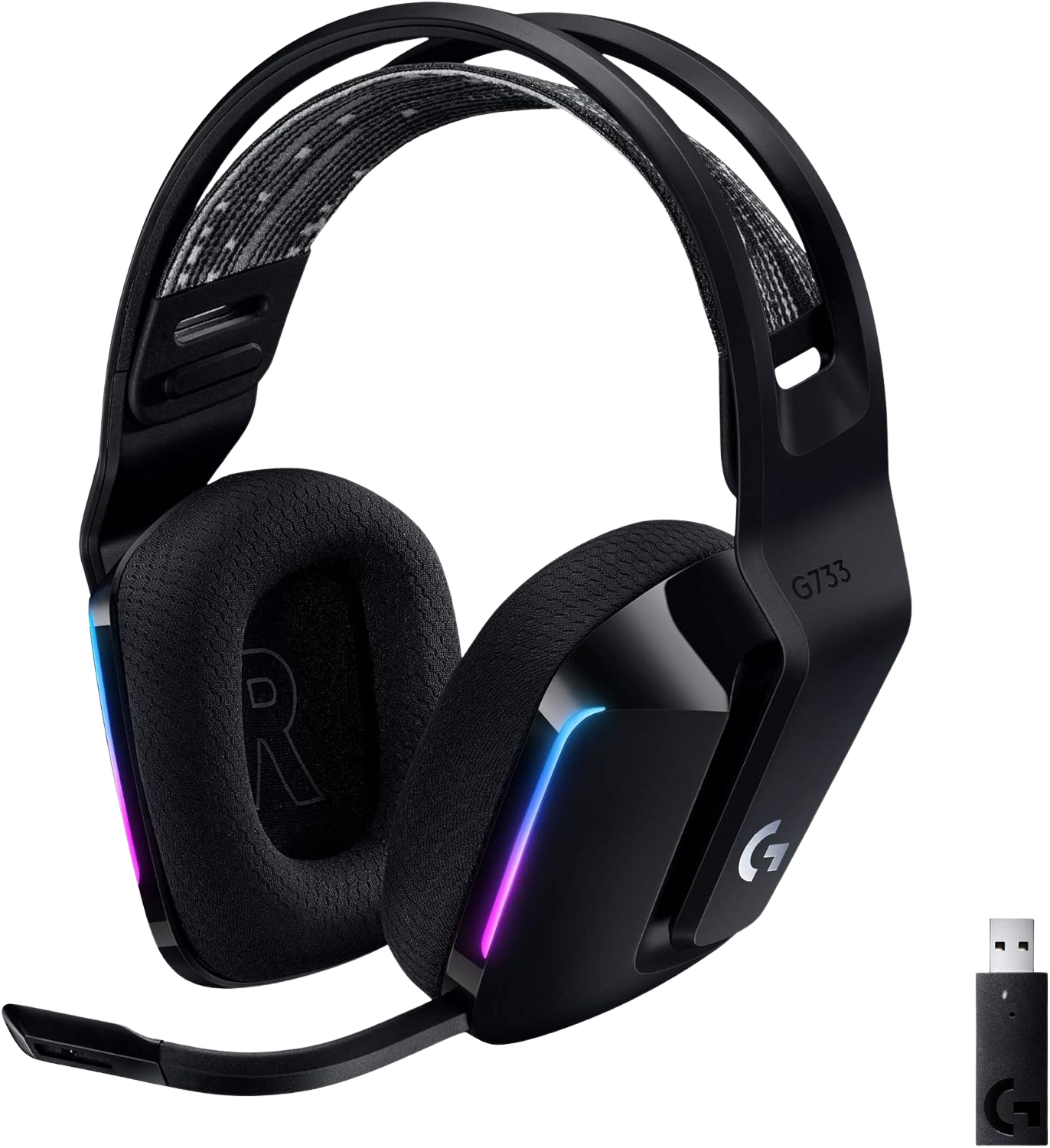
Budget Pick: Logitech G733 Lightspeed Wireless, $126.00
Wireless freedom without the flagship price tag. The Logitech G733 is incredibly lightweight at just 278 grams, meaning it stays comfortable through a full day of meetings. The mic is clear and the build quality is solid enough to survive daily abuse. For $126.00, it is a smart entry point into reliable wireless headsets.
What small accessories complete the ergonomic picture?
The big purchases (chair, desk, monitor) get all the attention. But three cheap accessories fill gaps that expensive gear cannot.
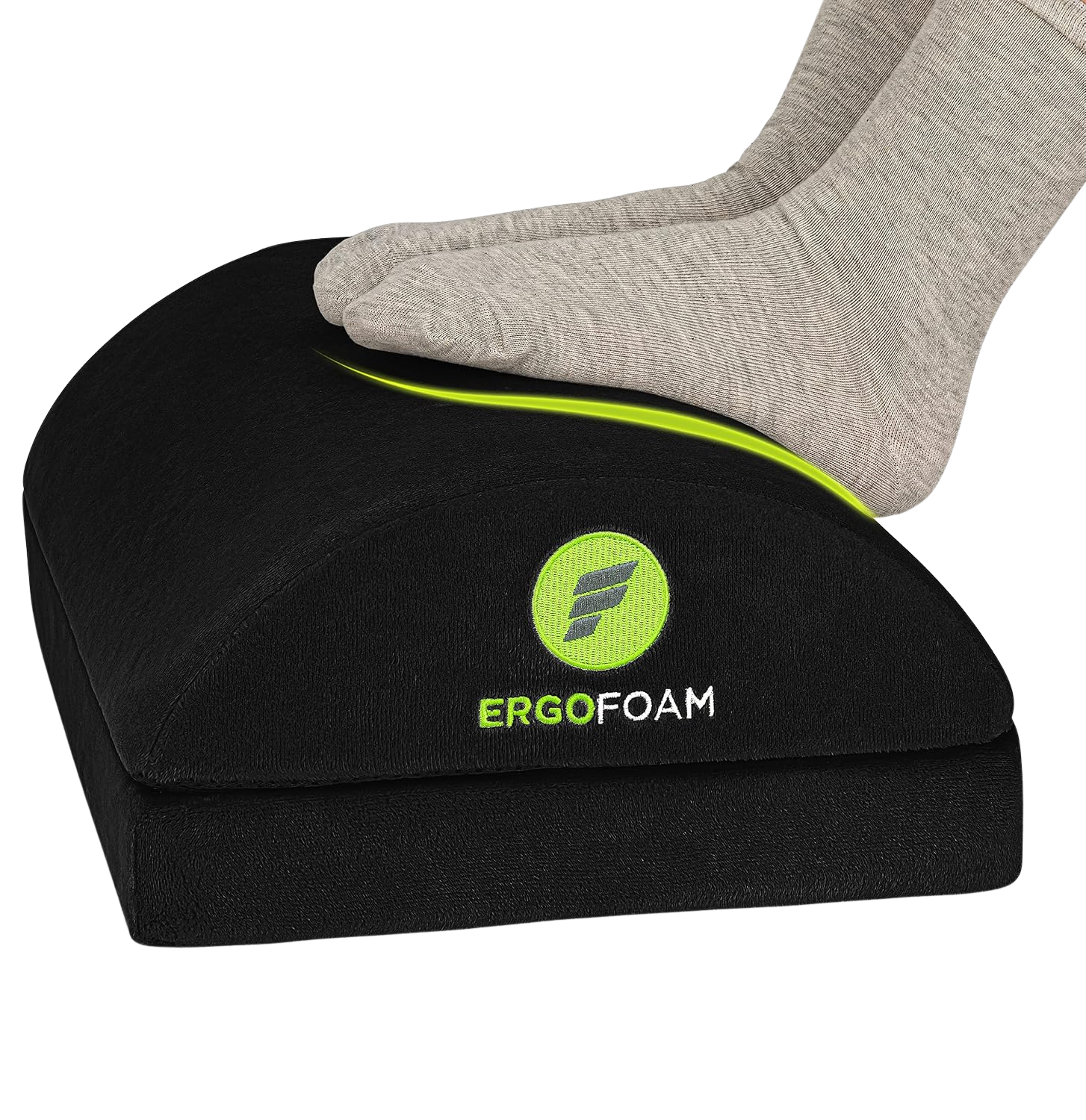
Foot Rest: ErgoFoam Foot Rest, $41.95
If your chair's seat height doesn't let your feet rest flat on the floor, your thighs bear excess pressure and circulation drops. The ErgoFoam's high-density foam contours under your feet and doesn't flatten after months of use. The velvet cover is machine-washable.
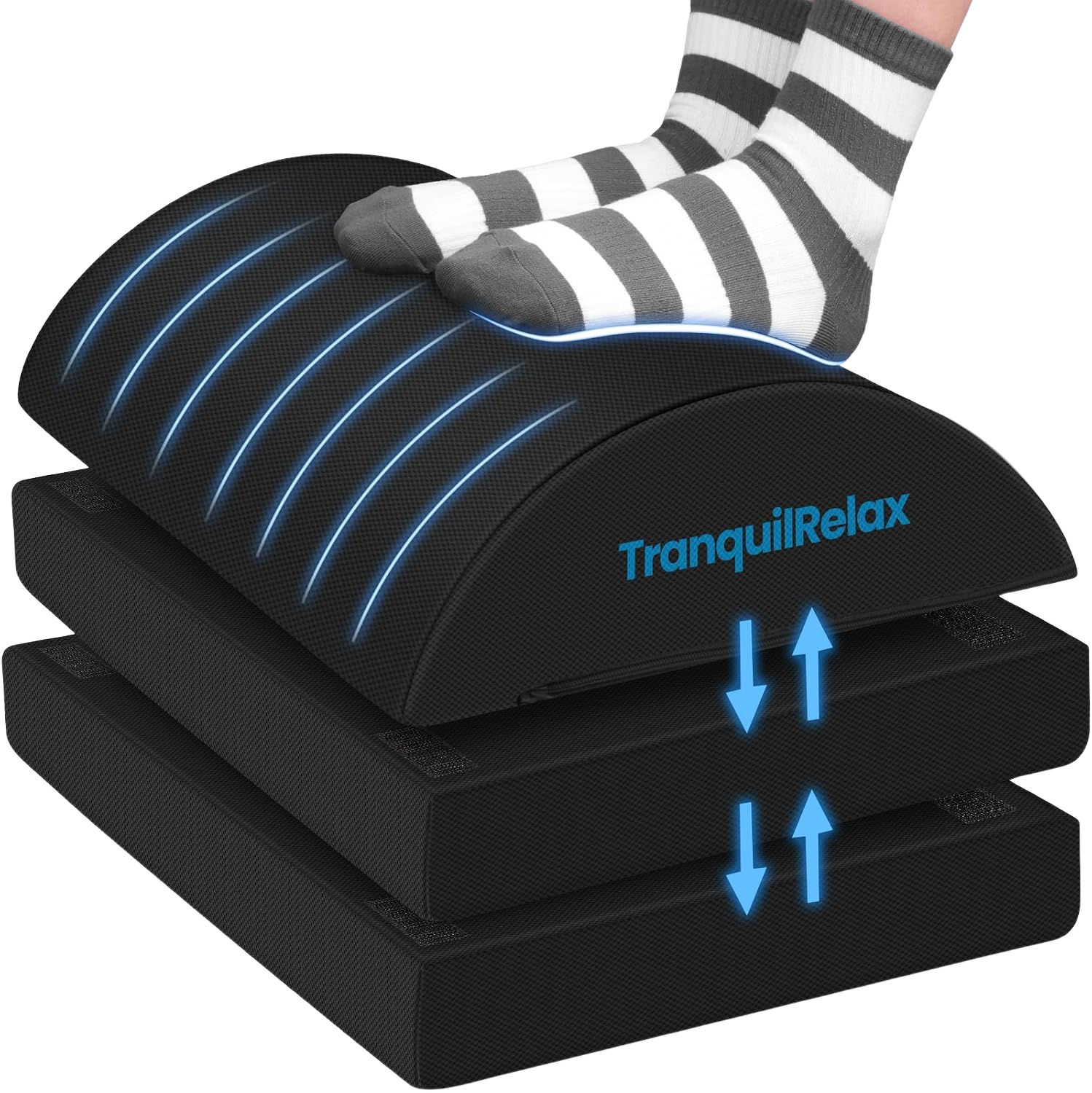
Budget Foot Rest: Foot Rest for Under Desk at Work, $20.89
The budget foot rest works well for the first few months but compresses noticeably within 3 to 4 months of daily use. If you only need occasional foot support or are on a tight budget, it's a reasonable starting point.
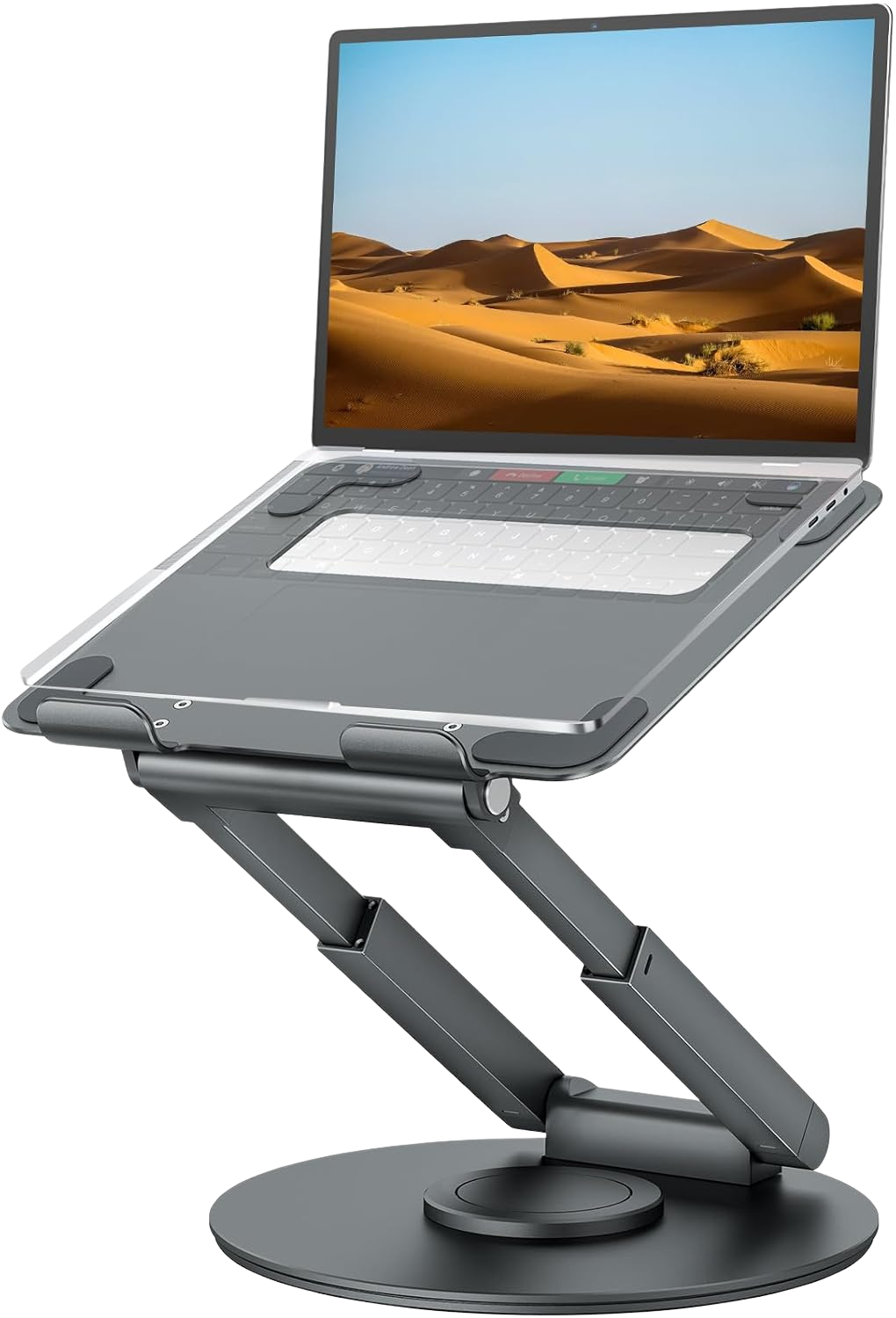
Premium Laptop Stand: Tounee Telescopic Laptop Stand, $44.99
The Tounee Telescopic raises your laptop screen to eye level, eliminating the neck-forward posture that single-laptop users default to. The telescopic design adjusts from 2.1 to 13.8 inches of elevation. Aluminum construction dissipates heat better than plastic alternatives.
Best Value Laptop Stand: Lamicall Adjustable Laptop Stand, $31.34
If the Tounee feels pricey, the Lamicall Adjustable Stand gives you most of the same ergonomic benefits. The aluminum frame holds a 16-inch laptop without wobbling during heavy typing. Beautiful minimalist design that looks great on any desk.
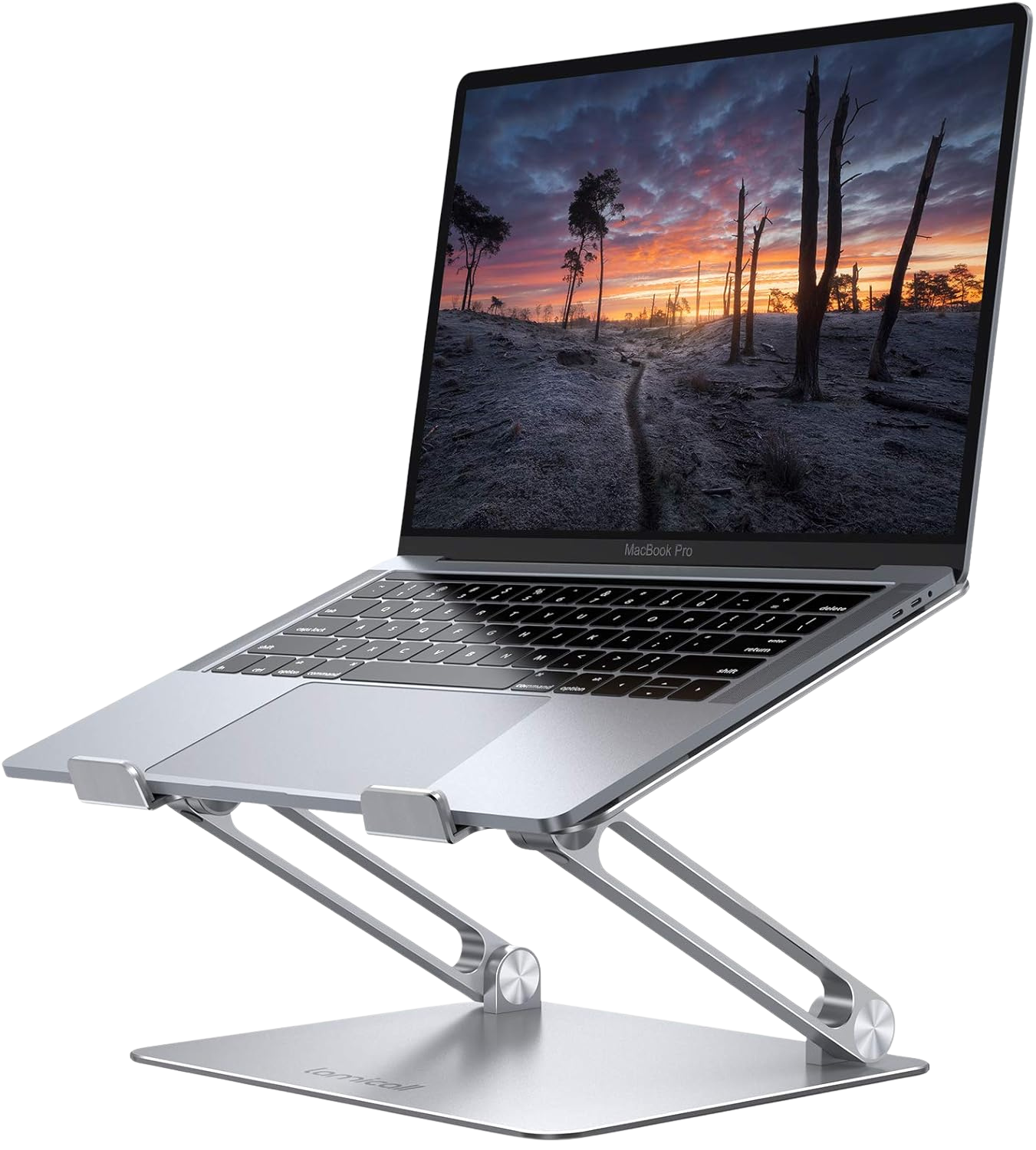
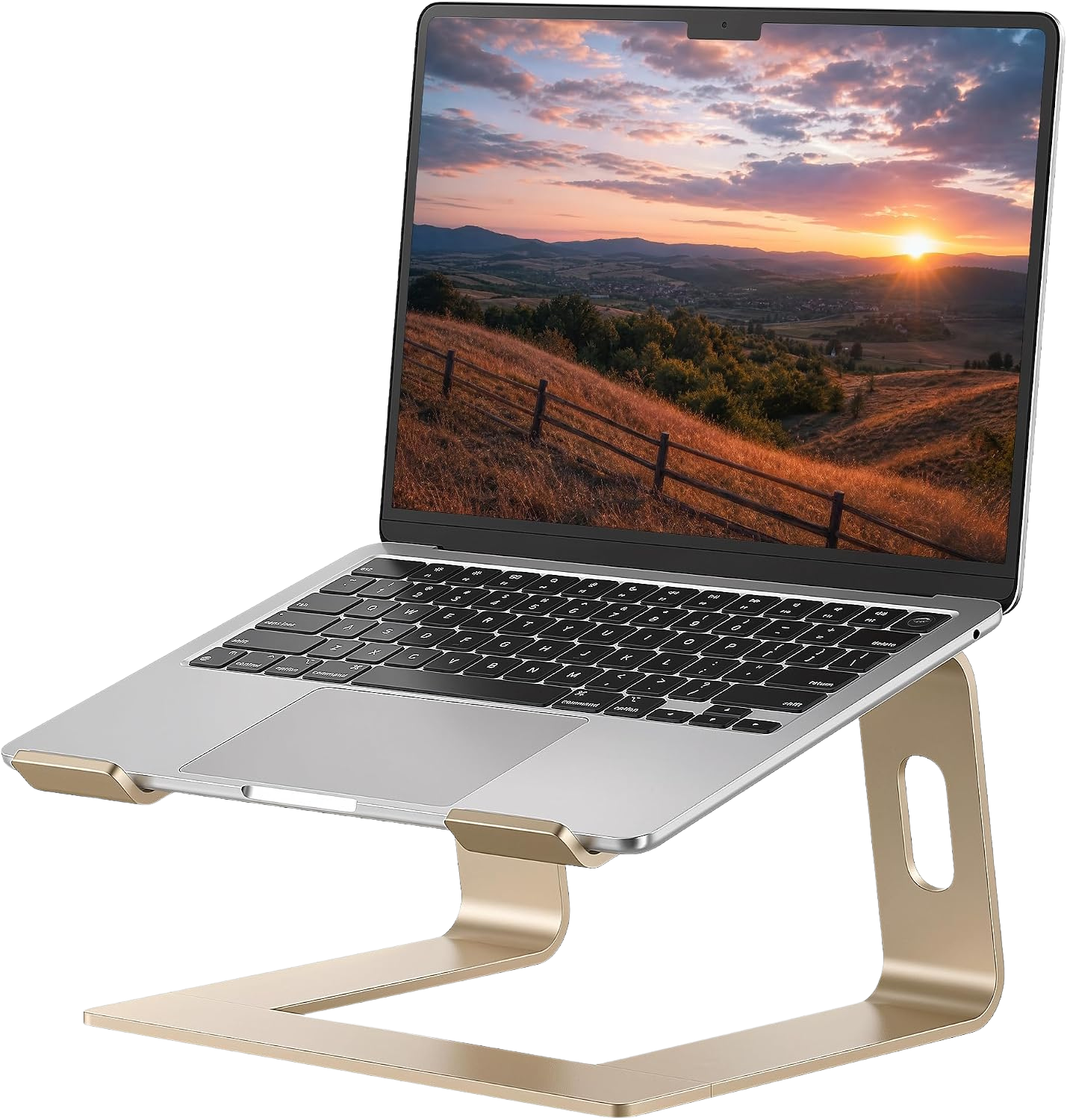
Budget Laptop Stand: SOUNDANCE Aluminum Laptop Riser, $19.98
The SOUNDANCE provides fixed-height elevation. No height adjustment, but highly stable and well-built for twenty dollars.
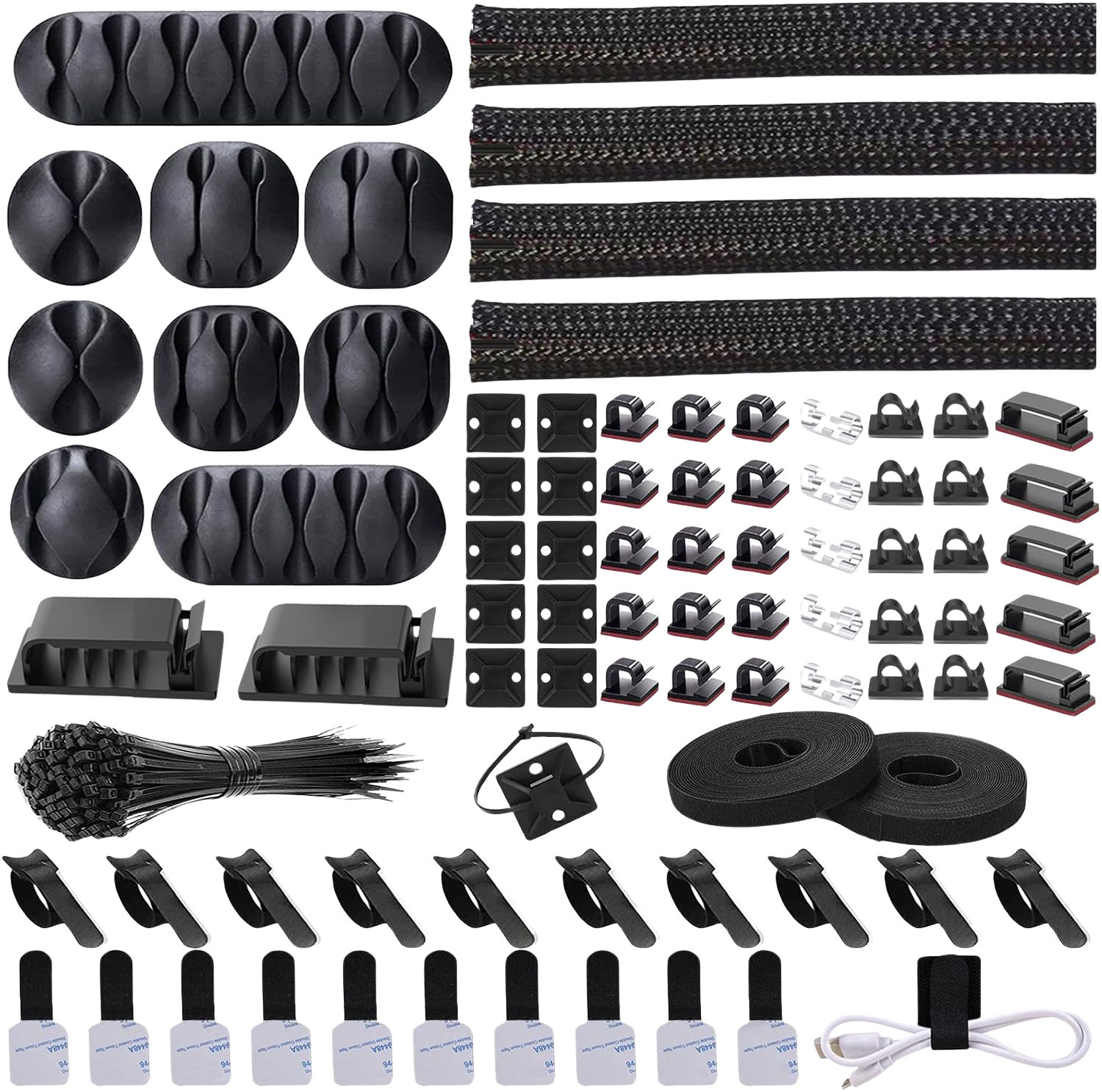
Cable Management: Cord Management Organizer Kit, $14.75
A clean desk isn't aesthetic vanity. Tangled cables restrict how you position your keyboard, mouse, and monitor arm. This Cord Organizer Kit includes cable clips, velcro wraps, and a cable sleeve that runs along the desk's rear edge.
The complete build: three budget tiers
Prices and availability are accurate as of July 2026 and are subject to change.
Budget Build (~$558)
| Component | Product | Price |
|---|---|---|
| Chair | Ticova Ergonomic | $199.99 |
| Desk | SIAGO L-Shaped Standing | $239.99 |
| Monitor Arm | ErGear Single Arm | $19.99 |
| Keyboard + Mouse | Logitech MK270 | $17.92 |
| Light Bar | Quntis Monitor Light | $42.99 |
| Webcam | EMEET 1080P | $36.99 |
| Total | $557.87 |
Mid-Range Build (~$1,970)
| Component | Product | Price |
|---|---|---|
| Chair | Ergohuman ME7ERG | $755.25 |
| Desk | Desktronic HomeOne | $649.99 |
| Monitor Arm | HUANUO Dual Stand | $59.99 |
| Keyboard + Mouse | Logitech MK650 Combo | $51.35 |
| Light Bar | BenQ ScreenBar Pro | $139.00 |
| Webcam | Insta360 Link 2 | $149.99 |
| Headphones | Logitech G733 | $126.00 |
| Foot Rest | ErgoFoam | $41.95 |
| Total | $1,973.52 |
Premium Build (~$4,400)
| Component | Product | Price |
|---|---|---|
| Chair | Herman Miller Aeron V2 | $1,177.00 |
| Desk | SAINTCY 70.87" L-Shaped | $1,649.00 |
| Monitor | Dell UltraSharp U2724D | $319.00 |
| Monitor Arm | HUANUO Dual Stand | $114.99 |
| Keyboard | Logitech MX Keys S | $125.99 |
| Mouse | Logitech MX Master 3S | $78.91 |
| Light Bar | BenQ ScreenBar E-Reading | $209.89 |
| Webcam | Logitech MX Brio 4K | $189.99 |
| Headphones | Sony WH-1000XM6 | $384.42 |
| Microphone | Logitech Blue Yeti | $109.99 |
| Foot Rest | ErgoFoam | $41.95 |
| Laptop Stand | Tounee Telescopic | $44.99 |
| Cable Kit | Cord Organizer | $14.75 |
| Total | $4,460.87 |
Frequently Asked Questions
What is the best ergonomic office chair under $300 in 2026?
The Ticova Ergonomic Office Chair at $199.99 is the pick under $300. The S-curve backrest and adjustable lumbar support hold up well; the armrests are the weak point after around 10 months of heavy use.
Read our full breakdown of the best ergonomic office chairs under $300 →
How much should I spend on a home office standing desk?
Budget between $239 and $939 for a solid motorized standing desk. The Desktronic HomeOne at $649.99 offers the best combination of dual-motor stability and build quality in that range.
Read our full breakdown of the best standing desks for home offices →
Do I really need a monitor arm for an ergonomic setup?
Yes. A monitor arm positions your screen at eye level and eliminates the forward neck flexion that causes most upper-back pain in desk workers. The ErGear Single Monitor Arm at $19.99 handles monitors up to 32 inches.
Read our guide on the best monitor arms to prevent neck strain →
Is a standing desk actually better for your back than sitting?
Neither standing nor sitting all day is ideal. The research consistently points to alternating between the two every 30 to 60 minutes. A motorized standing desk with programmable presets (like the Desktronic HomeOne at $649.99) makes this transition seamless. The key is movement variation, not a permanent switch to standing.
What's the single most impactful ergonomic upgrade for under $50?
A monitor arm. The ErGear Single Monitor Arm at $19.99 corrects the most common posture problem: a screen positioned too low, forcing forward neck flexion. If your monitor is sitting on its stock stand, this $20 fix changes your entire upper-body alignment.
Review methodology & affiliate disclosure
WorkWize is reader-supported. When you buy through links on this site, we may earn an affiliate commission at no extra cost to you. Learn more.
At WorkWize, our goal is to save you time. We conduct extensive research by analyzing real buyer reviews, technical specifications, and long-term feedback across Amazon and verified forums. While we do not physically test every single unit in a lab, we aggregate verified data to highlight real pros, cons, and customer flaws. WorkWize does not manufacture, sell, or ship these products, and we are not liable for product variations, defects, or merchant price changes. All purchases are made directly through third-party retailers.
A. Abdessamed
Software Engineer & Founder of WorkWize
A recent Software Engineering graduate (Class of 2026) and tech enthusiast. I built WorkWize to help fellow developers and knowledge workers navigate the noise and find the perfect, pain-free ergonomic setup based on deep technical research.