Are Monitor Arms Worth It? (Single vs Dual Setup Guide)
An engineering breakdown of why stock monitor stands cause neck pain, and how to choose between single and dual gas-spring monitor arms.
⚡ Quick Picks: Our Top Recommendations
Updated: July 2026Prices and availability are accurate as of July 2026 and are subject to change.
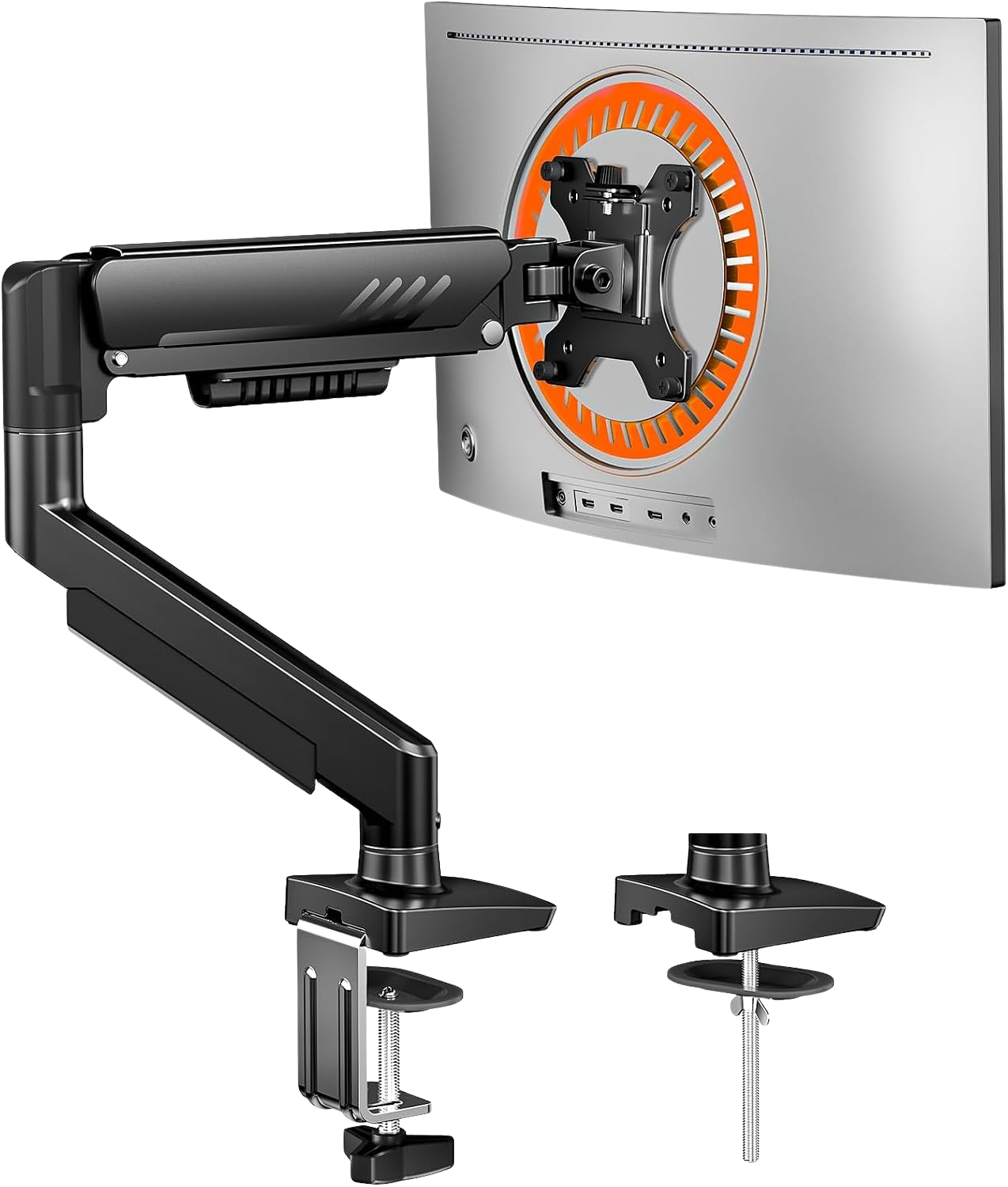
ErGear Single Monitor Arm
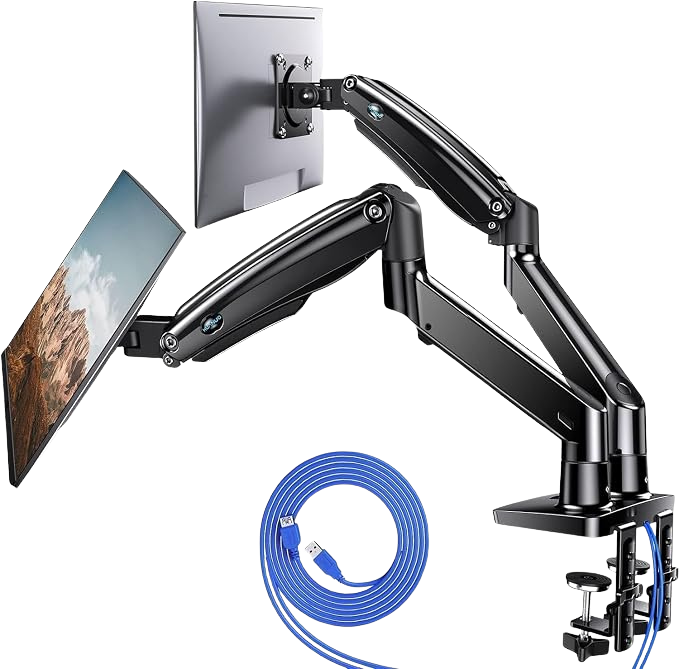
HUANUO Dual Monitor Stand
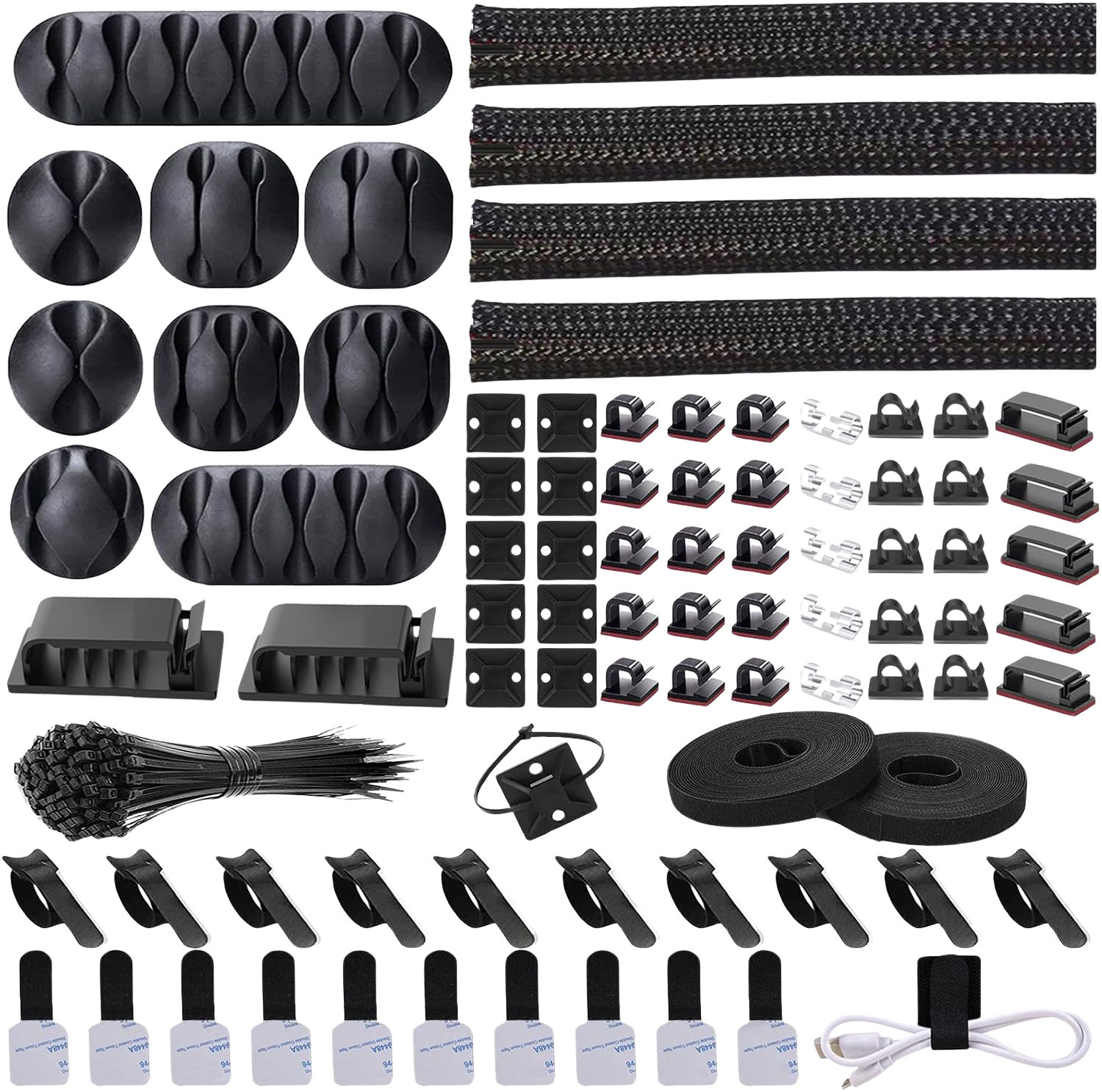
Cord Management Organizer Kit
The heavy plastic stand that came in the box with your monitor is ruining your posture and stealing your desk space. Most factory stands sit entirely too low, forcing you to crane your neck downward for hours at a time. The manufacturers expect you to solve this by stacking books under the base or accepting the neck pain.
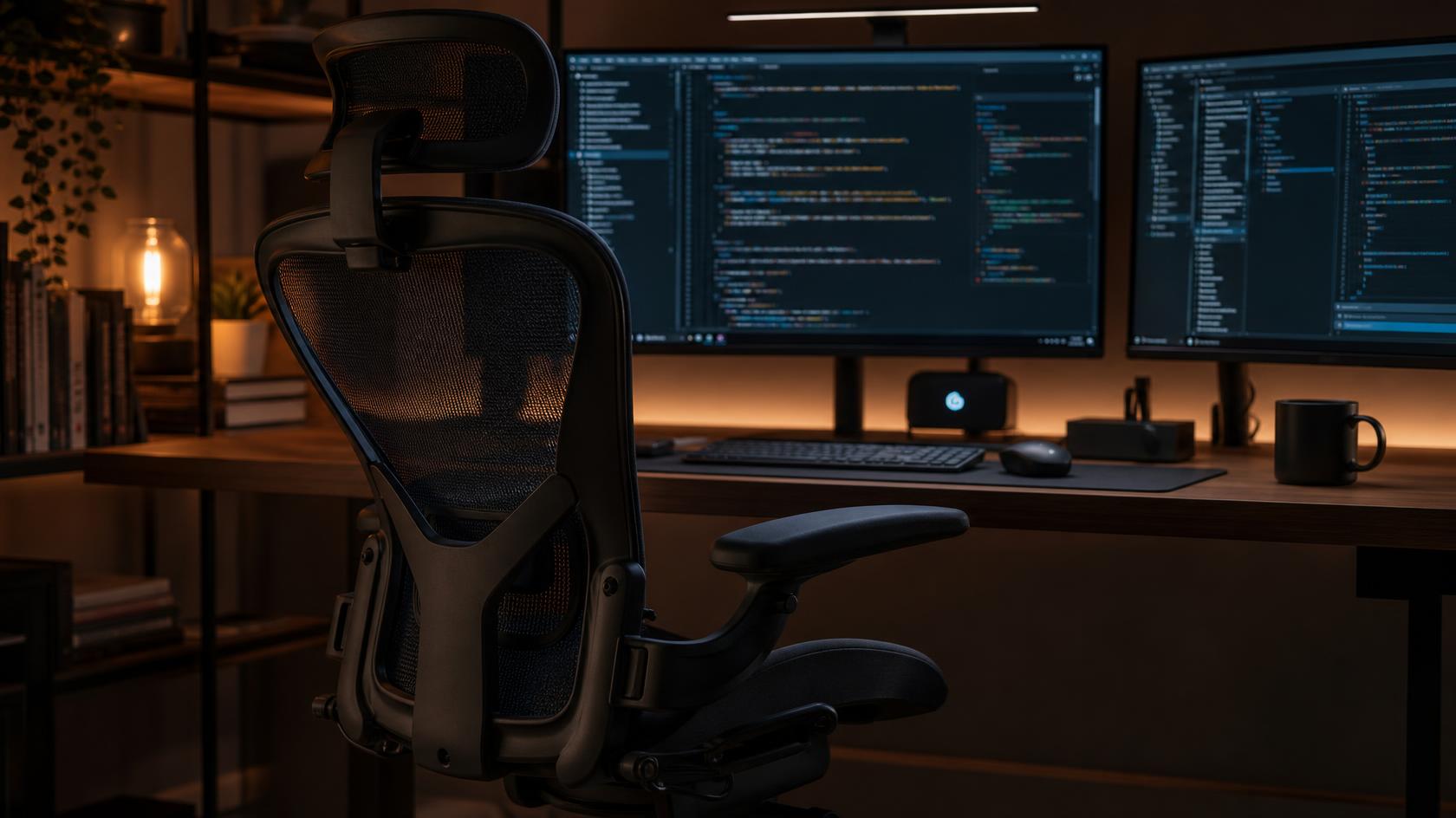
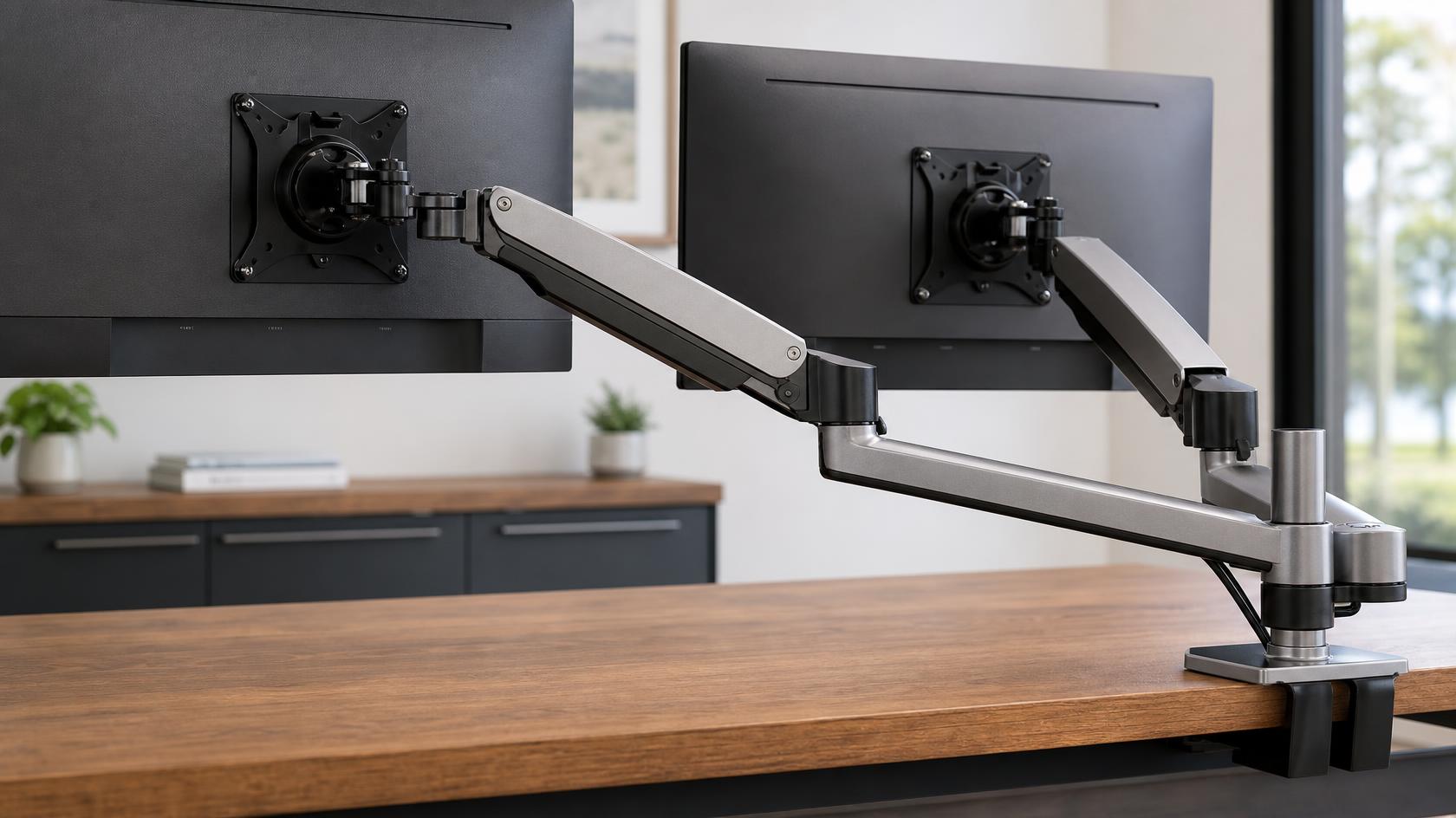
There is a better mechanical solution. A gas-spring monitor arm clamps to the back of your desk, lifts the screen to proper eye level, and removes the bulky base from your workspace entirely. It is the single highest-return investment you can make after setting up your ergonomic chair correctly.
Here is the engineering breakdown of how monitor arms solve physical pain and desk clutter, plus how to choose between single and dual setups.
1. The Biomechanics of Neck Strain
When you look down at a screen, your head leans forward. A human head weighs roughly 10 to 12 pounds. For every inch it moves forward out of neutral alignment, the load on your cervical spine and trapezius muscles doubles. This is simple physics. A standard factory monitor stand sits so low that you are forced into this forward-head posture just to read the center of the screen.
Over a full workday, this sustained mechanical load creates intense tension in your neck and upper shoulders. A monitor arm fixes the root cause by letting you raise the top third of the screen to your exact eye level. When you sit back, your neck remains completely neutral. The load on your cervical spine drops back to its intended baseline.
This adjustment is completely separate from your desk height. Even if you use standing desk converters to raise your keyboard, the relative height of your monitor to your eyes still requires an arm to get the math right.
2. Reclaiming Desk Real Estate
A typical 27-inch monitor ships with a base plate that is roughly 10 inches wide and 8 inches deep. If you run dual monitors on their factory stands, you are surrendering almost 160 square inches of prime desktop space just to hold the screens up.
A monitor arm clamps to the back edge of your desk using a c-clamp that requires less than 4 square inches of surface contact. The screens float in the air. The space underneath them opens up completely for your keyboard, mouse, notebooks, or audio interfaces. This reclaimed area instantly makes a standard 48-inch desk feel like a 60-inch workspace.
For anyone building a complete ergonomic home office setup in a tight apartment, buying a monitor arm is dramatically cheaper than buying a larger desk to get the same usable surface area.
3. Gas Spring vs Pole Mount Mechanics
When shopping for arms, you will find two distinct mechanical designs: pole mounts and gas spring arms.
A pole mount uses a rigid vertical steel pipe. You loosen a bracket, slide the arm up or down the pole to your desired height, and tighten it with a hex key. It is a static, set-and-forget solution. It is extremely stable but difficult to adjust on the fly if you change your seating position.
A gas spring arm contains an internal pneumatic cylinder. You balance the tension screw to match the exact weight of your monitor. Once balanced, you can grab the screen with one hand and push it up, pull it down, or push it back. The gas spring holds the screen exactly where you leave it. Review patterns on Amazon show that users heavily prefer gas spring arms because they allow instant micro-adjustments throughout the day. However, users also frequently report that heavy 32-inch monitors tend to make budget gas arms sag, meaning you must check the weight capacity closely before buying.
The Verdict: Single or Dual?
If you use two screens, you face a choice: one dual-arm mount, or two independent single-arm mounts.
A dual-arm mount clamps to the desk at a single central point. It looks cleaner and is cheaper to buy. The downside is that adjusting one arm often vibrates the center pole, slightly shaking the second screen.
Using two separate single-arm mounts costs slightly more and requires two clamp points on your desk. However, it completely isolates the screens from each other. If you move one, the other stays perfectly still. Two single arms also offer maximum flexibility for positioning screens in unusual layouts, like stacking them vertically.
For standard side-by-side setups, a quality dual-arm mount is the logical choice.
Best Single Arm: ErGear Single Monitor Arm, $19.99
At roughly $20, the ErGear gas spring arm is a ridiculous value. It handles standard 24 to 32-inch monitors easily, cleans up desk clutter, and provides the instant adjustability of a pneumatic system. The clamp is solid steel and installs in five minutes.
Best Dual Arm: HUANUO Dual Monitor Stand, $59.99
If you run two screens, the HUANUO dual gas spring arm gives you independent height and tilt control for both monitors off a single base clamp. It handles the weight of two 27-inch panels without the sagging issues commonly reported in cheaper dual mounts.
Essential Add-on: Cord Management Organizer Kit, $14.75
Floating your monitors exposes all the power and HDMI cables hanging behind them. This simple kit lets you bundle and route those cables cleanly down the arm structure to the desk, finishing the clean aesthetic that monitor arms promise.
Frequently Asked Questions
Can my desk support a monitor arm clamp?
Most standard wood, MDF, or bamboo desks over 0.6 inches thick will handle a c-clamp without issue. Glass desks cannot support clamp mounts, as the focused pressure point will shatter the glass. If you have a hollow-core desk (like some budget IKEA models), you should place a small piece of scrap wood between the clamp and the underside of the desk to spread the clamping force and prevent it from crushing the hollow core.
Do I need to drill a hole in my desk?
No. Almost all monitor arms include a c-clamp that tightens onto the back edge of the desk without tools or permanent modification. They also typically include a grommet mount option, which does require a hole, but you only use that if your desk sits flush against a wall with no rear edge overhang.
How do I know if my monitor is compatible?
Look at the back of your monitor for four threaded screw holes arranged in a square. This is the VESA mount pattern. Almost all modern monitors use either a 75x75mm or 100x100mm VESA pattern, and all standard monitor arms support both. If your monitor does not have these four holes (which is common on some ultra-thin displays), you will need a special adapter bracket.
Review methodology & affiliate disclosure
WorkWize is reader-supported. When you buy through links on this site, we may earn an affiliate commission at no extra cost to you. Learn more.
At WorkWize, our goal is to save you time. We conduct extensive research by analyzing real buyer reviews, technical specifications, and long-term feedback across Amazon and verified forums. While we do not physically test every single unit in a lab, we aggregate verified data to highlight real pros, cons, and customer flaws. WorkWize does not manufacture, sell, or ship these products, and we are not liable for product variations, defects, or merchant price changes. All purchases are made directly through third-party retailers.
A. Abdessamed
Software Engineer & Founder of WorkWize
A recent Software Engineering graduate (Class of 2026) and tech enthusiast. I built WorkWize to help fellow developers and knowledge workers navigate the noise and find the perfect, pain-free ergonomic setup based on deep technical research.