IPS vs VA vs OLED: The Best Monitor Panel for Desk Workers (2026)
An engineering and ergonomic breakdown of how monitor panel types (IPS, VA, TN, OLED) affect eye strain, posture, and productivity.
⚡ Quick Picks: Our Top Recommendations
Updated: July 2026Prices and availability are accurate as of July 2026 and are subject to change.
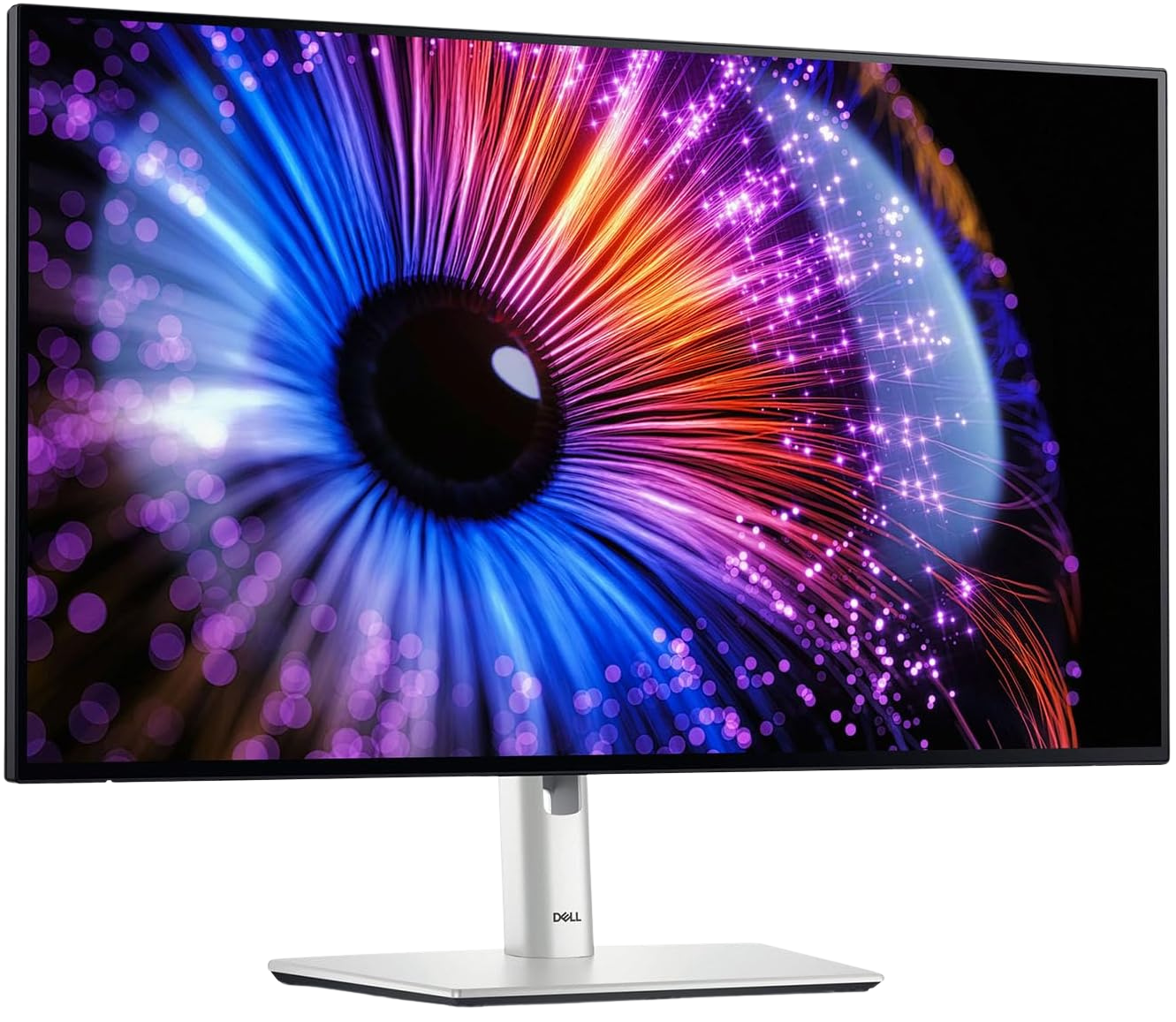
Dell UltraSharp U2724D 27
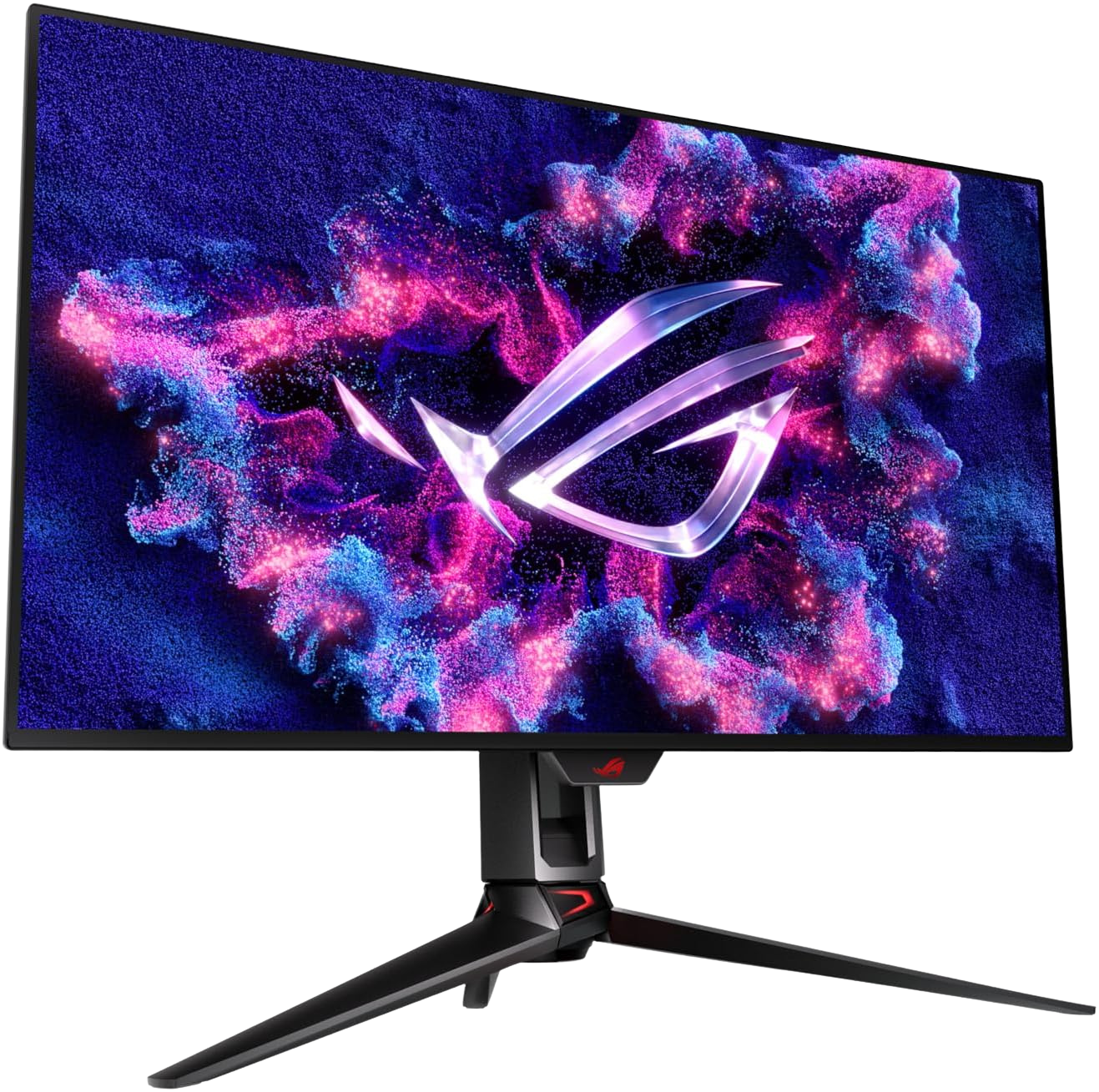
ASUS ROG Swift 32" 4K OLED Gaming Monitor
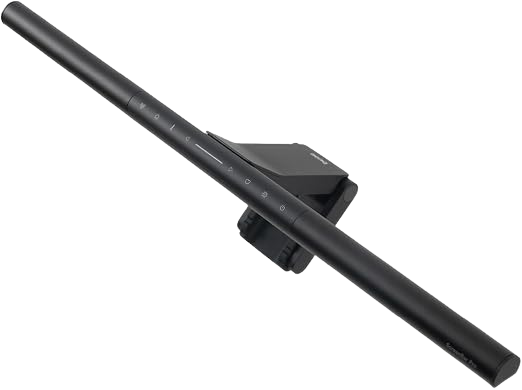
BenQ ScreenBar Pro LED Monitor Light Bar
Most people buy a monitor based on refresh rate and resolution. If you sit at that monitor for eight hours every working day, that is the wrong starting point. The panel technology underneath the specs determines how your eyes and neck respond to the screen over the long term. Get this wrong and you will accumulate eye strain, neck pain, and dry eye regardless of how good the rest of your complete ergonomic home office setup is.
This is a breakdown of how TN, VA, IPS, and OLED panels physically interact with your visual system and your posture, not just a spec comparison.
1. TN Panels and Neck Strain (The Posture Trap)
TN (Twisted Nematic) panels are the oldest and cheapest LCD technology. They have fast pixel response times, which is why they dominated gaming monitors for years. The catastrophic downside for desk workers is their narrow viewing angle.
On a TN panel, colors shift visibly when you move your head outside a narrow horizontal band. Whites wash out, shadows invert, and the image quality degrades rapidly off the center axis.
This creates a biomechanical problem that most users never consciously identify. Your visual system detects the color degradation and instinctively locks your head into the sweet spot where the image looks correct. Over a full workday, this forces your neck and trapezius muscles into sustained, static isometric contraction. You are not moving, so the muscles never get a chance to pump fresh blood through the tissue. Prolonged static loading of this kind is a direct cause of Work-Related Musculoskeletal Disorders (WMSDs), covering everything from upper trapezius trigger points to cervical disc compression.
The secondary monitor problem is worse. If you position a TN panel to the side and view it at an oblique horizontal angle, every glance forces your cervical spine into repetitive lateral rotation. Over weeks of use, the accumulated rotation fatigue becomes a significant contributor to chronic neck pain on the side facing the TN panel.
Verdict on TN: Never use a TN panel as your primary work monitor and never position one as a side-angle secondary display. The posture cost is not worth the milliseconds of response time advantage.
2. VA Panels and Visual Fatigue (The Ghosting Problem)
VA (Vertical Alignment) panels addressed the viewing angle problem of TN by offering significantly wider horizontal and vertical angles, along with substantially higher static contrast ratios. For dark room movie watching, VA is excellent technology. For desk work with rapid text scrolling, it introduces its own failure mode: slow pixel transitions.
VA panels have inherently slow pixel response times in the mid-gray transition range. When text or a cursor moves quickly across a VA screen, the pixels trailing behind the moving element cannot change state fast enough. This produces a visible smearing artifact called ghosting.
The ergonomic consequence of ghosting is a sharp increase in digital eye strain (medically known as asthenopia). When you scroll a wall of code quickly, your eyes automatically engage to track the moving content. The trailing ghosting artifacts behind the text force your eyes to repeatedly micro-refocus as the visual system tries to resolve the smear against the intended sharp text. This constant micro-refocusing creates sustained ciliary muscle strain. The ciliary muscle is the small ring of muscle inside your eye that controls lens focus. When it works continuously without rest, it contributes to the classic end-of-day symptoms: blurry vision, difficulty focusing on distant objects, and a dull ache behind the eyes.
Ghosting also reduces blink rate. The cognitive load of parsing smeared text causes concentration-driven blink suppression. Reduced blinking means the tear film on your eye surface is not refreshed frequently enough, leading to dry eye and the burning sensation that follows a long programming session.
Verdict on VA: Acceptable for seated video consumption. Not suitable as a primary programming or writing monitor if you do heavy scrolling.
3. IPS Panels (The Productivity Standard)
IPS (In-Plane Switching) panels became the default choice for design work and productivity for a specific reason: they maintain accurate color and contrast across a wide viewing angle. You can tilt your head, lean back in your chair, or shift your posture without the image degrading. This directly eliminates the static posture trap that TN panels create.
IPS panels also have significantly faster mid-gray pixel transitions than VA panels. Modern IPS monitors achieve response times low enough that ghosting is not a practical concern for text-based work or standard browser scrolling.
The one legitimate weakness of IPS is backlight bleed. Because IPS panels use a backlight that shines through the liquid crystal layer, they cannot achieve perfectly black blacks. When displaying dark content or a dark IDE theme at night, the backlight leaks through the panel edges and corners, producing a grayish halo. This is a real phenomenon, not a marketing complaint.
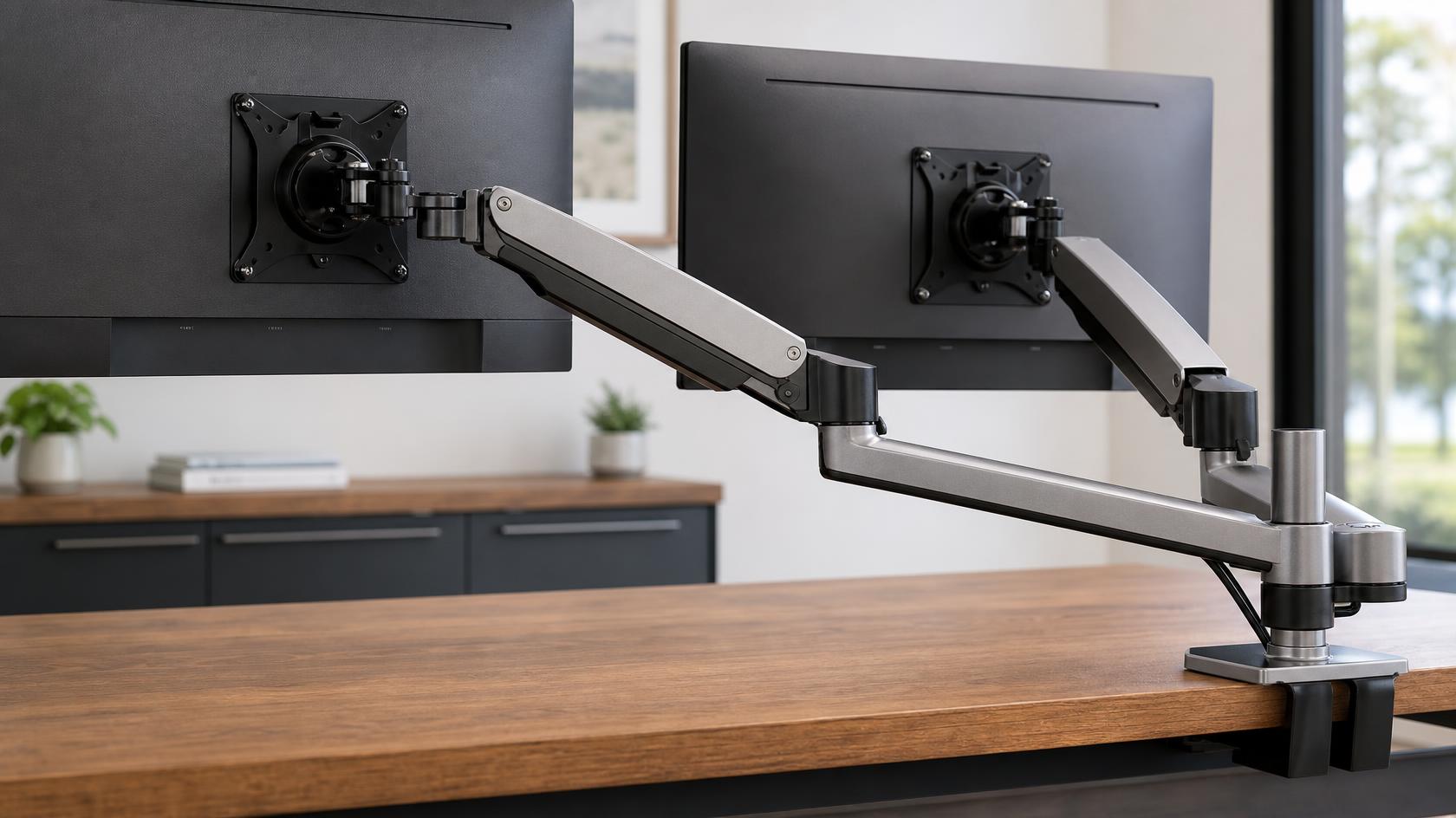
For general desk work during daylight hours with typical brightness settings, IPS backlight bleed is a non-issue. It becomes noticeable only in dark rooms at night. A dual monitor arm setup that lets you angle the screen directly in front of your eyes maximizes the IPS viewing angle advantage and makes the slight backlight bleed even less perceptible.
Verdict on IPS: The correct choice for the overwhelming majority of desk workers. Wide angles protect your posture, fast transitions protect your eyes, and the panel technology is mature and well-priced.
4. OLED Panels and True Blacks (Contrast Adaptation)
OLED (Organic Light-Emitting Diode) panels work on an entirely different principle from LCD technology. Each pixel generates its own light independently. When a pixel needs to display black, it simply turns off completely. There is no backlight shining through a liquid crystal filter.
This produces true 100% black, measured as infinite contrast ratio. The ergonomic significance of true blacks connects to luminance adaptation. Your visual system continuously adjusts its sensitivity based on the average brightness of the scene you are viewing. When an IPS panel displays a dark background, the backlight is still glowing through the panel, meaning the actual black pixels are emitting a measurable quantity of light. This residual light, combined with the light scattering that occurs inside the eye itself (intraocular light scatter), produces veiling glare on your retina. Veiling glare reduces the contrast sensitivity of your visual system, forcing you to raise screen brightness to compensate in order to read text clearly.
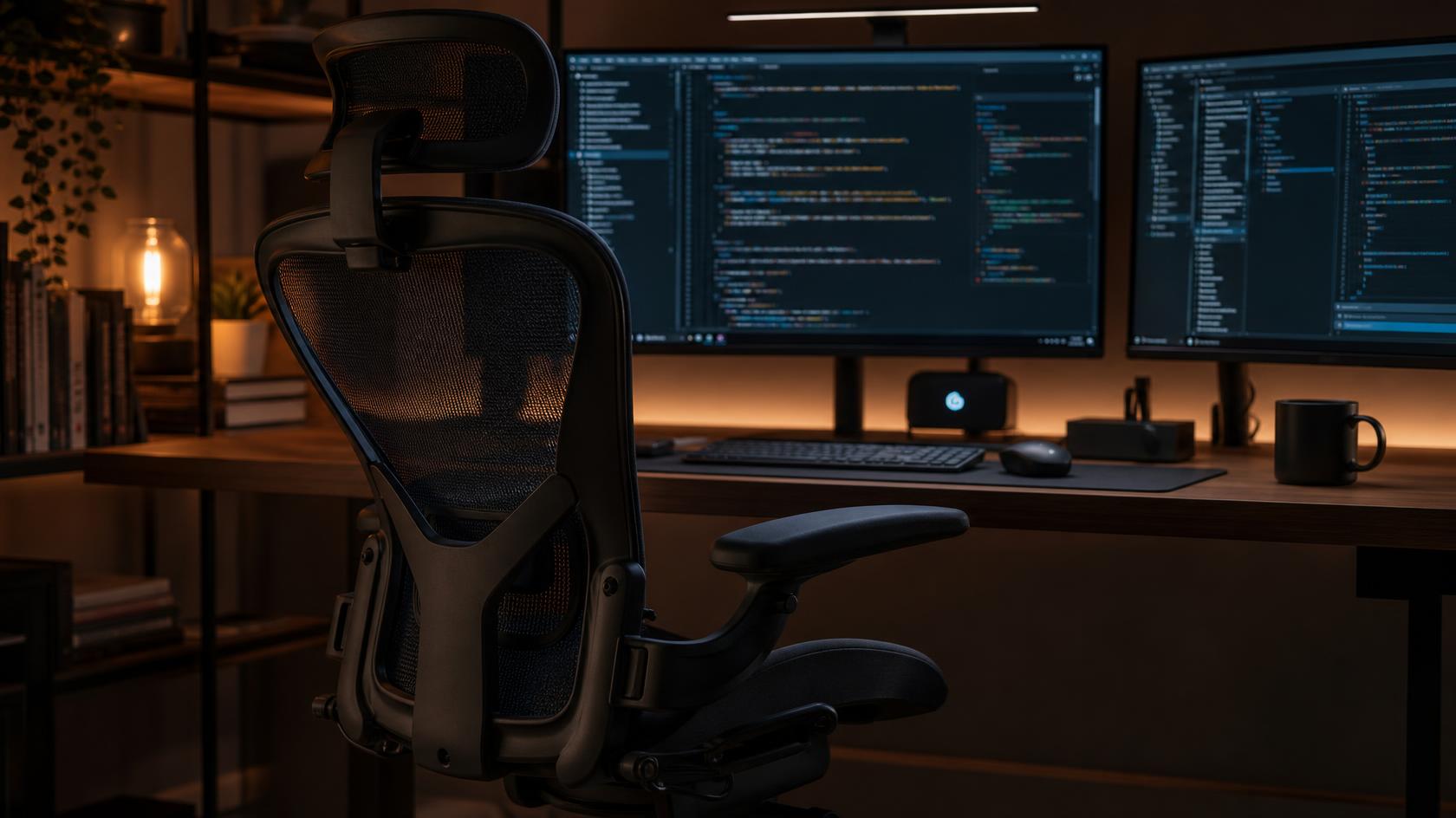
An OLED's true black eliminates this scatter source. Your eye receives no residual light from dark areas of the screen, so luminance adaptation works efficiently. You can read text comfortably at lower screen brightness settings, which directly reduces the total photon load on your photoreceptors over the course of a workday.
The trade-off is cost and burn-in risk. OLED panels at useful sizes still command a significant price premium. Static UI elements like a persistent taskbar, dock, or status bar at constant brightness can permanently burn into the OLED panel over years of use. This is a real operational concern, not a theoretical one, and it is covered in the FAQ below.
Verdict on OLED: Technically superior for eye physiology on dark-theme workflows. The correct choice if the budget allows and you are prepared to manage the burn-in risk.
The Verdict: Which Panel is Actually Worth It?
For most programmers and desk workers: buy an IPS monitor. It solves the posture problem, eliminates ghosting fatigue, and costs a fraction of OLED pricing. If you spend more than 10 hours per day at your desk on dark-background coding environments and your budget allows, OLED is a meaningful ergonomic upgrade. Never buy a TN panel for a primary work display. Limit VA to secondary monitors used primarily for static reference content.
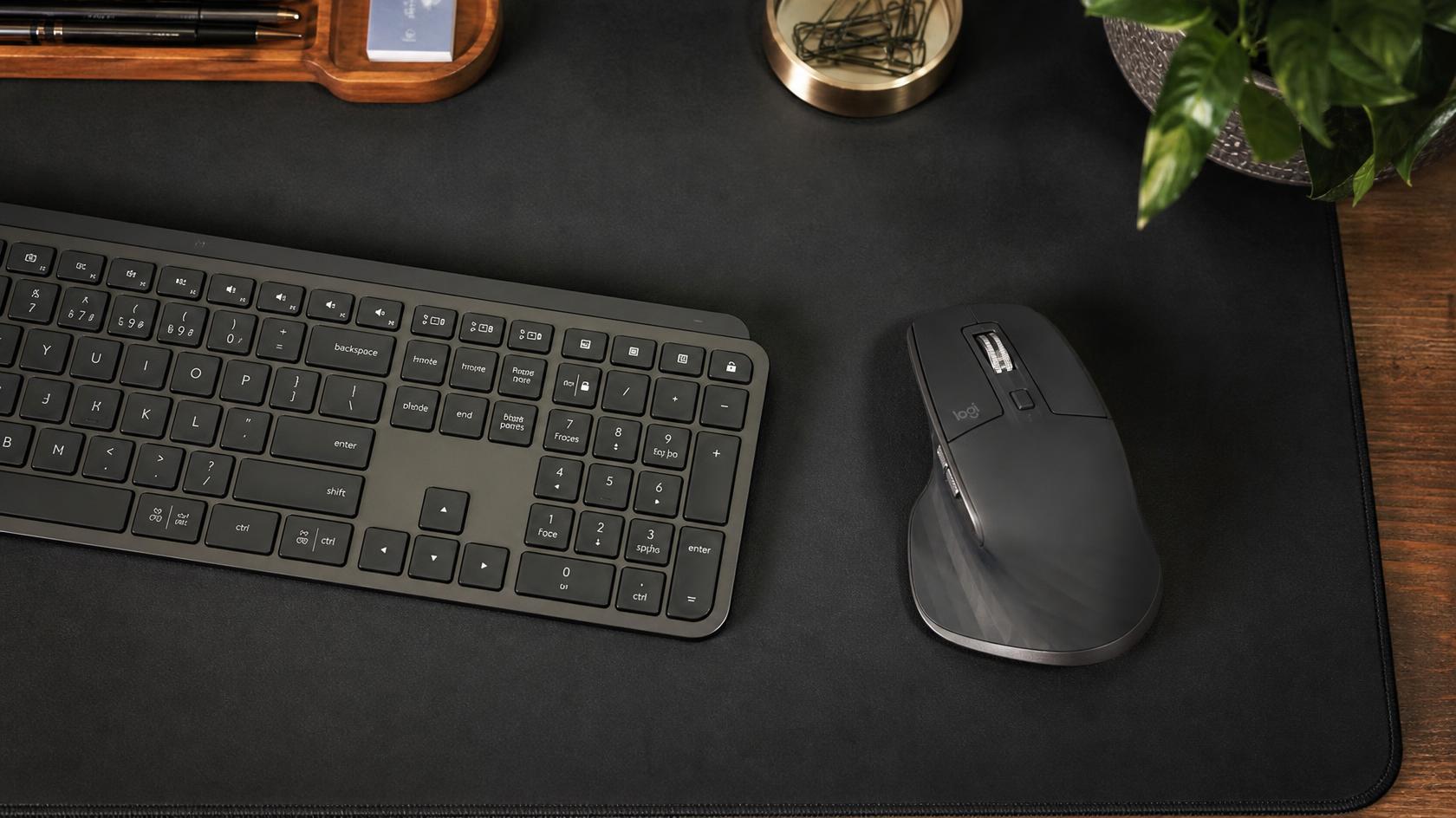
Pair whichever monitor you choose with a dual monitor arm setup to achieve proper eye-level positioning, and consider ergonomic keyboards and mice to complete the peripheral picture.
Top IPS Pick: Dell UltraSharp U2724D 27, $319.00
The U2724D is a 27-inch IPS panel with a 2560x1440 resolution and near-zero backlight bleed for its price class. Dell's factory calibration process means it ships with accurate colors out of the box. The USB-C delivery and fully adjustable stand make it a straightforward, no-compromise daily driver.
Top OLED Pick: ASUS ROG Swift 32" 4K OLED Gaming Monitor, $1,199.00
The ASUS PG32UCDM delivers a 32-inch QD-OLED panel at 4K resolution with 240Hz refresh and 0.03ms response. For desk workers on dark IDE themes, the true-black contrast is immediately perceptible. The graphene film on the panel surface helps with heat dissipation, which is directly relevant to OLED longevity.
Eye Care Essential: BenQ ScreenBar Pro LED Monitor Light Bar, $139.00
Regardless of which panel you choose, ambient lighting behind and above your monitor dramatically reduces the perceived contrast ratio between the bright screen and the dark surrounding environment. The ScreenBar Pro clips to the top of the monitor and illuminates your desk surface without shining any light into the panel face, eliminating glare.
Frequently Asked Questions
How do I prevent OLED burn-in on a work monitor?
Several approaches work in combination. First, enable pixel shift or pixel refresh features in the monitor's OSD menu if available. Second, use a screensaver or automatic sleep setting that activates after 10 to 15 minutes of inactivity. Third, avoid static UI elements at maximum brightness, so reduce your taskbar and dock to auto-hide if possible. Fourth, use a dark operating system theme rather than a white light background, which distributes pixel wear more evenly across the panel. The worst OLED burn-in cases involve monitors left running browser tabs with white backgrounds at high brightness for 12-plus hours per day.
Should both monitors in a dual setup use the same panel type?
Yes, when possible. Color accuracy and brightness matching between two different panel technologies is extremely difficult. Your visual system adapts constantly to the average luminance and color temperature of your display environment. Switching focus between an IPS panel and a VA panel with different color gamuts and contrast ratios forces repeated adaptation effort across the day. Two identical or same-panel-type monitors dramatically reduce this perceptual workload.
Review methodology & affiliate disclosure
WorkWize is reader-supported. When you buy through links on this site, we may earn an affiliate commission at no extra cost to you. Learn more.
At WorkWize, our goal is to save you time. We conduct extensive research by analyzing real buyer reviews, technical specifications, and long-term feedback across Amazon and verified forums. While we do not physically test every single unit in a lab, we aggregate verified data to highlight real pros, cons, and customer flaws. WorkWize does not manufacture, sell, or ship these products, and we are not liable for product variations, defects, or merchant price changes. All purchases are made directly through third-party retailers.
A. Abdessamed
Software Engineer & Founder of WorkWize
A recent Software Engineering graduate (Class of 2026) and tech enthusiast. I built WorkWize to help fellow developers and knowledge workers navigate the noise and find the perfect, pain-free ergonomic setup based on deep technical research.