The Best Ergonomic Office Chairs Under $200 (And What You Actually Compromise On)
An engineering breakdown of sub-$200 ergonomic chairs, analyzing specs, trade-offs, and long-term durability based on real data.
⚡ Quick Picks: Our Top Recommendations
Updated: July 2026Prices and availability are accurate as of July 2026 and are subject to change.
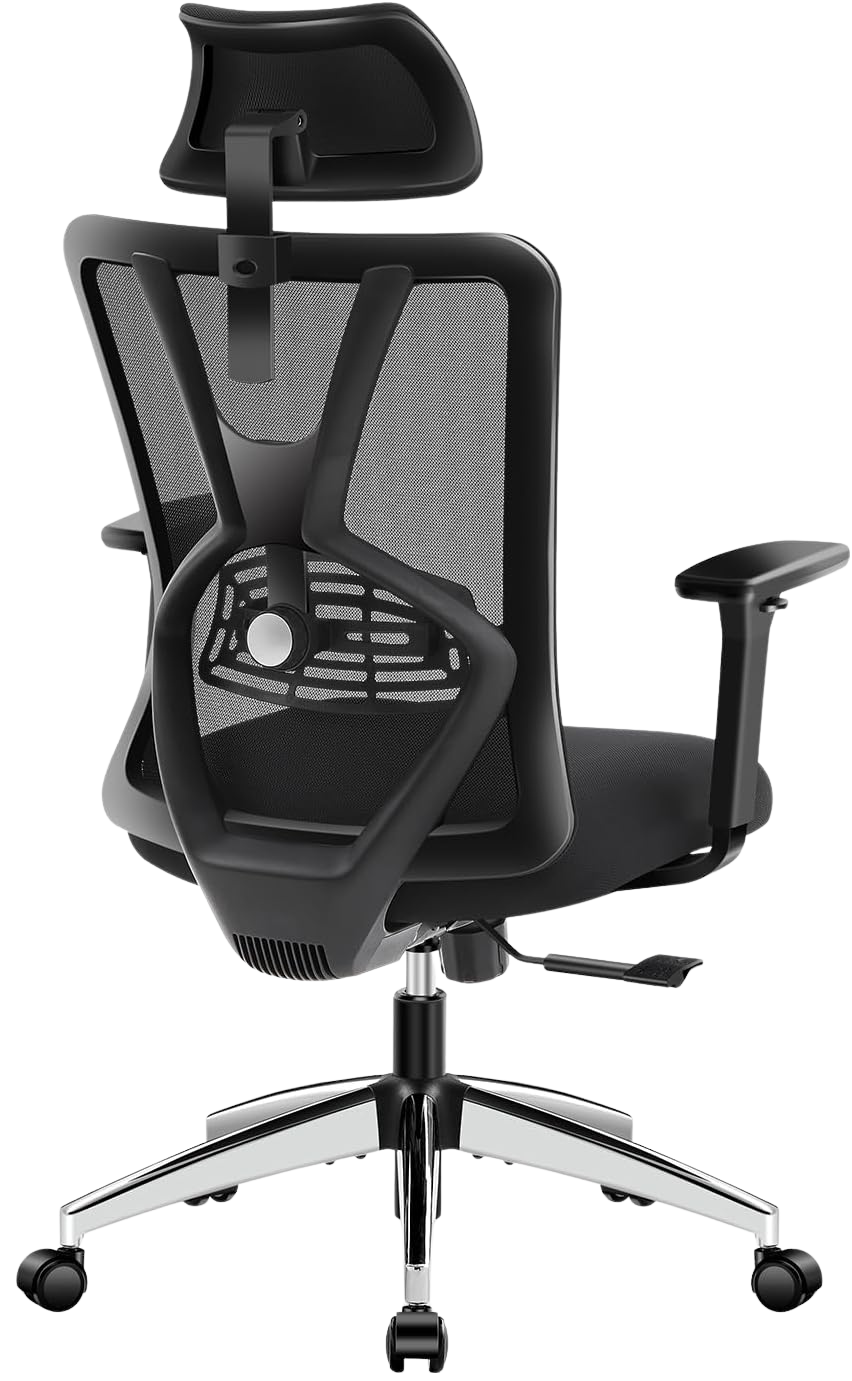
Ticova Ergonomic Chair
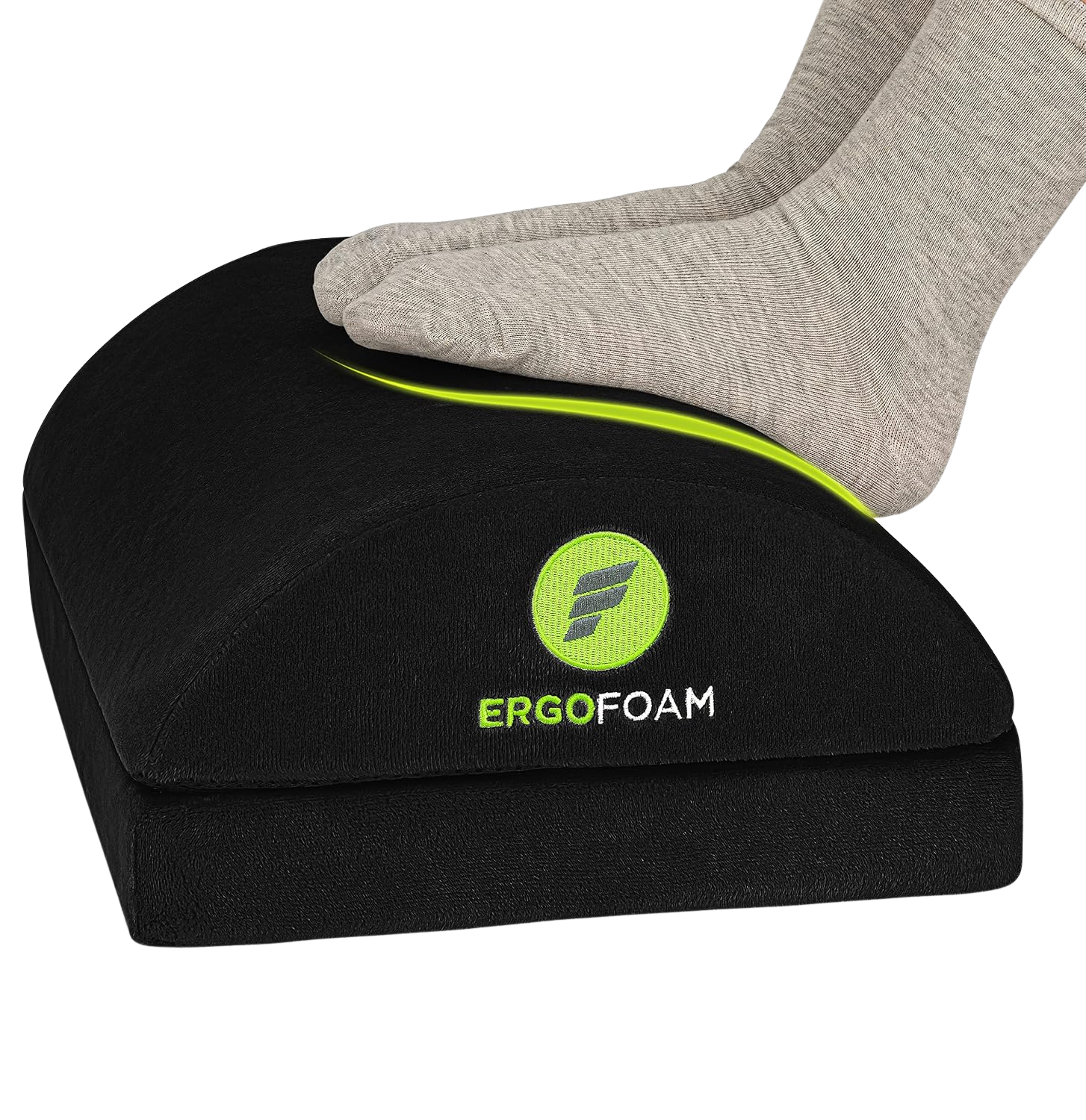
ErgoFoam Foot Rest
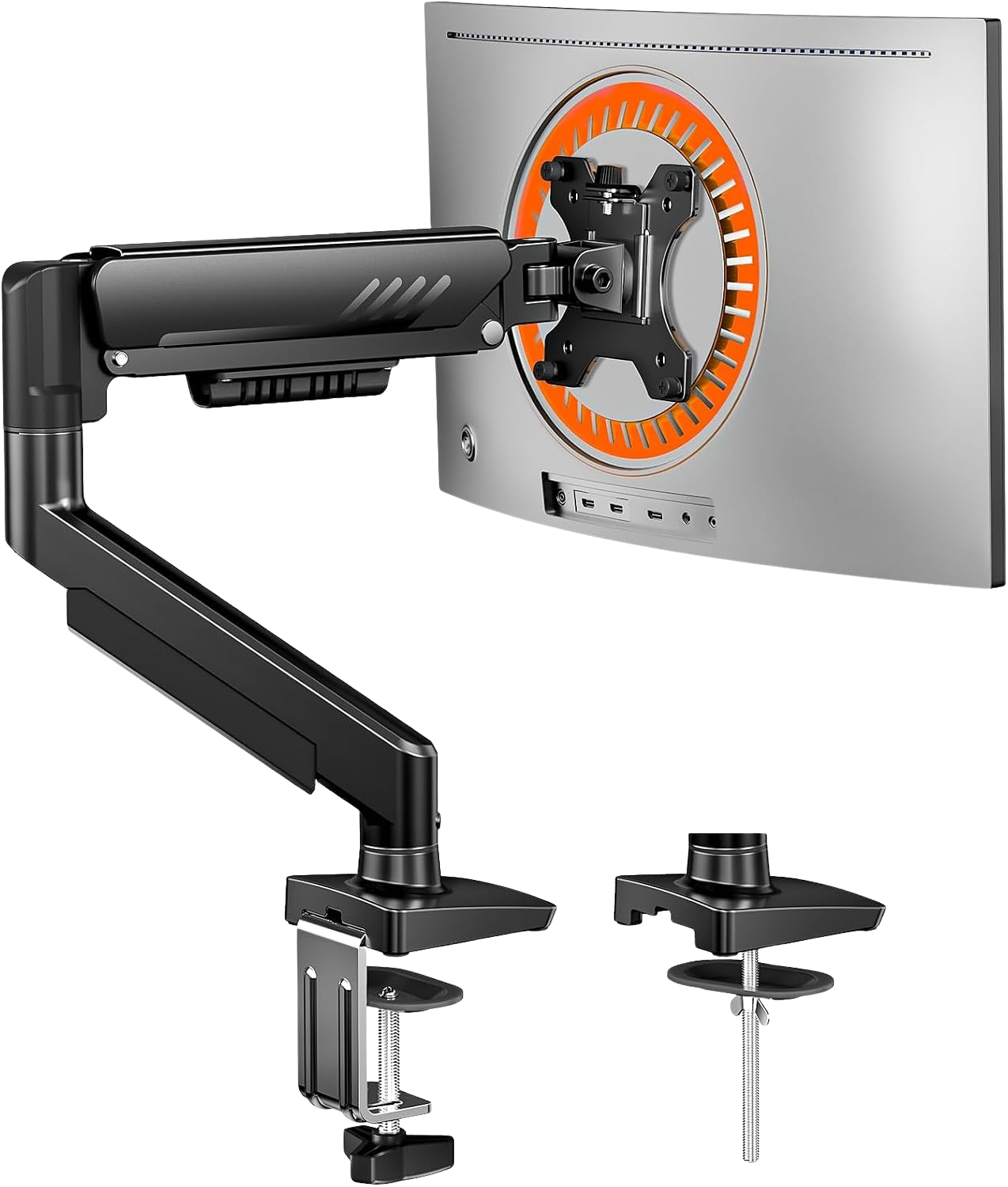
ErGear Monitor Arm
Finding a sub-$200 chair that actually supports your lower back is hard, but it's possible if you understand what you are compromising on. When you spend under $200, you aren't getting aircraft-grade aluminum or foam that lasts ten years. You are trading premium materials for basic mechanical functionality.
If you are building a complete ergonomic home office setup, you need to know exactly which corners were cut so your spine doesn't pay the price later. Looking at the spec sheets and complaint patterns from verified reviews, we found what holds up and what breaks down.
What you compromise on in the sub-$200 market
Most chairs in this price range look identical because they use the same generic frames. The compromises usually happen in three areas:
- Armrests that wobble: Instead of solid metal mounts, you get plastic housings. They offer basic vertical adjustments, but review data shows they often loosen and rattle after a few months.
- Foam density: The seat cushion won't bottom out immediately, but the foam density is lower. Reviews written a year after purchase consistently mention the seat getting noticeably harder.
- Plastic wheelbases: Instead of heavy steel or aluminum, you get a reinforced nylon plastic base. It flexes more, and the casters don't roll as smoothly on carpet.
Even with these trade-offs, one chair maintains the mechanical adjustments you actually need for all-day coding.
The Top Pick: Ticova Ergonomic Office Chair, $199.99
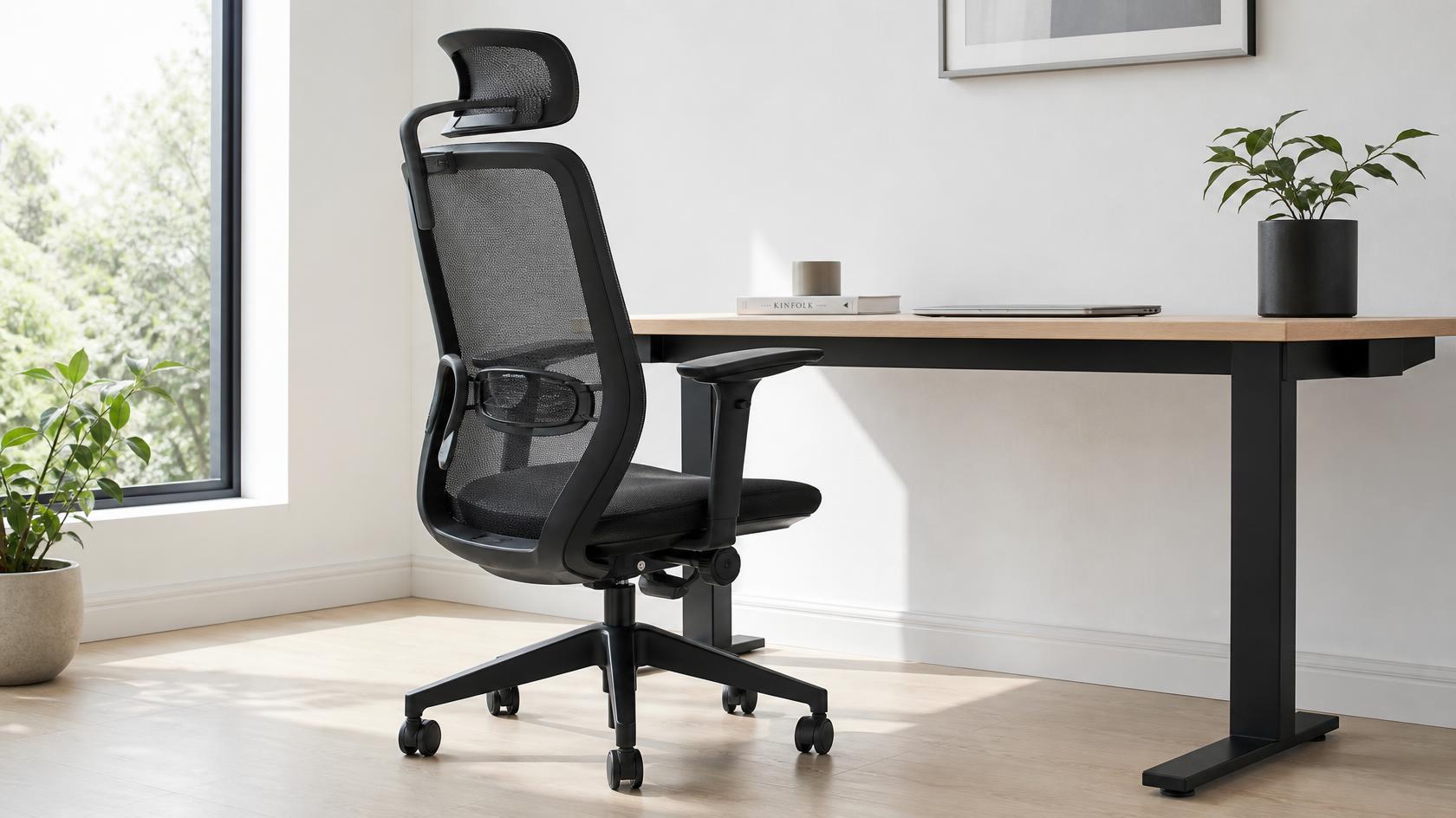
The Ticova Ergonomic Office Chair is the rare sub-$200 option that includes an independent, adjustable lumbar support system. Most budget chairs just strap a fixed piece of plastic to the backrest. The Ticova lets you move the lumbar support up, down, in, and out. This means it actually supports your lower back instead of just poking into it.
The mesh backrest keeps you from sweating during long sessions, and the headrest is highly adjustable for taller users. However, review data points out the exact compromises we expect: the armrest padding is thin and prone to wearing down, and the cylinder might start sinking slightly if you are near the maximum weight limit after about 12 to 18 months. Still, at $199.99, it provides the core spinal support you need for a remote work setup.
Essential posture add-ons
When your chair budget is tight, you can fix a lot of ergonomic issues with inexpensive accessories. Since a budget chair might not adjust low enough for shorter users, or high enough for your monitors, these two items are practically mandatory.
The Support Pick: ErgoFoam Foot Rest, $41.95
If your feet don't sit flat on the floor, your chair will cut off circulation to your legs and force your lower back to overcompensate. The ErgoFoam Foot Rest solves this immediately. Review patterns show the high-density foam holds its shape without compressing, and it prevents you from dangling your legs when you adjust your chair height to match your desk.
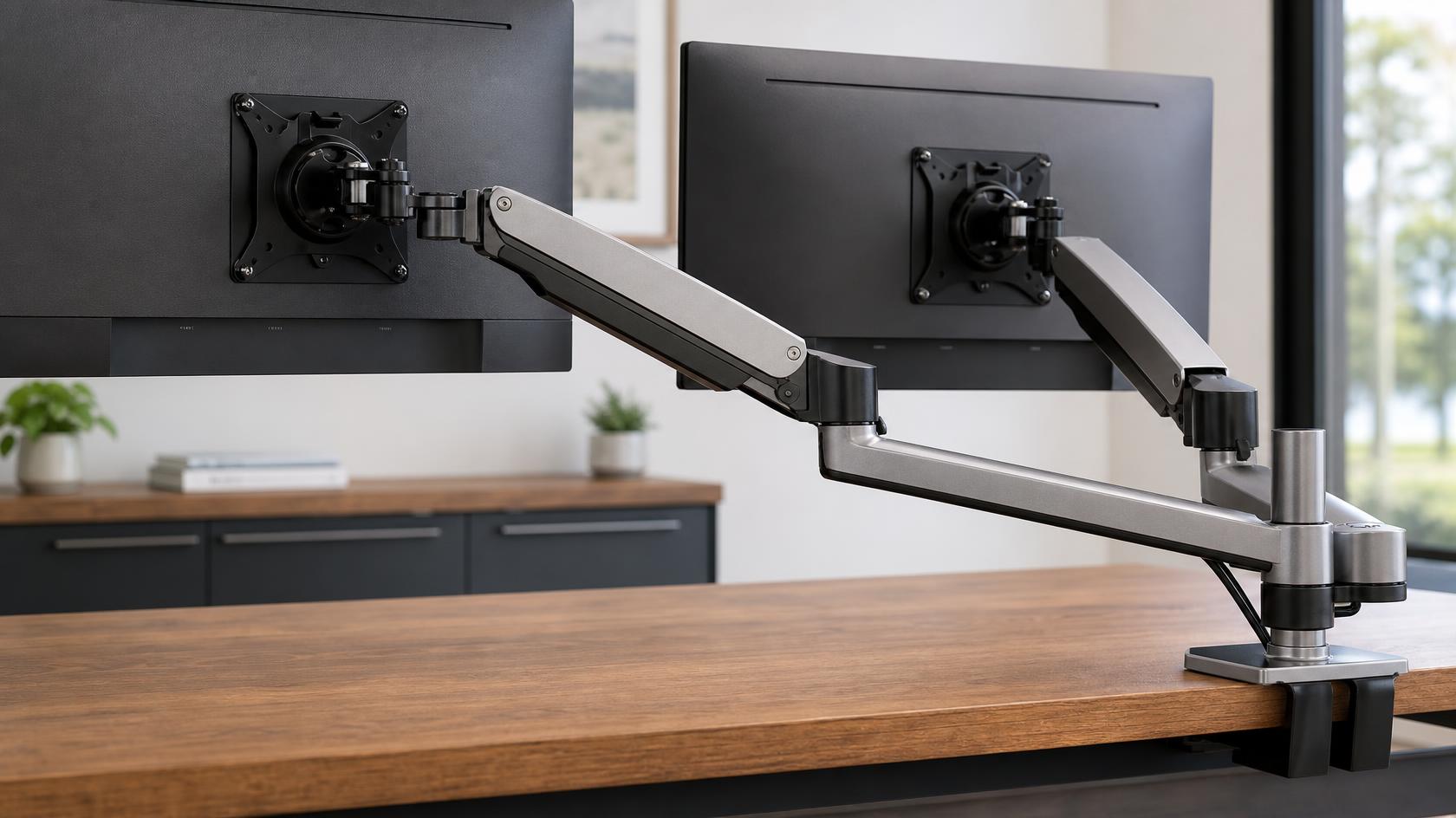
The Neck Saver: ErGear Single Monitor Arm, $19.99
A good chair is useless if you are craning your neck to look at a low monitor. This gas-spring arm mounts directly to your desk and handles monitors up to 32 inches. Reviews confirm the gas spring holds position reliably, meaning the monitor won't sink after six months. It is the cheapest way to force yourself to sit back in your chair and use the lumbar support properly.
Frequently Asked Questions
Are sub-$200 office chairs worth it?
Yes, if you keep your expectations realistic. A $200 chair will not last as long as a $1,000 Herman Miller. You will likely need to replace it or buy a secondary seat cushion after a year or two of heavy use. But it is infinitely better than a wooden dining chair or a cheap "gaming" chair that forces your shoulders forward.
Why do cheap chairs hurt my back?
Cheap chairs hurt your back because they lack adjustable lumbar support and seat depth mechanisms. They force your spine into a "C" shape instead of its natural "S" shape. To prevent pain, your chair must allow your elbows to rest at 90 degrees and your lower back to maintain its natural curve.
Review methodology & affiliate disclosure
WorkWize is reader-supported. When you buy through links on this site, we may earn an affiliate commission at no extra cost to you. Learn more.
At WorkWize, our goal is to save you time. We conduct extensive research by analyzing real buyer reviews, technical specifications, and long-term feedback across Amazon and verified forums. While we do not physically test every single unit in a lab, we aggregate verified data to highlight real pros, cons, and customer flaws. WorkWize does not manufacture, sell, or ship these products, and we are not liable for product variations, defects, or merchant price changes. All purchases are made directly through third-party retailers.
A. Abdessamed
Software Engineer & Founder of WorkWize
A recent Software Engineering graduate (Class of 2026) and tech enthusiast. I built WorkWize to help fellow developers and knowledge workers navigate the noise and find the perfect, pain-free ergonomic setup based on deep technical research.